Ultimate Racing Simulator Setup: The Key to Realistic Racing Experience
So, you’re looking to take your sim racing from “playing a game” to “actually feeling like you’re on the track.” That’s a great goal! The …
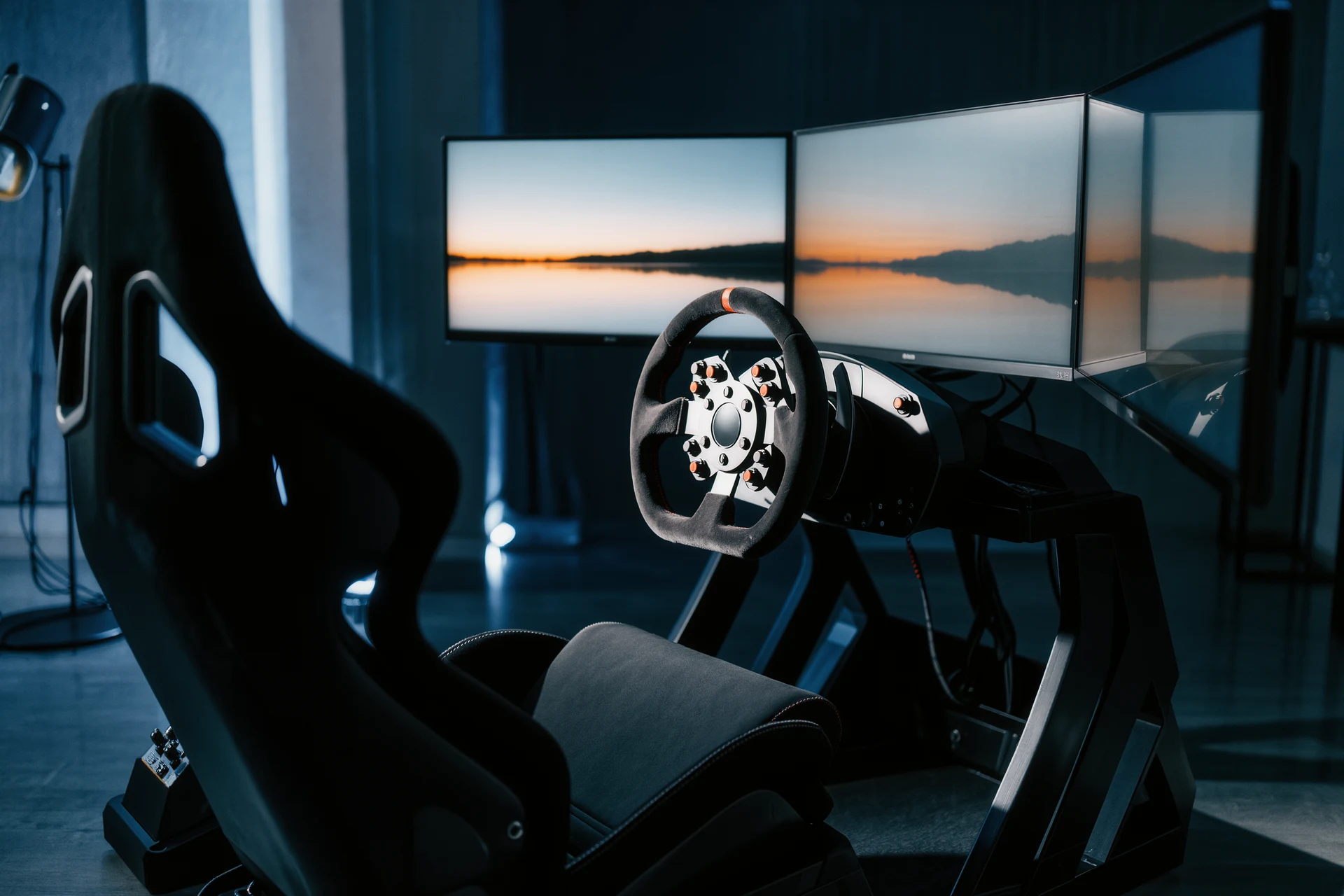
So, you’re looking to take your sim racing from “playing a game” to “actually feeling like you’re on the track.” That’s a great goal! The core of a truly realistic racing simulator setup boils down to a few key elements that work together to immerse you in the experience. It’s not about having the most expensive gear necessarily, but about choosing components that offer the right type of feedback and interaction.
The Foundation: Your Rig and Seating
Think of your rig and seating as the central nervous system of your setup. This is what connects you physically to the virtual car. Getting this right is crucial for both realism and comfort, especially for those longer racing sessions.
Choosing the Right Racing Wheel
This is probably the single most important item in your setup. The wheel is your direct connection to the car’s steering.
Force Feedback is Non-Negotiable
When we talk about realistic steering, force feedback (FFB) is what makes it happen. It’s the technology that transfers the forces acting on the front wheels of the virtual car back to your hands. This means feeling the road surface, the grip levels, and even when the tires are about to lose traction. Cheaper wheels often use “gear-driven” FFB, which can feel notchy and unnatural. For realism, you really want “belt-driven” or, ideally, “direct-drive” wheels.
Direct Drive: The Pinnacle of Realism
Direct drive wheels have the motor directly connected to the steering shaft. This removes any mechanical intermediaries, offering the most authentic and precise FFB. You’ll feel every nuance of the road, every bump, and every subtle shift in weight transfer. They are an investment, but if realism is your top priority, this is where you’ll see the biggest leap.
Belt-Driven as a Solid Alternative
Belt-driven wheels use belts to transfer the motor’s rotation to the steering shaft. They are significantly more affordable than direct drive but offer a much smoother and more detailed FFB experience than gear-driven wheels. Many experienced sim racers start with or are perfectly happy with a good belt-driven wheel.
Clutching at Details: Wheel Rim Material and Size
Beyond the FFB technology, consider the wheel rim itself. Is it comfortable to hold for long periods? Does it feel like a real steering wheel? Some offer interchangeable rims, allowing you to swap between a classic GT wheel, an open-wheel F1-style rim, or a rally wheel depending on your preference. The diameter of the wheel can also affect realism; a smaller wheel might feel more appropriate for an F1 car, while a larger one might suit a GT car.
The Importance of a Sturdy Wheel Mount
Whatever wheel you choose, you need a solid mount. A wiggly wheel mount will transmit less FFB and make the whole experience feel less convincing.
Freestanding Wheel Stands
These are a good entry point. They offer a significant improvement over desk-mounting your wheel, providing a more stable base. Look for ones with adjustable height and tilt for your wheel and pedals. Some also have built-in fan mounts, which is a nice bonus.
Cockpits: The Enthusiast’s Choice
For the ultimate in stability and immersion, a dedicated sim racing cockpit is the way to go. These are essentially frames that hold your wheel, pedals, and often a seat, creating a self-contained racing station. They eliminate flex and allow for precise positioning of all your components, leading to a much more integrated and realistic feel. Many offer excellent adjustability for different body types and driving preferences.
Finding Your Comfortable Seat
This might sound obvious, but your seat plays a surprisingly large role in realism and endurance.
Replicating a Real Car Seat
Ideally, you want a seat that mimics the driving position of a race car. This means a lower seating position, a reclined angle, and good side bolstering to keep you planted. Many sim racing cockpits come with integrated seats, or you can mount a real car seat (often found at junkyards) onto a custom bracket or a compatible cockpit. The feeling of being held in place by the seat, especially under braking and cornering, adds a significant layer of realism.
Ergonomics for Long Sessions
Beyond how it looks, the seat needs to be comfortable. You’ll be spending hours in it. Look for a seat with good cushioning and support. If you’re using a separate seat, ensure it’s mounted securely to your rig or cockpit. The angle of the seat can also impact how you perceive brake and throttle input, so adjust it to a natural and comfortable position.
Pedals: Your Second Most Important Input
While the wheel is your hands, the pedals are your feet, and they are equally vital for translating the car’s behavior.
Quality Pedals Make a Huge Difference
This is where many beginners make a mistake and stick with the flimsy pedals that come bundled with entry-level wheels. Upgrading your pedals is often the next best step after getting a decent wheel.
Load Cell vs. Potentiometer Pedals
Most basic pedal sets use potentiometers, which measure how far the pedal is pressed. For realism, you absolutely want load cell pedals. These measure the force you apply to the pedal, replicating how a real car’s brake pedal works. A load cell brake pedal will feel firm and require actual pressure to engage, giving you much finer control over your braking. This is a game-changer for trail braking and consistent lap times.
Feel and Travel
Beyond the load cell, consider the pedal feel. Do they feel sprung or stiff? Do they have a realistic amount of travel? Some pedals offer adjustable resistance or even simulated brake bite points. The more you can feel the pedal’s response, the better you can integrate your inputs with the car’s behavior.
Heel-and-Toe Practise
With good load cell pedals, you can actually start practicing techniques like heel-and-toe downshifting, which is a crucial skill in many real-world racing cars and adds another layer of immersion to your sim experience.
Pedal Mounting and Angle
Just like your wheel mount, your pedal mount needs to be solid.
Secure Mounting is Key
If you’re using a cockpit, it will likely have integrated pedal mounting. If you’re using a standalone pedal set, ensure it’s firmly attached to your rig or a suitable platform. You don’t want your pedals sliding away from you when you stomp on the brake.
Adjusting the Angle
The angle at which your pedals are mounted can affect your comfort and the precision of your inputs. Experiment with different angles to find what feels most natural and allows you to easily modulate throttle and brake pressure. Some cockpits allow for easy adjustment of pedal angle.
Visual Immersion: Seeing the Track
Our eyes are incredibly important for judging speed, distance, and the car’s behavior. Getting your visuals right is key to feeling present on the track.
Monitor Choice for Wide Field of View
The screen(s) you use have a massive impact on how you perceive the environment.
Single Ultrawide Monitor
An ultrawide monitor (21:9 or 32:9 aspect ratio) offers a significantly wider field of view than a standard 16:9 monitor. This helps tremendously with peripheral vision, making it easier to judge corner entry speeds and see cars alongside you. It’s a great balance between immersion and cost.
Triple Monitor Setup
This is the gold standard for visual immersion. Three monitors provide an incredibly expansive view, wrapping around your peripheral vision and truly making you feel like you’re sitting in a cockpit. While more expensive and requiring more desk/rig space, the increased immersion is undeniable. Be prepared for calibration challenges to ensure a seamless image across all screens.
Virtual Reality (VR): The Ultimate Immersion?
Virtual reality headsets offer the most immersive visual experience possible. You are literally in the car. The sense of scale and presence is unparalleled. However, VR also comes with its own set of challenges, including potential motion sickness, the need for powerful hardware to run smoothly, and comfort for long sessions. It’s an intensely realistic option, but not for everyone.
Monitor Placement and Ergonomics
How you position your monitors is as important as the monitors themselves.
Correct Distance and Angle
Your monitors should be at a distance where you can comfortably see the entire screen without excessive head movement. For triple monitors, they should be angled to create a consistent curve, mimicking a real car’s windshield. The bezels of the monitors can break the immersion slightly, but a well-calibrated triple screen setup minimizes this.
Avoiding Glare
Ensure your monitors are positioned to avoid direct glare from windows or room lights. Glare can ruin the visual experience and make it harder to see the track details. Matte screen finishes are generally preferable for sim racing.
Audio Immersion: Hearing the Race
What you hear is just as important as what you see and feel. Good audio can enhance realism dramatically and even provide crucial information.
More Than Just Engine Noises
It’s not just about the roaring engine. Sound design in racing games is sophisticated and provides vital cues.
High-Quality Headphones
For a focused and immersive audio experience, a good pair of headphones is essential. They allow you to pick up on subtle engine notes, tire squeal, and other crucial auditory cues without background noise. Look for headphones that offer good soundstage and detail.
Surround Sound Systems
If you prefer speakers, a well-configured surround sound system can also be very effective. The key is to have the sound accurately placed around you, mimicking the direction of engine noise, other cars, and track sounds. This requires proper calibration and placement of speakers.
The Sound of the Car and Track
Pay attention to how different cars and tracks sound.
Engine Notes and Gear Shifts
Realistic engine sounds are critical. The progression of the engine note as you accelerate and the distinct sound of gear changes all contribute to the feeling of being in a real car. Good audio design will also capture the nuances of exhaust crackles and pops.
Tire and Track Sounds
The sound of tires gripping or sliding, the rumble of the suspension over bumps, and the distant sounds of other cars are all vital cues for a sim racer. These sounds can tell you if you’re losing grip or if another car is approaching.
Bringing It All Together: Integration and Calibration
The real magic happens when all these components work seamlessly together.
Software and Driver Settings
The software that runs your sim and the drivers for your hardware are crucial for optimal performance and realism.
Force Feedback Settings
This is where you’ll spend a lot of time tweaking. Every car and every track will feel different, and your FFB settings need to be adjusted accordingly. Start with recommended settings for your wheel and then fine-tune based on feel. You want to feel the road and grip, but not be fighting the wheel constantly.
Calibration of Inputs
Ensure your wheel rotation and pedal travel are correctly calibrated in the game. Incorrect settings here can lead to you turning the wheel too much or too little, or not being able to apply full throttle or brake.
In-Game Settings Adjustments
Many racing titles allow for detailed customization of FFB, audio, and visual settings. Take the time to explore these options and tailor them to your preferences.
Software That Enhances Realism
Beyond the base game, there are tools that can elevate your sim racing experience further.
SimHub and Dashboards
Applications like SimHub allow you to create custom dashboards on secondary screens or tablets. These can display vital telemetry data like tire temperatures, brake bias, fuel levels, and lap times. Some systems can even connect to external hardware like bass shakers for haptic feedback.
Telemetry Analysis
For serious sim racers, analyzing telemetry data from sessions can reveal areas for improvement. This data, often generated by the sim itself or external tools, shows your inputs (throttle, brake, steering) and the car’s response, helping you understand why you might be losing time or struggling with consistency.
Haptic Feedback: Feeling the Road
This is the layer of immersion that engages your sense of touch beyond just the wheel and pedals.
Bass Shakers and Buttkickers
These devices are mounted to your rig or seat and vibrate to simulate forces experienced by the car. You can feel acceleration, braking, engine vibrations, and even impacts from curb riding or minor collisions. They add a physical dimension to the racing that is often overlooked but incredibly effective.
Motion Platforms
At the very highest end of sim racing setups, motion platforms tilt and move your entire rig to simulate the G-forces of acceleration, braking, and cornering. This is the ultimate in physical immersion, but it’s also the most expensive and complex option.
In conclusion, building a realistic racing simulator setup is a journey, not a destination. It’s about layering immersive elements, focusing on quality feedback, and tailoring the experience to your specific preferences. Start with the core components, a good wheel, solid pedals, and a comfortable rig, and then gradually add elements that enhance your visual, auditory, and even physical connection to the virtual track. The key is to create a setup where every input and every piece of feedback makes sense, allowing you to truly feel the race.
FAQs
What is a racing simulator setup?
A racing simulator setup is a system that replicates the experience of driving a race car through the use of specialized hardware and software. This typically includes a racing wheel, pedals, and a racing seat, as well as a high-quality display and computer system.What are the components of a racing simulator setup?
A racing simulator setup typically includes a racing wheel, pedals, and a racing seat. Additionally, it may include a high-quality display, such as a monitor or VR headset, and a powerful computer system to run the simulation software.What are the benefits of using a racing simulator setup?
Using a racing simulator setup allows drivers to practice and improve their racing skills in a safe and controlled environment. It also provides a more immersive and realistic experience compared to traditional video game controllers, making it a valuable tool for professional and amateur racers alike.What are some popular racing simulator setup brands?
Some popular brands for racing simulator setups include Logitech, Thrustmaster, Fanatec, and SimXperience. These brands offer a range of products catering to different budgets and levels of realism.How can I set up a racing simulator at home?
To set up a racing simulator at home, you will need to invest in a racing wheel, pedals, and a racing seat. Additionally, you will need a high-quality display and a powerful computer system to run the simulation software. It’s also important to consider the space and budget available for the setup.More from Racing Simulators
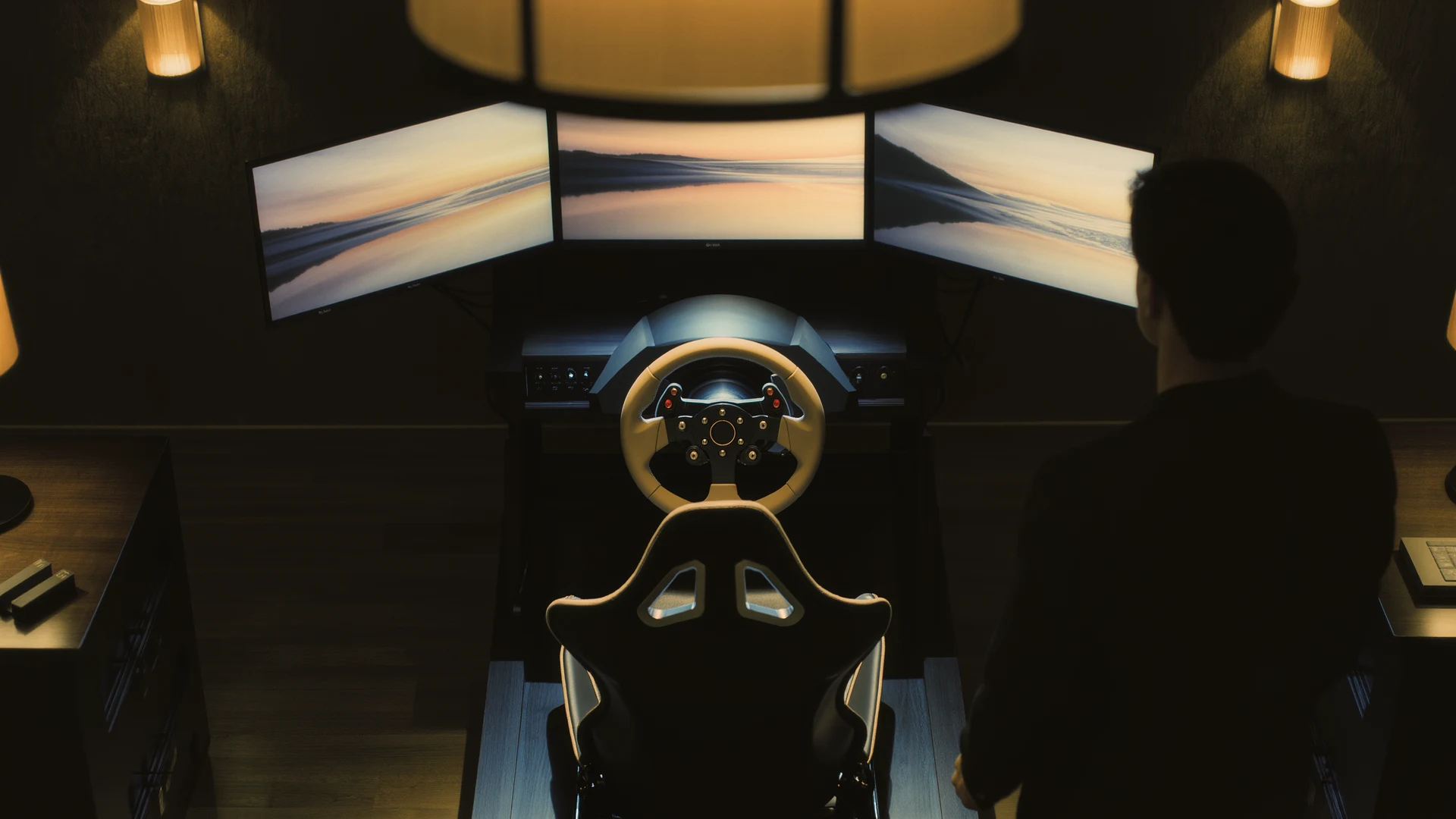
Future of Sim Racing
The future of sim racing: how AI tire models, mixed reality, cloud streaming, cheaper direct-drive hardware and the sim-to-real pipeline reshape motor…
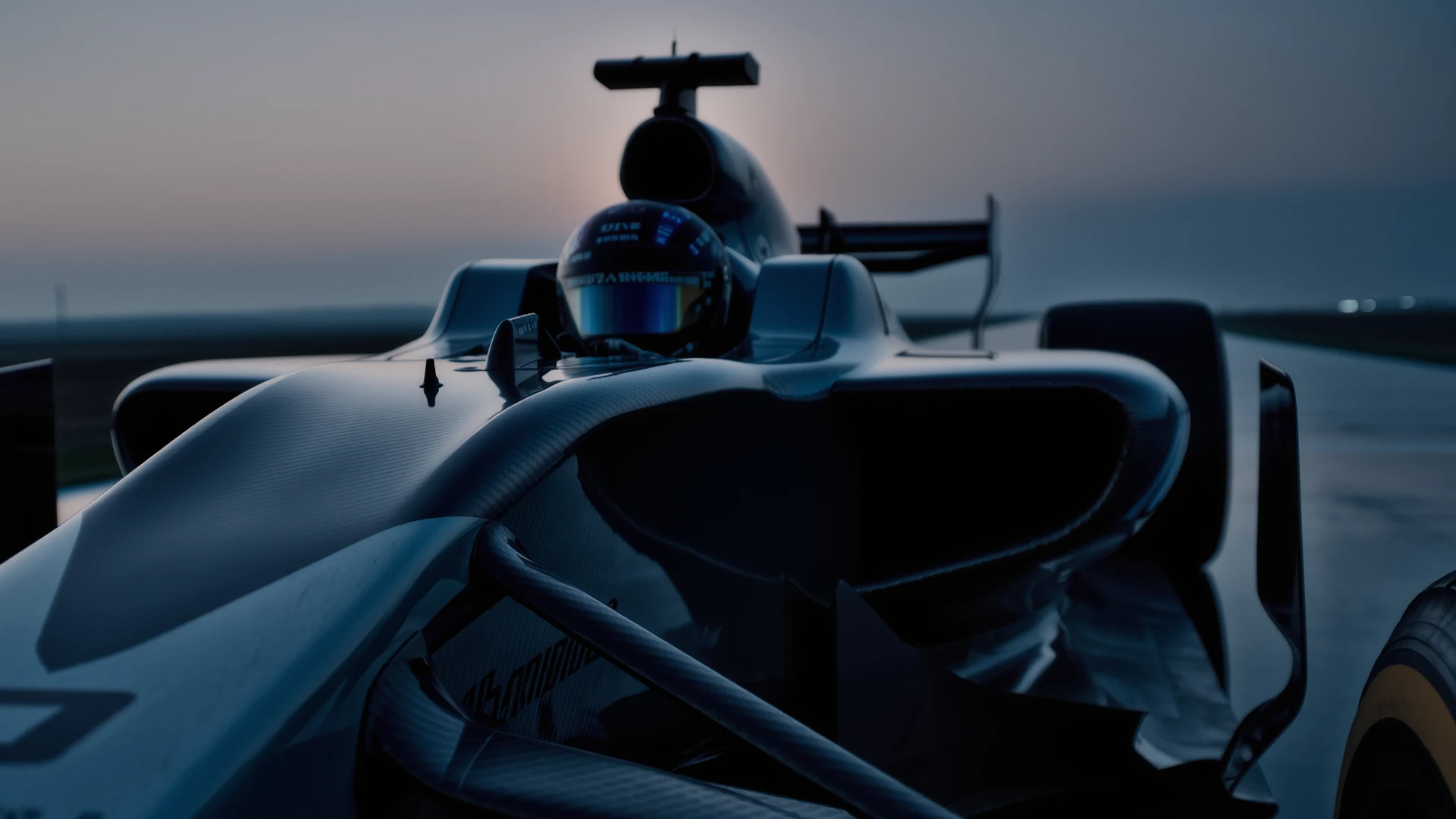
F1 Sim Racing Guide
F1 sim racing guide: compare F1 24, iRacing, RSS and AMS2, choose the right wheel and load-cell brake, and master braking, ERS and tire strategy.…
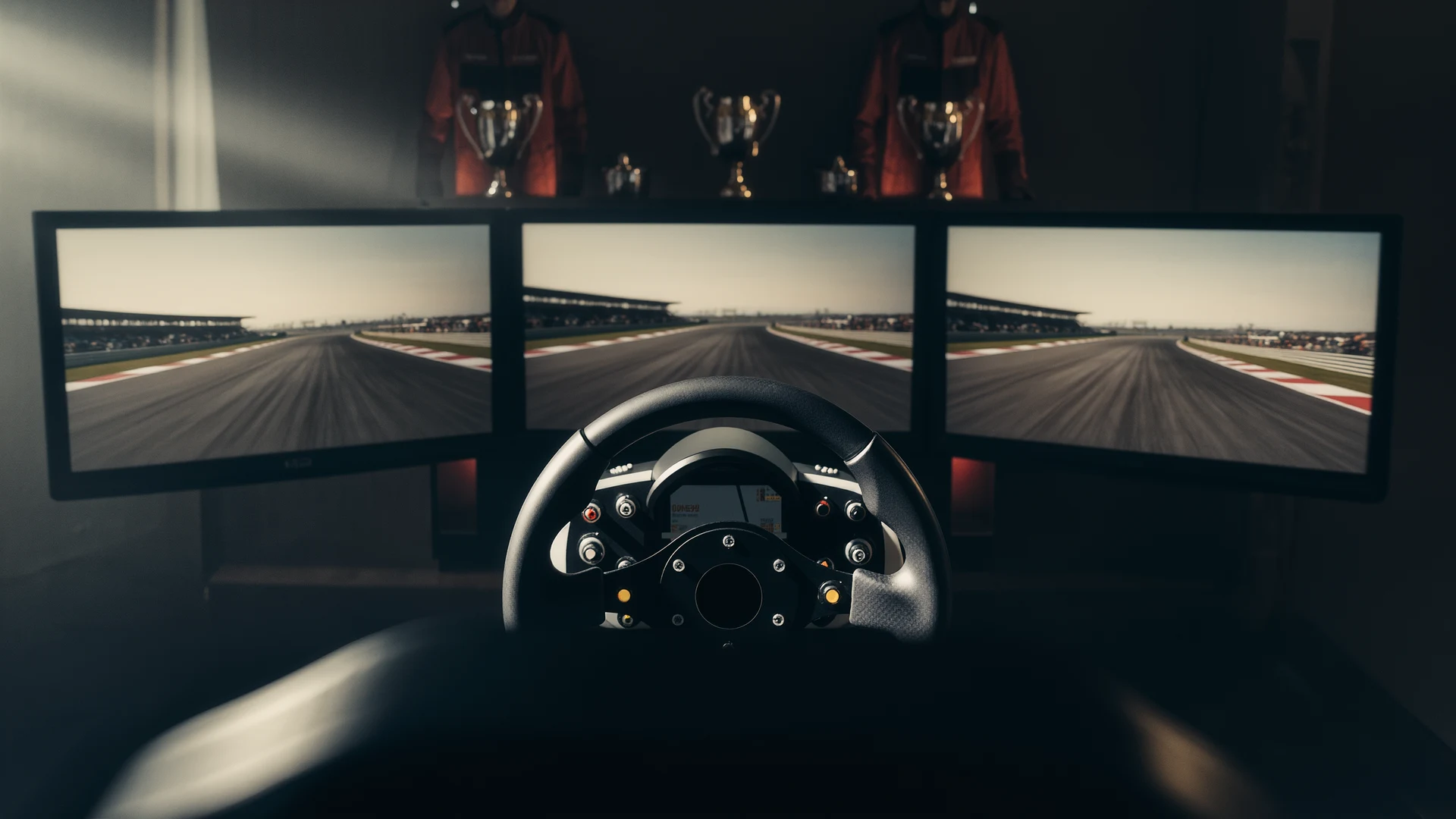
Assetto Corsa Ultimate Guide
Assetto Corsa ultimate guide: the best mods (Content Manager, CSP, SOL, Pure), free cars and tracks, online racing, performance tuning, and AC vs ACC …