Compact Racing Rig: The Ultimate Setup for Speed Enthusiasts
Alright, so you’re looking to squeeze maximum speed out of a racing rig without needing a whole room to house it? You’ve come to the right place. The “compact rac…
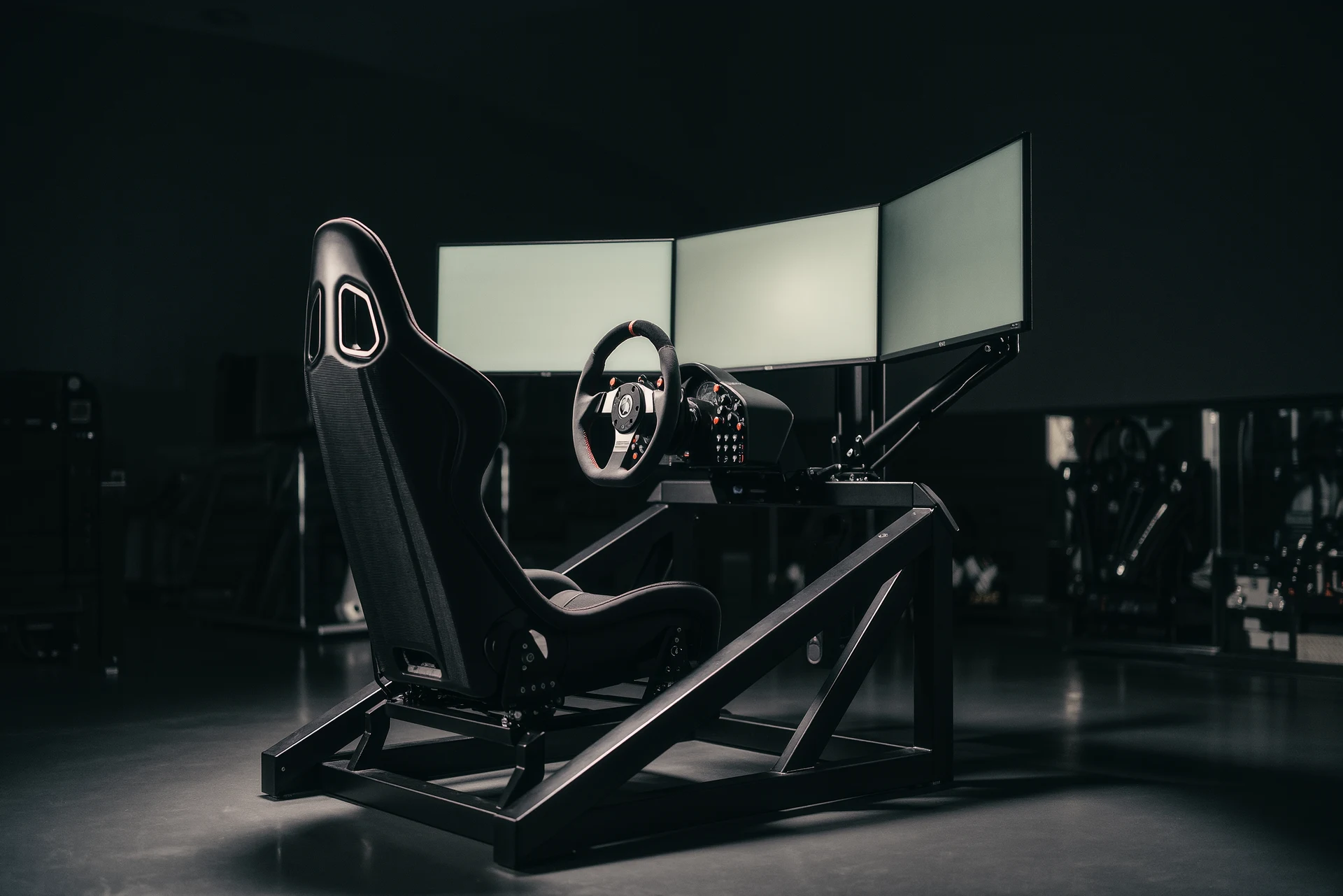
Alright, so you’re looking to squeeze maximum speed out of a racing rig without needing a whole room to house it? You’ve come to the right place. The “compact racing rig” isn’t just a niche thing; it’s becoming a whole movement for enthusiasts who value performance and efficiency. It’s all about building a system that’s powerful enough to handle demanding sims and high refresh rates, but small enough to fit comfortably in your living space, dorm room, or even a dedicated corner. Think less cavernous PC tower and more sleek, high-performance machine. We’re talking about smart component choices, clever design, and a focus on what actually matters for that adrenaline-pumping racing experience, all within a smaller footprint.
You might be wondering, “Why bother with compact when I could just get a big ol’ tower?” Fair question. The appeal of a compact racing rig goes beyond just having more space to walk around your room. It’s about a more integrated, focused experience.
The Aesthetics of Efficiency
Let’s be honest, a massive PC tower can be an eyesore, especially if you’re not going for that “gamer den” look. Compact rigs often have a cleaner, more sophisticated aesthetic. They blend better into your living space, looking more like a piece of high-tech equipment than a hobbyist’s behemoth. This can make a big difference if your rig is in a shared area.
Portability (Sort Of)
While you’re not going to be tossing it in a backpack, a smaller, lighter system is significantly easier to move. Moving house? Going to a friend’s place for a LAN party (if that’s still a thing)? A compact rig just makes things less of a hassle. It’s a small advantage, but it adds up.
Focused Cooling and Airflow
This might seem counterintuitive, but smaller cases can actually be designed for excellent airflow and cooling when done right. The limited space means you often have fewer components to manage and shorter cable runs, which can simplify airflow paths. Manufacturers are getting really good at designing these cases to ensure components don’t overheat, which is crucial for sustained performance during long racing sessions.
Cost-Effectiveness (Sometimes)
While high-end compact components can still be pricey, you can sometimes find more affordable options in the compact space. Smaller motherboards, for instance, can be cheaper, and you might find yourself thinking more critically about which components you really need, avoiding the temptation to buy excess.
The Core Components: Power in a Pint-Sized Package
The heart of any racing rig is its components, and for a compact build, we need to be strategic. It’s about finding the best performance-per-square-inch.
The Graphics Card (GPU): The Reigning Monarch
This is arguably the most important component for a racing simulator. You need a powerful GPU to push high frame rates at your desired resolution and settings.
Performance Tiers for Compact Builds
- Entry-Level / Budget Compact: If your budget is tight or you’re aiming for 1080p gaming with medium-to-high settings, something like an NVIDIA GeForce RTX 3060 or an AMD Radeon RX 6600 XT can be a great starting point. These cards are relatively power-efficient and come in smaller form factors.
- Mid-Range Powerhouse: For a solid 1080p experience at ultra settings or getting started with 1440p, consider the NVIDIA RTX 4060 Ti or 4070, or the AMD RX 7700 XT. These offer a significant performance jump while still being manageable in terms of size and power draw.
- High-End Compact Dominance: If you’re aiming for 1440p high refresh rates or even dipping your toes into 4K, you’ll be looking at cards like the NVIDIA RTX 4070 Ti SUPER or RTX 4080 SUPER. AMD’s RX 7800 XT and RX 7900 XT are also strong contenders. The key here is to find models that are 2-slot or 2.5-slot designs, as these are the most common in compact cases. Some triple-fan behemoths just won’t fit.
Form Factor Matters
Many high-end GPUs come in massive triple-fan designs. When choosing a GPU for a compact build, always check the length and height specifications against the case you’re considering. Look for dual-fan models or cards specifically advertised as “mini” or “compact.” Don’t just assume, measure twice, buy once, as they say.
The Processor (CPU): The Brains of the Operation
While the GPU handles the visuals, the CPU is crucial for game logic, AI, physics, and feeding data to the GPU. For racing sims, a strong CPU is vital to avoid bottlenecks.
Core Count vs. Clock Speed
For most racing simulators, a mix of a decent core count (6-8 cores is usually plenty) and high clock speeds is ideal. Games like iRacing, Assetto Corsa Competizione, and F1 titles benefit from strong single-core performance.
Recommended CPU Families
- Intel: Recent Intel Core i5 and i7 processors (e.g. 12th, 13th, or 14th Gen) offer excellent gaming performance. Look for K-series processors if you plan to overclock, but be mindful of cooling requirements.
- AMD: AMD’s Ryzen 5 and Ryzen 7 processors (e.g. 5000 or 7000 series) are also fantastic choices. The Ryzen 7 series often provides a great balance of cores and clock speed.
Integrated Graphics vs. Dedicated
In a racing rig, your CPU’s integrated graphics are largely irrelevant. You must have a dedicated GPU. So, even if a CPU has integrated graphics, don’t factor them into your decision for this build.
Motherboard: The Central Hub
The motherboard connects everything. For compact builds, you’ll primarily be looking at smaller form factors.
Mini-ITX: The Ultimate Compact Choice
These are the smallest standard motherboards, perfect for tiny PC cases. They come with fewer RAM slots (usually 2) and fewer PCIe slots compared to larger boards, but for a dedicated racing rig, this is usually fine. You’ll likely only need one PCIe slot for your GPU and enough RAM for your needs.
Micro-ATX: A Bit More Flexibility
Micro-ATX boards are slightly larger than Mini-ITX and offer more expansion options, like 4 RAM slots or additional PCIe slots. They can fit into slightly larger compact cases, offering a bit more wiggle room for component selection and potentially better cooling configurations.
Chipset Considerations
Ensure the motherboard chipset you choose is compatible with your CPU. For example, if you choose a modern Intel CPU, you’ll need a compatible Intel chipset (e.g. B760, Z790). For AMD, you’ll be looking at chipsets like B550, X570 for older generations or B650, X670 for newer ones.
Memory (RAM): Speed and Capacity
RAM is your system’s short-term memory. For racing sims, sufficient RAM capacity and speed are important for smooth gameplay and loading times.
DDR4 vs. DDR5
Currently, DDR5 is the latest and fastest RAM technology, offering higher speeds and bandwidth. However, DDR4 is still perfectly viable and often more affordable, especially if you’re on a tighter budget or using an older generation CPU/motherboard.
Capacity Recommendations
- 16GB: This is the absolute minimum for modern gaming and can handle most racing titles reasonably well.
- 32GB: Highly recommended for a dedicated racing rig. This provides ample headroom for demanding simulators, multitasking, and ensures smoother performance without any stuttering due to RAM limitations. It’s the sweet spot for value and performance.
- 64GB: Generally overkill for most racing simulators. Unless you’re running extremely complex simulation software alongside your game or planning to do heavy video editing while gaming, 32GB should be more than enough.
Speed and Latency
Look for RAM with decent speeds (e.g. DDR4 3200MHz or DDR5 6000MHz) and reasonably low latency (CL timings). Faster RAM can provide a small but noticeable performance boost in gaming.
Storage: Speedy Load Times
Nobody likes waiting for tracks and cars to load. SSDs are non-negotiable for a racing rig.
NVMe SSDs: The Gold Standard
These are the fastest type of SSDs, connecting directly to your motherboard via PCIe. They offer lightning-fast boot times and game loading speeds.
M.2 vs. 2.5-inch SATA
M.2 NVMe SSDs are the preferred choice for their speed and compact form factor. 2.5-inch SATA SSDs are still fast, but not as fast as NVMe, and can take up a bit more physical space with their cables.
Capacity Recommendations
- 1TB: A good starting point. This will comfortably hold your operating system, a few demanding racing sims, and other essential software.
- 2TB: Ideal if you plan on having a large library of games, including multiple racing titles, or if you like to keep a lot of replay footage. Consider this if your budget allows.
Power Supply Unit (PSU): The Unsung Hero
Don’t skimp on the PSU. A reliable, efficient PSU is crucial for system stability and longevity, especially in a compact build where airflow might be more restricted.
Wattage Calculation
You’ll need to calculate the power draw of your chosen components. Online PSU calculators can help with this. Aim for a PSU with at least 100-200 watts headroom above your estimated peak load to ensure it’s not constantly running at its limit, which improves efficiency and reduces noise.
Efficiency Ratings (80 Plus)
Look for PSUs with 80 Plus Bronze, Gold, or Platinum certification. Higher ratings mean better energy efficiency, leading to less wasted heat and lower electricity bills. Gold is generally a good balance of performance and price.
Form Factor: SFX and SFX-L
For compact builds, you’ll often be looking at Small Form Factor (SFF) power supplies, specifically SFX or SFX-L. These are much smaller than standard ATX PSUs and are designed to fit in smaller cases. SFX-L units are slightly longer than SFX but can sometimes accommodate larger fans for quieter operation.
CPU Cooler: Keeping Things Chill
Powerful CPUs generate heat. In a compact case, efficient cooling is paramount.
Air Coolers: Compact Options Exist
While massive air coolers might not fit, many reputable brands offer slim or low-profile air coolers that are specifically designed for SFF builds. These can provide excellent cooling performance without taking up too much vertical space. Noctua’s NH-L series or Cooler Master’s MasterAir series often have suitable options.
All-in-One (AIO) Liquid Coolers: For Premium Cooling
AIO coolers offer excellent cooling performance and can help keep temperatures lower, especially if your case has good radiator mounting options. For compact builds, 120mm or 240mm AIOs are the most common. Ensure your case supports the radiator size you choose.
Thermal Paste: Don’t Forget the Basics
Always use good quality thermal paste between your CPU and cooler. If your cooler doesn’t come with pre-applied paste, factor in buying some.
The Case: The Foundation of Your Compact Rig
The case is where all your beautiful components will live. For a compact setup, the case choice is critical.
Small Form Factor (SFF) Cases: The Game Changers
These are the stars of the compact world. They come in various shapes and sizes, each with its own advantages and challenges.
“Shoebox” Style (e.g. NZXT H1, Cooler Master NR200P)
These cases are wider and shallower, often resembling a small desktop or a shoebox. They typically offer good compatibility with most standard components, including larger GPUs and AIO coolers, and are relatively easy to build in.
“Tower” Style (e.g. Fractal Design Node 202, SilverStone ML08)
These are more traditional PC tower shapes but scaled down significantly. They are often designed to stand vertically and can be very slim, sometimes even fitting behind a monitor or in an entertainment center. GPU clearance and cooling can be more challenging in these.
“Cube” Style (e.g. Lian Li PC-O11 Dynamic Mini)
These are more square-shaped, offering a good balance of size and internal space. They often allow for multiple configurations of radiators and fans, making them quite versatile.
GPU Clearance: The Biggest Hurdle
Always, always, always check the maximum GPU length and height supported by the case. This is the most common component that won’t fit in a compact build.
Radiator Support: If You Go AIO
If you plan to use an AIO liquid cooler, verify what radiator sizes your case supports (e.g. 120mm, 240mm) and where they can be mounted (e.g. front, top, side).
Airflow and Fan Mounts: Crucial for Heat Management
Even with compact components, good airflow is vital. Look for cases with good fan mounting options and unobstructed pathways for air to move through.
Ease of Building: For Beginners and Pros
Some SFF cases are notoriously difficult to build in due to tight spaces and intricate layouts. If you’re new to PC building, consider cases known for being more builder-friendly. Reading reviews and watching build guides can be very helpful.
Cable Management: Taming the Spaghetti Monster
In a compact case, cable management isn’t just about aesthetics; it’s crucial for airflow and preventing components from overheating.
The Importance of Short Cables
Standard ATX PSUs often come with long, bulky cables. For SFF builds, consider getting custom-sleeved PSU cables that are shorter, or a PSU that comes with more manageable lengths.
Modularity is Your Friend
When choosing a PSU, opt for a fully modular design. This means you only attach the cables you need, significantly reducing clutter.
Zip Ties and Velcro Straps: Your Best Friends
Use zip ties or Velcro straps to bundle cables neatly and tuck them away behind motherboard trays or drive bays. This keeps them out of the direct path of fans and airflow.
Cable Pass-Throughs
Most decent cases will have strategically placed cutouts (cable pass-throughs) that allow you to route cables from the back of the motherboard tray to the front, keeping them hidden.
Peripherals: The Sensory Experience
Your racing rig isn’t complete without the right peripherals to truly immerse you in the action.
The Wheel and Pedals: Your Hands-On Connection
This is where you interact with the virtual car. The quality of your wheel and pedals directly impacts your feel and control.
Force Feedback (FFB) Wheels: Feel the Road
A good force feedback wheel is essential for a realistic racing experience. It simulates the forces you’d feel in a real car, bumps, tire grip, steering resistance.
Pedal Sets: Braking and Throttle Control
A decent set of pedals with at least a load-cell brake (which measures pressure, not just travel) can drastically improve your consistency and braking performance.
Direct Drive vs. Belt/Gear Driven
- Direct Drive: The motor is directly attached to the wheel rim. This offers the most realistic and precise force feedback but is generally more expensive and can take up more space.
- Belt/Gear Driven: These use belts or gears to transmit force from the motor to the wheel. They are typically more affordable and compact, but the feedback can feel less refined and have some “slop.”
Mounting Solutions
Consider how you’ll mount your wheel and pedals. Will you use a desk clamp, a dedicated stand (like a Wheel Stand Pro or Next Level Racing Wheel Stand), or a full cockpit? For a compact setup, a sturdy desk clamp or a collapsible stand is often the most practical.
The Display: Your Window to the Race
The monitor you choose significantly impacts your immersion and ability to see track details and other cars.
Resolution and Refresh Rate
- 1080p / 1440p: These are the sweet spots for most compact racing rigs. High refresh rates (144Hz or more) are crucial for smooth visuals and reacting quickly.
- Ultrawide Monitors: These offer a more immersive field of view, wrapping around your periphery. They can be fantastic for racing but require a more powerful GPU and more desk space.
- Triple Monitors: The ultimate immersion, but definitely not compact.
Panel Type (IPS, VA, TN)
- IPS: Generally offers the best color accuracy and viewing angles, often with good response times.
- VA: Offers deeper blacks and better contrast than IPS but can sometimes have slower response times or “ghosting.”
- TN: Historically the fastest for response times but often has poorer color reproduction and viewing angles. Modern TN panels are much better, but IPS and VA are often preferred for racing sims where color accuracy matters.
Response Time and Input Lag
Look for monitors with low response times (1ms is ideal) and minimal input lag to ensure your actions on the wheel translate instantly to the screen.
Other Considerations: The Small Details That Matter
- Keyboard and Mouse: While you won’t use them for actual racing, you’ll need them for general PC use. Consider a compact wireless keyboard and mouse to keep your desk clutter-free.
- Audio: Good headphones or a decent 2.1 speaker system can enhance the immersion by providing realistic engine sounds and environmental audio.
- Controller (Optional): While not for serious sim racing, having a controller handy for other games can be useful.
By carefully selecting components, a smart case, and considering your peripherals, you can build a seriously capable racing rig that doesn’t take over your living space. It’s about smart choices and a focus on what truly enhances your speed-seeking adventures.
FAQs
What is a compact racing rig?
A compact racing rig is a small, portable setup designed for racing simulation enthusiasts. It typically includes a racing seat, steering wheel, pedals, and sometimes a monitor stand, all in a compact and space-saving design.What are the benefits of a compact racing rig?
Compact racing rigs offer the convenience of being easily transportable and can be set up in smaller spaces. They also provide a more immersive and realistic racing experience compared to using a regular gaming setup.What features should I look for in a compact racing rig?
When choosing a compact racing rig, consider the sturdiness of the frame, adjustability of the seat and steering wheel mount, compatibility with different gaming consoles or PC systems, and the overall build quality.How much does a compact racing rig cost?
The cost of a compact racing rig can vary depending on the brand, features, and build quality. Entry-level rigs can start at around $200, while more advanced and feature-rich rigs can cost upwards of $1000.Can a compact racing rig be used with different racing games and platforms?
Yes, most compact racing rigs are designed to be compatible with a wide range of racing games and platforms, including PC, PlayStation, and Xbox. However, it’s important to check the compatibility of the rig with specific games and platforms before making a purchase.More from Cockpits & Rigs
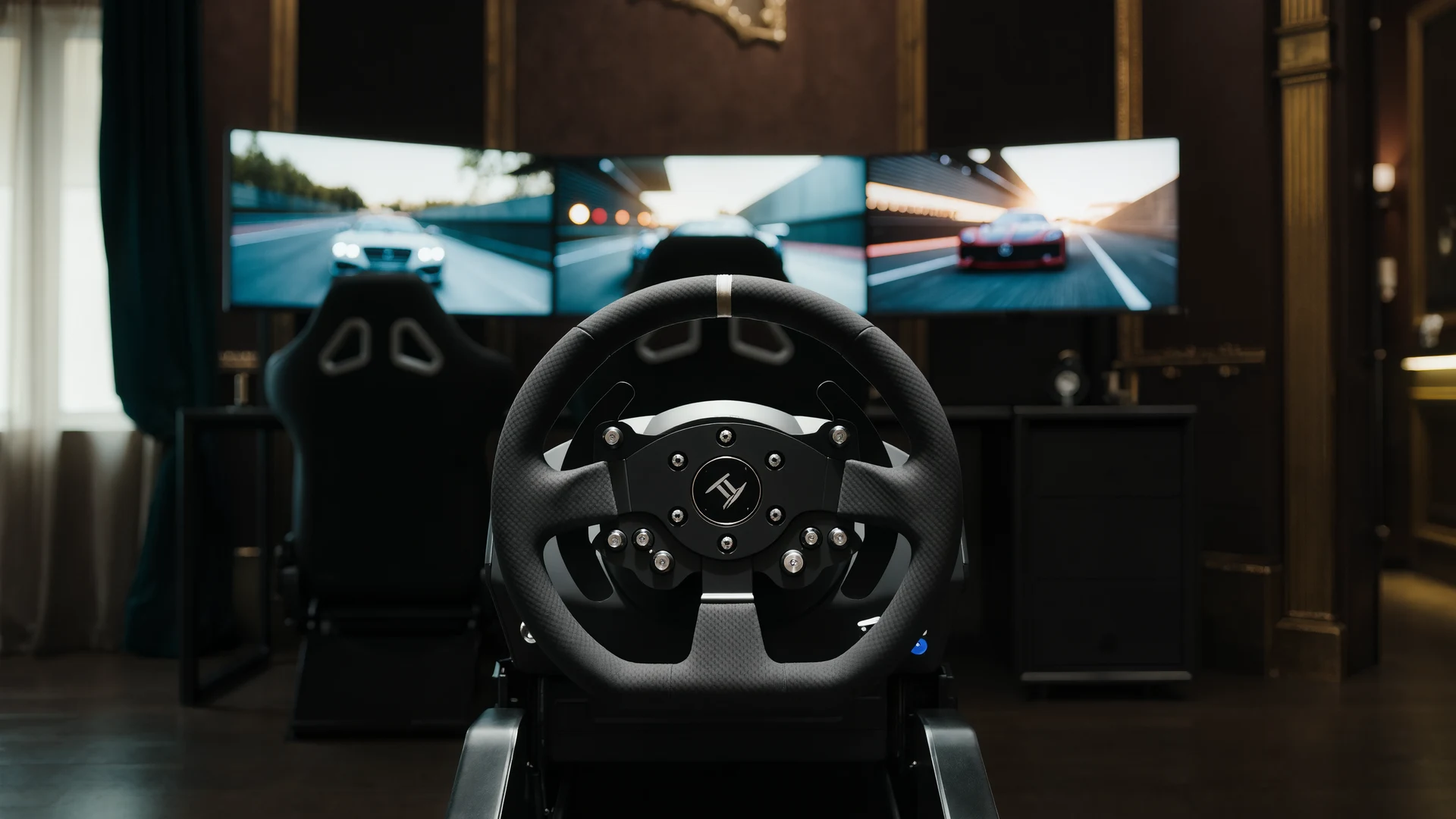
Sim Racing VR vs Triples Guide
VR vs triple monitors for sim racing in 2026: compare Quest 3, Pimax Crystal Light and triple 1440p setups on field of view, depth, comfort, cost and …
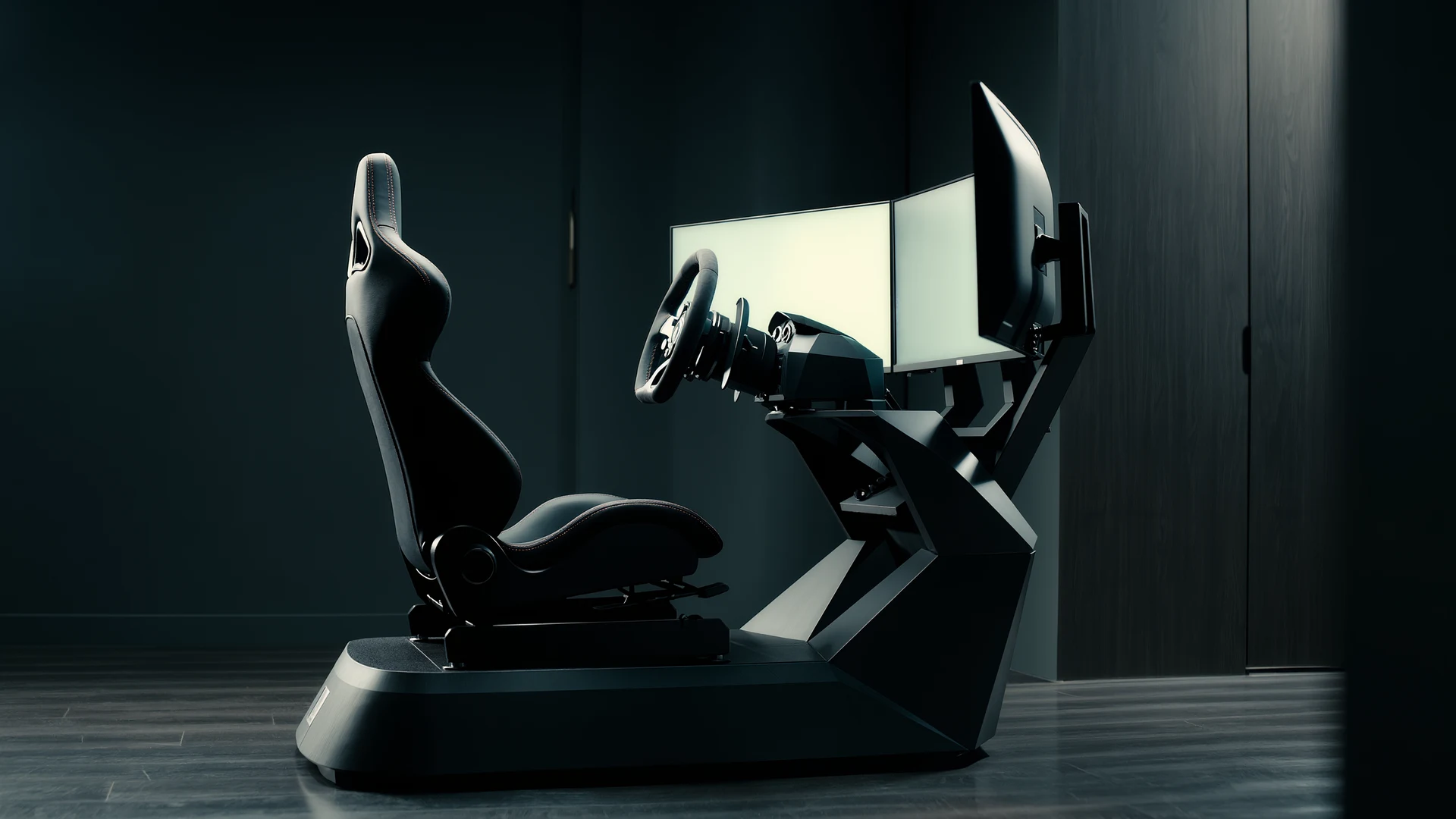
Sim Racing Motion Platforms Guide
Sim racing motion platforms guide: compare seat movers, chassis movers, D-BOX, PT Actuator, and bass shakers, with prices from $150 to $20,000-plus an…
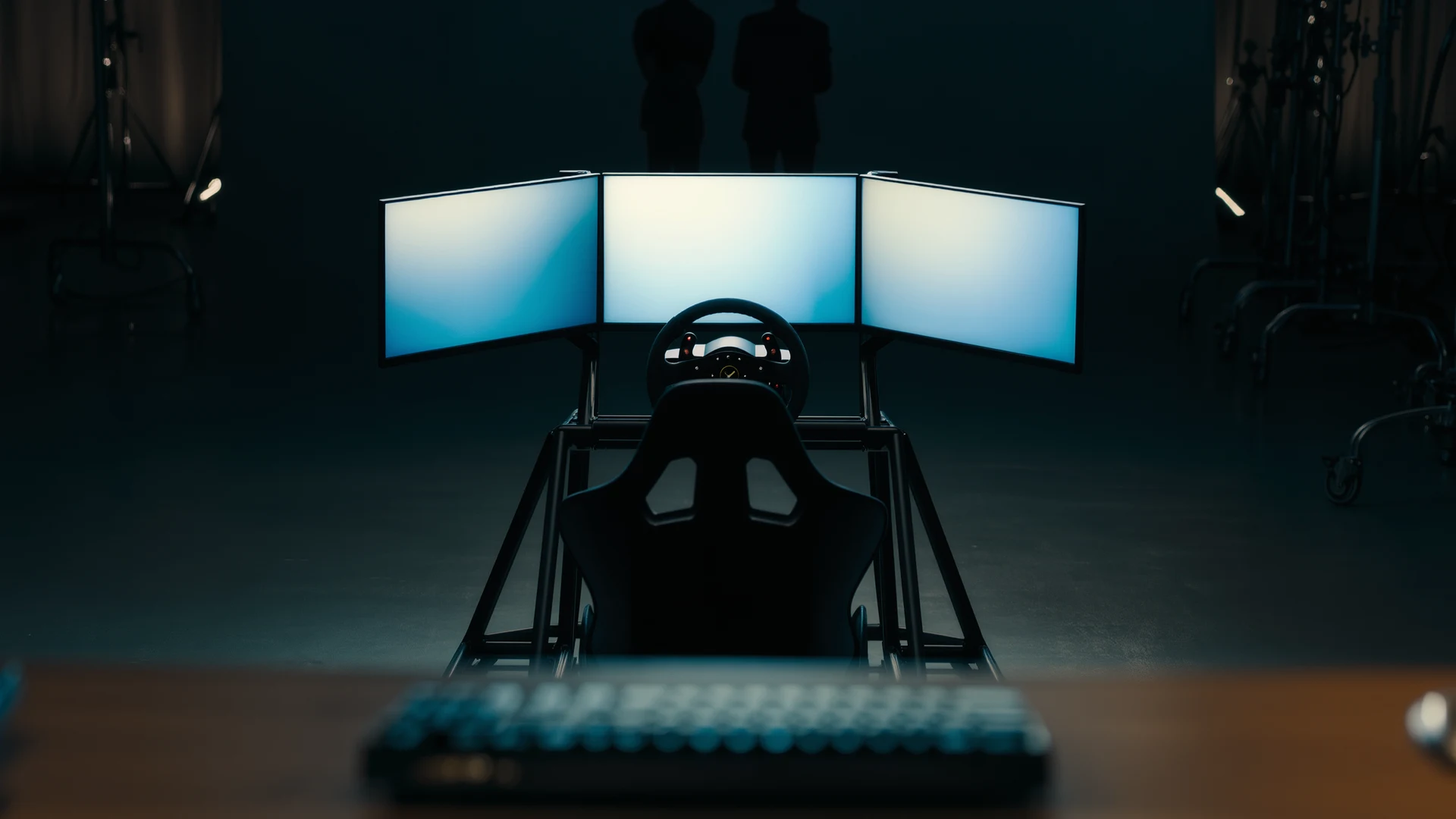
Sim Racing Cockpit Setup Guide
Sim racing cockpit setup guide: compare folding rigs, wheel stands, full cockpits and aluminum profile, plus seats, ergonomics and field-of-view tips.…