Mastering Drifting Simulators with Handbrake Techniques
Learning to drift in a simulator, especially when it comes to handbrake techniques, is all about understanding how to manipulate your car’s weight transfer and momentum. It…
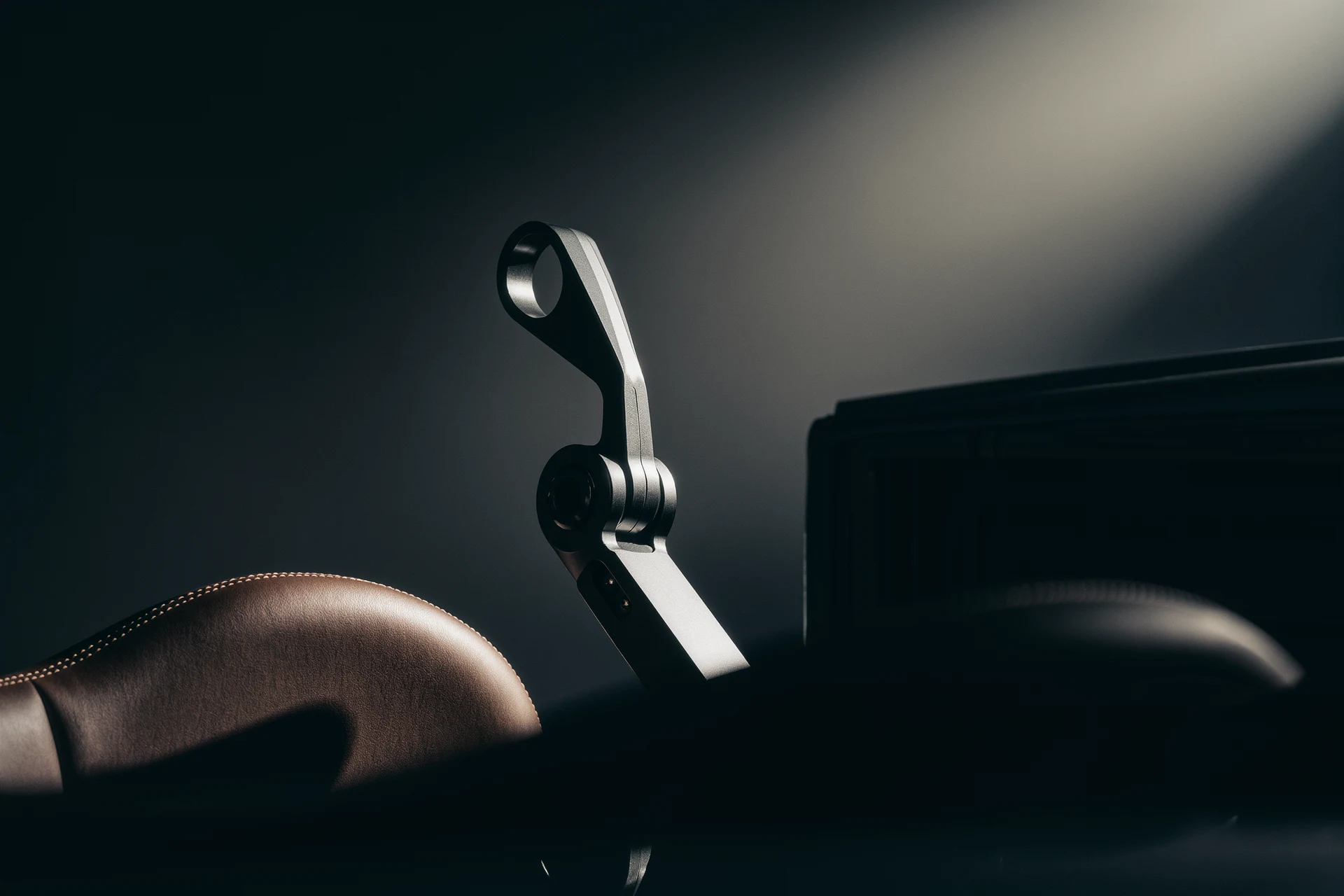
Learning to drift in a simulator, especially when it comes to handbrake techniques, is all about understanding how to manipulate your car’s weight transfer and momentum. It’s not just about slamming the handbrake; it’s about precise timing and control to initiate and maintain a slide. This guide will walk you through the practical aspects of using your handbrake effectively in a drifting sim, helping you get that satisfying sideways action.
Before you even think about engaging that handbrake, your setup needs to be dialed in. A good rig makes a world of difference in how responsive and intuitive your drifting feels.
Choosing the Right Handbrake Peripheral
You’ve got options here, from budget-friendly to high-fidelity.
Dedicated USB Handbrakes
These are great. They offer tactile feedback and a realistic feel. Look for ones with Hall effect sensors for smooth, consistent input. Brands like Fanatec, Thrustmaster, and Heusinkveld offer excellent choices, but there are also more affordable options from smaller manufacturers.
- Pros: Realistic feel, precise control, usually durable.
- Cons: Can be pricey, requires desk space or mounting.
Button-Based Handbrakes
If a dedicated handbrake isn’t in the budget or you’re short on space, assigning a button on your steering wheel or shifter for the handbrake is a viable workaround.
- Pros: Cost-effective, space-saving.
- Cons: Lacks tactile feedback, can be harder to modulate.
- Tip: If you’re going this route, try to map the handbrake to an easily accessible button that you can press and release quickly without taking your hands off the wheel.
Calibrating Your Handbrake
Once you have your handbrake, proper calibration is key to getting the most out of it.
Understanding Analog vs. Digital Input
Many dedicated handbrakes are analog, meaning they detect how much you’re pulling them, not just if they’re on or off. This allows for nuanced control.
- Analog Handbrakes: Allow for partial engagement, crucial for fine-tuning your drifts. Make sure your sim recognizes it as an analog axis.
- Digital Handbrakes (Buttons): Either on or off. This makes them less flexible but still usable with practice.
In-Game Sensitivity Settings
Most simulators have sensitivity or linearity settings for your peripherals.
- Experiment with these. For analog handbrakes, a lower sensitivity might give you more fine control over the initial bite, while a higher setting could make it too aggressive.
- For digital buttons, there’s usually less to adjust, but sometimes you can set a “dead zone” to prevent accidental activation.
Fundamental Handbrake Techniques for Drifting
The handbrake isn’t a one-trick pony. There are several ways to use it, each with its own purpose.
The Initiating Handbrake Tap
This is perhaps the most common and versatile handbrake technique for initiating a drift.
How It Works
As you approach a corner, feather the throttle to shift weight forward, then apply a quick, sharp tap of the handbrake while turning into the corner. This locks the rear wheels momentarily, breaking traction and causing the tail to swing out.
- Timing is Crucial: Too early, and you’ll understeer; too late, and you’ll plough straight ahead. The goal is to initiate the slide at the apex or just before it.
- Duration of Tap: It’s rarely a prolonged pull. Think of it as a momentary jolt to unsettle the rear. A fraction of a second is often all you need.
Common Mistakes to Avoid
- Holding Too Long: Holding the handbrake for too long will lead to a spin. The car will essentially pivot around its front wheels.
- Insufficient Steering Input: You need to be actively steering into the corner to guide the car into the slide.
The Handbrake for Angle Adjustment (Feathering)
Once you’re in a drift, the handbrake can be used to fine-tune your angle or recover from a loss of control.
Subtle Angle Changes
If your drift angle isn’t quite right, or you’re losing some momentum, a quick, light feather of the handbrake can tighten your line and bring the car’s rear around a bit more.
- Analog Advantage: This is where an analog handbrake truly shines, allowing for very subtle amounts of rear wheel lock.
- Short Bursts: Think of it as short, light taps rather than a hard pull. You’re just trying to subtly disrupt rear traction.
Recovering from Understeer Mid-Drift
Sometimes, if you’re not giving enough throttle or your entry speed was off, the car might start to straighten out, a precursor to understeer. A quick handbrake tap can re-initiate the slide.
- Combine with Throttle: Often, this technique is paired with a brief lift off the throttle to exaggerate the weight transfer, followed by getting back on the gas to maintain the drift.
The Handbrake Turn (Hairpin Technique)
For tight, slower corners, especially hairpins, the handbrake can be a primary tool for a rapid change of direction.
Executing the Hairpin
Approach the corner, turn the wheel sharply, and simultaneously apply a firm, sustained pull of the handbrake. Use your throttle to control the rotation as you release the handbrake and power out.
- More Aggressive: This is generally a more aggressive use of the handbrake compared to initiation.
- Throttle Application: As soon as the car is pointing in the desired direction, you need to be on the throttle to propel yourself out of the corner, otherwise you’ll just stop.
Differences from Initiation
- Duration: The handbrake is held for a slightly longer duration here to facilitate a tighter pivot.
- Speed: Typically used at lower entry speeds compared to a high-speed drift entry.
Advanced Handbrake Techniques for Skillful Drifters
Once you’ve mastered the basics, you can start layering in more complex uses of the handbrake.
Combining Handbrake with Other Inputs
Drifting is a ballet of inputs. The handbrake rarely works in isolation.
Handbrake and Throttle Modulation
The interplay between handbrake and throttle is critical.
- Initiation: Handbrake to break traction, then immediately use throttle to maintain wheel spin and keep the drift going.
- Angle Control: Light handbrake taps combined with throttle adjustments to increase or decrease drift angle and speed.
- Weight Transfer: Using the handbrake subtly to shift weight to the front, increasing grip on the steering wheels while the rear is sliding.
Handbrake and Steering Input
Your steering wheel is your primary tool for guiding the car.
- Counter-Steering: As the car starts to slide, you’re counter-steering (turning the wheel into the slide) to catch and control it. The handbrake helps initiate that initial slide, giving your counter-steer something to work with.
- Placement: The handbrake helps you position the car precisely for a drift entry, setting up your line for the rest of the corner.
The “Clutch Kick” Handbrake Combo
This is a more aggressive technique for initiating or extending a drift, especially in lower power cars or when you need a sudden burst of wheel speed.
How It Works
While mid-corner at a decent RPM, you quickly dip the clutch, tap the handbrake, then release the clutch while simultaneously getting back on the throttle.
- Sudden Shock: The clutch kick momentarily unloads the drivetrain, and the handbrake locks the rear, making the wheels spin up much faster when the clutch re-engages and the throttle is applied.
- Aggressive Angle: This often results in a very sudden and aggressive increase in drift angle.
- Practice Required: This technique requires a lot of practice as the timing needs to be spot-on to avoid spinning out.
Troubleshooting Common Handbrake Drifting Issues
It’s inevitable you’ll hit some snags. Here’s how to diagnose and fix them.
Spinning Out Too Easily
If you’re constantly doing 360s, a few things could be happening.
Handbrake Held Too Long
The most common culprit. Remember, it’s usually a tap, not a long pull.
- Solution: Practice quickly tapping and releasing the handbrake. Pay attention to how long your finger or hand physically holds the button or lever.
Too Much Entry Speed
Trying to handbrake a corner that’s too fast for your car’s setup can lead to uncontrollable spins.
- Solution: Brake before initiating the handbrake if necessary. Slow down your entry speed to a point where you can manage the subsequent slide.
Insufficient Counter-Steering
If you don’t turn the wheel into the slide fast enough or far enough, the car will just spin.
- Solution: Focus on quick hands. As soon as the rear breaks loose, your hands should be rapidly turning the wheel in the opposite direction of the slide.
Not Initiating a Drift at All
Sometimes, the handbrake seems to do nothing.
Not Enough Speed/Aggression
If you’re going too slow, or not turning hard enough, the handbrake won’t have enough inertia to work with.
- Solution: Increase entry speed slightly, or initiate with a more aggressive steering input combined with the handbrake.
Incorrect Weight Transfer
You need to unsettle the car’s balance. Braking briefly before the handbrake tap helps throw weight to the front, lightening the rear for easier slide initiation.
- Solution: Try a brief brake tap (even if not strictly for speed reduction) before the handbrake to get that weight forward.
Handbrake Not Engaged Properly (Digital)
If you’re using a button, ensure it’s actually registering the input.
- Solution: Check your keybinds. Sometimes, a button might not be registering consistently. Test it in the settings.
Maintaining the Drift After Handbrake Release
Once you release the handbrake, the battle is far from over.
Immediate Loss of Angle
If the car straightens out too quickly, you’re losing momentum.
- Solution: Get on the throttle immediately after releasing the handbrake. You need to keep those rear wheels spinning to maintain the slide.
Inconsistent Throttle Control
Too much throttle and you’ll spin, too little and you’ll straighten out.
- Solution: Practice feathering the throttle. It’s rarely a full-on, full-off affair. Focus on subtle adjustments to control wheel spin.
Improper Gearing
Being in too high or too low a gear can make it hard to maintain the drift.
- Solution: Experiment with different gears. Often, a lower gear helps keep RPMs high and provides more torque for continuous wheel spin. For most cars, 2nd or 3rd gear is a good starting point for drifting.
Practice Makes Perfect: Drifting Simulators
Like any skill, drifting takes time and repetition.
Dedicated Drift Tracks and Servers
Many simulators offer tracks designed specifically for drifting.
- Benefit: These often have wide-open areas or linked corners perfect for practicing transitions and maintaining drifts.
- Online Communities: Joining drift servers (like in Assetto Corsa) can provide inspiration and allow you to learn from others.
Focus on One Element at a Time
Don’t try to master everything all at once.
- Isolate Techniques: Spend a session just practicing handbrake initiation. Then, another on handbrake adjustment.
- Build Confidence: Gradually combine techniques as you feel more comfortable.
Analyze Replays
Most simulators have replay functions.
- Self-Correction: Watch your inputs (displayed on screen in many sims) and see where you’re going wrong. Are you holding the handbrake too long? Not counter-steering fast enough?
- Learn from Successes: See what you did right when you nailed a perfect drift.
Honing your handbrake techniques in a drifting simulator is a rewarding process. It’s about developing a feel for the car, understanding its physics, and reacting instinctively. With a properly set up rig, a clear understanding of the different techniques, and consistent practice, you’ll be linking satisfying drifts in no time. Stick with it, and remember that even the pros started by spinning out.
FAQs
What is a handbrake for drifting simulator?
A handbrake for drifting simulator is a physical or virtual device used to simulate the action of pulling the handbrake in a real car while drifting in a racing simulator game.How does a handbrake for drifting simulator work?
A handbrake for drifting simulator typically connects to the racing simulator game software and allows the player to input the action of pulling the handbrake in the game. This can enhance the realism and control of drifting maneuvers in the game.What are the benefits of using a handbrake for drifting simulator?
Using a handbrake for drifting simulator can provide a more immersive and realistic experience for players, allowing them to perform drifting maneuvers more accurately and with greater control. It can also add an extra layer of challenge and skill to the game.Are there different types of handbrakes for drifting simulators?
Yes, there are physical handbrake devices that can be mounted to a racing simulator setup, as well as virtual handbrake options that can be mapped to a joystick or other input device. Some racing simulator games also have built-in handbrake controls.Where can I purchase a handbrake for drifting simulator?
Handbrakes for drifting simulators can be purchased from various online retailers that specialize in racing simulator equipment, as well as from some gaming and electronics stores. It’s important to ensure compatibility with your specific racing simulator setup and game software.More from Drifting
Virtual Drifting: A Thrilling Experience
Virtual drifting is, in short, a digital simulation of the high-skill, car-control sport of drifting. It’s about sliding a car through a turn, m…
Mastering Drifts: Professional Simulator Experience
So, you want to get good at drifting in a simulator, huh? The short answer is: it takes a lot of practice, the right equipment, and a solid understand…
Mastering the Art of Sim Racing Drifting
Let’s dive into the world of sim racing drifting. If you’re wondering how to actually drift in a simulator, it boils down to a controlled …