Maintenance that doubles the life of your hardware
Maintenance that doubles the life of sim racing hardware: what the manufacturers let you service yourself, what to check on a schedule and what to leave alone.
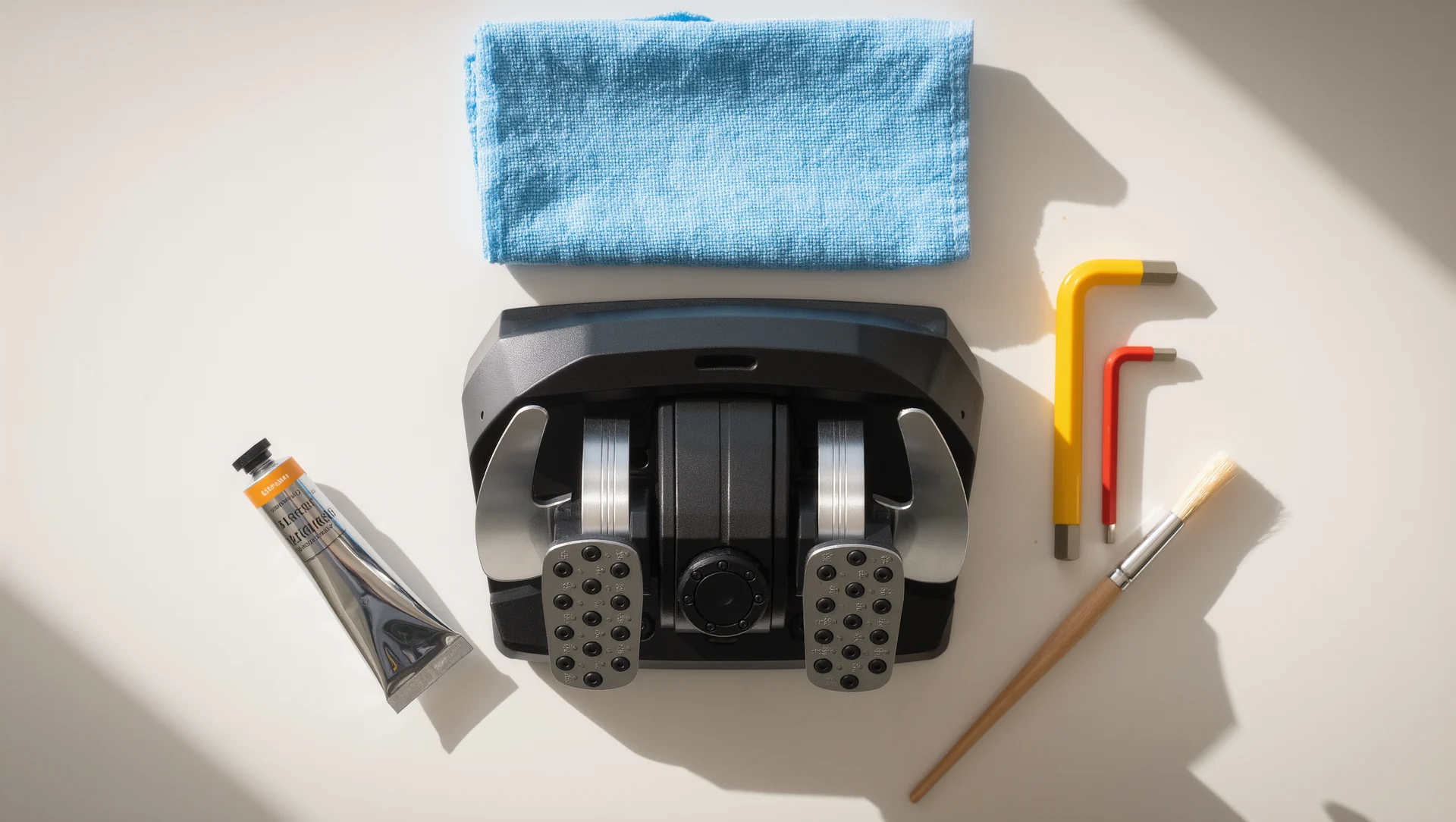
Almost nothing in a sim rig wears out; things come loose, get dirty or lose calibration, and all three look exactly like a failure. An hour twice a year covers everything a driver can usefully do, and knowing what not to open is half of it.
What manufacturers let you touch
Simucube publishes a self service list for the Simucube 2, and its scope is instructive. It covers adjusting the quick release pin tightness, tightening a slipping conical shaft adapter on early units from May 2019, checking the power button wire on Sport and Pro R1 units built before August 2020, re-tightening the antenna connector on Sport, Pro and Ultimate, and replacing the antenna cable with a named part, a Pulse Electronics W9006 U.FL to RP-SMA cable.
Everything on that list is mechanical or a connector. Nothing on it involves opening the motor, and the documentation is explicit about not spinning the antenna connector because it damages the internal cable. That boundary is the general rule for all direct drive hardware: couplings and connectors are yours, the motor is not.
The same source gives the firmware rule. A firmware update of the base and hub is required when the tuning software is first started, and the drive firmware is bundled so it updates automatically when it is too old. Firmware is maintenance, not a feature, and skipping it is how a base develops behaviour nobody can reproduce.
The schedule that actually matters
Twice a year, go around the frame with a hex key and, on the load bearing joints, a torque wrench. The published limit for an M8 T-slot nut in an 8 mm groove is 20 Nm, and the joints that matter most are the wheel mast and the pedal plate. This single task recovers most of the stiffness a rig loses in its first year.
Recalibrate the pedals at the same time. A load cell set rated at 120 kg that delivers roughly 65 kg at the pedal face drifts as elastomers settle, and a set calibrated a year ago is quietly reporting a different maximum than your leg now produces. Recalibration takes five minutes and is the closest thing to free lap time in this list.
Clean the couplings and the contacts. Quick releases carry both the mechanical load and the button signals, and a coupling that rattles or drops buttons is almost always dirty rather than broken. Compressed air and a dry cloth, not lubricant, because oil in a coupling attracts exactly the dust that caused the problem.
| Task | Reference figure |
|---|---|
| Retorque load bearing joints | 20 Nm maximum for an M8 T-slot nut |
| Recalibrate pedals | 120 kg load cell, about 65 kg at the pedal face |
| Clean quick release and contacts | dry, no lubricant |
| Check firmware version | update required at first software start |
| Antenna connector | re-tighten, never spin |
What to leave alone
Do not open a wheel base. There is nothing user serviceable inside, the warranty is real, and a direct drive motor stores enough energy in its own inertia to hurt somebody. If the self service list does not name it, it is a support case.
Do not lubricate a load cell pedal. The measurement depends on a defined mechanical path, and grease in the wrong place changes the force curve in a way that looks like a sensor fault. Manufacturers specify which pivots take what, and no pivot takes whatever is in the garage.
Do not update firmware before an event. Updates are maintenance, and maintenance belongs in the week after a race rather than the hour before one. The documentation even names a specific interference case, a mouse driver that blocks the update, which is exactly the kind of surprise you do not want at ten minutes to qualifying.
The log that makes all of this cheap
Put a number on the payoff. Two sessions a year of about 60 minutes each is 2 hours against perhaps 400 hours of driving, so the maintenance costs 0.5 per cent of your seat time. In that hour you retorque roughly 24 bolts, recalibrate 3 pedals and clean 1 coupling, and the single most valuable of those 28 actions is the pedal that has quietly drifted 5 kg away from where you calibrated it.
Keep three lines per service: the date, what you tightened or recalibrated, and the firmware version. Six months later that log answers the only question that matters when something feels different, which is whether anything actually changed. Without it, every diagnosis starts from zero.
Sources
Frequently asked questions
How often should I recalibrate the pedals?
Twice a year, and after any change to pedal angle or spring stack. The maximum you can produce moves with the geometry.
My quick release rattles. Is it worn out?
Usually dirty rather than worn. Clean the pins and check for burrs before ordering a replacement.
Should I keep firmware current?
Yes, but not on race day. Update in the quiet week and verify before you need it.
Can I service the motor myself?
No. Manufacturer self service lists cover couplings, connectors and cables only, and everything else is a support case.
More in Wheels & Pedals
Buying a used rig: what to check before you pay
Buying a used sim rig: the parts that carry value, the damage that is invisible in photographs and the price arithmetic that decides whether it is a bargain.
What iRacing really costs in the first year
What iRacing costs in the first year: subscription tiers from 13 to 199 dollars, car and track prices, the volume discount ladder and the free content included.

Assetto Corsa Competizione: the first ten hours
The first ten hours in Assetto Corsa Competizione: what the game contains, what to ignore at the start and the order that gets you racing rather than tinkering.