Ultimate Sim Racing Cockpit Setup Guide
So, you’re looking to build the ultimate sim racing cockpit? Fantastic! You’ve come to the right place. The short answer is: it’s all about finding the right bala…
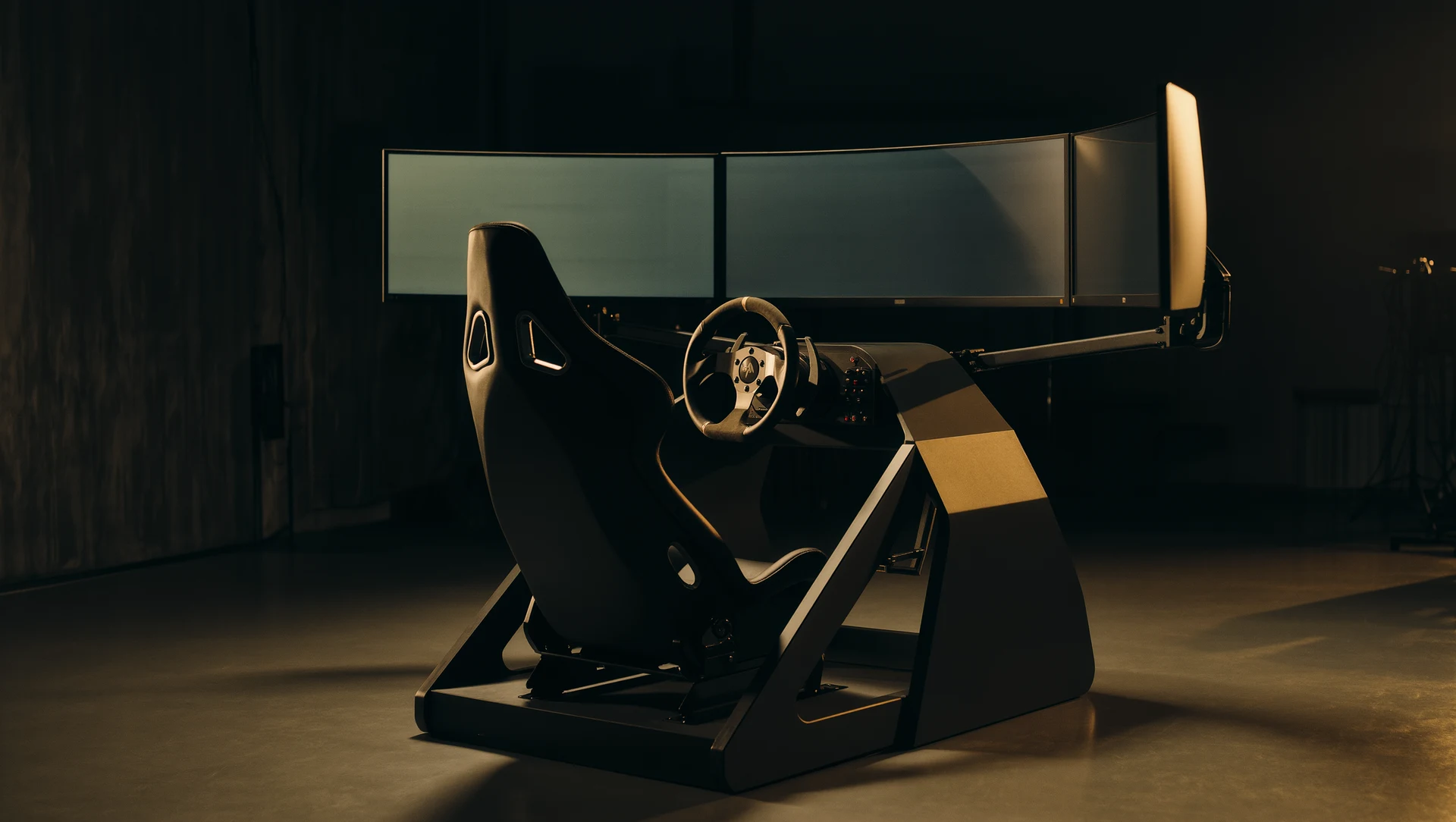
So, you’re looking to build the ultimate sim racing cockpit? Fantastic! You’ve come to the right place. The short answer is: it’s all about finding the right balance for you. There’s no single “perfect” setup, but by focusing on a few key areas, your budget, the space you have, and what kind of racing you love most, you can create a sim rig that truly immerses you in the virtual track. This guide will break down what you need to consider, from the foundational rig itself to the crucial elements that bring it all to life. We’ll go step-by-step, keeping it practical and down-to-earth.
This is where it all begins. Your rig is the chassis of your sim racing experience, and it dictates a lot about what you can do down the line.
Getting Started on a Budget
Don’t have a limitless bank account? No problem. You can still have a fantastic time.
The Wheel Stand Option
- What it is: A sturdy stand that holds your wheel and pedals. It’s a step up from a desk mount, offering better stability and often adjustable positioning.
- Pros: Relatively inexpensive, compact, easy to store.
- Cons: Doesn’t offer the full immersion of a full cockpit, can sometimes vibrate with stronger force feedback.
- Good for: Racers new to the hobby, those with limited space, or people who want a significant upgrade without breaking the bank. Look for stands that can accommodate a shifter if that’s in your plans.
Desk Mounting Solutions
- What it is: Clamps that attach your wheel and pedals directly to your existing desk.
- Pros: The absolute cheapest way to start. Quick to set up and put away.
- Cons: Can put stress on your desk, often limited in adjustability, less stable under heavy force feedback.
- Good for: Absolute beginners who want to try sim racing without much commitment. Make sure your desk is solid.
Stepping Up: The Playseat and Integrated Rigs
Once you’re hooked, you might start looking for something a bit more substantial.
The “All-in-One” Seat
- What it is: These are typically pre-assembled racing seats with an integrated wheel and pedal mount. Brands like Playseat have been around for a while.
- Pros: Designed for ergonomics, often fold for storage, relatively good stability.
- Cons: Can be less rigid than dedicated frame rigs, adjustability can be limited, often weigh more than wheel stands.
- Good for: Racers who want a dedicated seating solution that’s still somewhat portable. They offer a good mix of comfort and function.
Entry-Level Aluminum Extrusion Rigs
- What it is: These are rigs built from aluminum extrusions (like 2020 or 4040 profiles). They offer a modular and highly customizable base.
- Pros: Super strong and rigid, infinitely configurable, can be upgraded piece by piece.
- Cons: Requires more assembly and planning, can be more expensive upfront than simpler options.
- Good for: Those who want a truly bespoke setup and are willing to put in the effort to build it. This is the path to serious longevity in the hobby.
The Pinnacle: High-End Aluminum Extrusion and Motion Rigs
For the ultimate, you’re typically looking at more advanced solutions.
Custom-Built Aluminum Extrusion Rigs
- What it is: This is where you design and build your own rig from scratch using aluminum extrusions. You’ll need to factor in brackets, t-nuts, and specific lengths.
- Pros: Complete control over every aspect, unparalleled rigidity and adjustability, can be tailored to your exact body dimensions and preferences.
- Cons: Steep learning curve for design, can be time-consuming and potentially more expensive than off-the-shelf high-end rigs if not planned well.
- Good for: The dedicated enthusiast who wants a rig that’s essentially a perfect extension of themselves. Think about mounting points for everything, wheel, pedals, shifter, handbrake, even your VR headset.
Motion Simulators
- What it is: These are sophisticated systems that add physical movement to your sim racing experience. Think of platforms that tilt, heave, pitch, and roll.
- Pros: Unmatched level of immersion, provides physical feedback for G-forces, braking, and acceleration.
- Cons: Extremely expensive, require significant space and power, can be complex to set up and maintain.
- Good for: Those who have a substantial budget and want the absolute closest thing to real-world racing feedback. This is a serious investment.
Steering Wheels: The Heart of Your Control
Your wheel is your primary interface with the virtual world. The right one can make a huge difference.
Entry-Level Wheels
- What it is: Typically plastic wheels with basic force feedback. Often bundled with entry-level consoles or PCs.
- Pros: Affordable, easy to connect.
- Cons: Limited force feedback, basic build quality, feel too “gamey” for serious sim racers.
- Good for: Getting a feel for sim racing. Not something you’ll likely stick with long-term if you get serious.
Mid-Range Wheels (Force Feedback is Key)
- What it is: These wheels offer significantly better force feedback, often using gears, belts, or direct drive motors. They feel more substantial and provide more nuanced feedback.
- Pros: Much improved immersion, better detail in road feel and tire slip, more durable construction.
- Cons: Can still have some “notchiness” or gear whine depending on the mechanism.
- Good for: The vast majority of sim racers. Brands like Logitech (G923, G29/G920) are popular starting points here, moving up to Fanatec’s CSL Elite or Thrustmaster’s T300RS. Don’t underestimate the importance of a good clutch if you plan on using a manual gearbox.
High-End Direct Drive Wheels
- What it is: These wheels use a powerful motor directly connected to the steering shaft. This means there are no gears or belts to create friction or lag, offering the most direct and detailed force feedback possible.
- Pros: Incredible detail, instantaneous response, smooth and powerful feedback, can simulate very subtle forces.
- Cons: Expensive, require a very sturdy rig to handle the torque, can be overkill for casual racers.
- Good for: The enthusiast who wants the absolute best in feedback and realism. Brands like Simucube, VRS DirectForce Pro, and Moza Racing are leading the charge here. A strong rig is non-negotiable.
Wheel Rim Choices
- What it is: Many higher-end wheelbases allow you to swap out the rim. This lets you tailor the feel and function to specific types of racing.
- Pros: Versatility, can mimic different types of real-world cars (GT, F1, open-wheel).
- Cons: Additional cost for multiple rims.
- Good for: Racers who do a variety of disciplines. An F1 rim for open-wheelers, a GT rim for endurance racing, etc. Consider the button layout and ergonomics.
Pedals: Feel the Braking and Throttle
Your pedals are the other crucial control input. They’re often overlooked, but good pedals make a massive difference to your lap times and consistency.
Basic Included Pedals
- What it is: The plastic pedals bundled with most entry-level wheels.
- Pros: Come with the wheel.
- Cons: Very basic feel, mushy, no real resistance, often just two pedals.
- Good for: Absolute beginners.
Upgraded Pedal Sets (Load Cell is a Game Changer)
- What it is: These are often standalone or higher-tier pedal sets that offer much better build quality and a more realistic feel. The biggest upgrade is the “load cell.”
- Load Cell Explained: Instead of measuring how far you press a pedal, a load cell measures the actual force you apply. This means braking is controlled by how hard you push, just like in a real car, not by how much the pedal moves.
- Pros: Much finer control over braking, improved lap consistency, more realistic feel, ability to brake harder.
- Cons: Requires a bit of adjustment to your braking technique.
- Good for: Anyone serious about improving their lap times and consistency. Brands like Fanatec (ClubSport Pedals V3, CSL Elite Pedals LC), Thrustmaster (T-LCM), and pedals from Moza Racing and Heusinkveld are excellent choices.
High-End Performance Pedals
- What it is: These are often highly engineered pedal sets, sometimes with adjustable travel, stiffness, and even advanced hydraulic or pneumatic systems.
- Pros: Ultimate in realism and adjustability, can be tuned to mimic specific car types precisely.
- Cons: Very expensive, can be complex to set up and maintain.
- Good for: The absolute sim racing fanatic who demands the highest level of feedback and control. Heusinkveld, Simucube’s own pedals, and high-end units from Fanatec are examples.
Pedal Mounting
- Forget floor pedals: Once you get load cells, mounting your pedals to the rig’s chassis is essential. This prevents them from sliding under braking and ensures consistent force application. Most good rigs have dedicated pedal plates.
Display: Immerse Yourself in the View
What you see is a massive part of the sim racing experience. This is where immersion truly happens.
The Single Monitor Setup
- What it is: Your standard computer monitor or TV.
- Pros: What most people already have. Can be affordable.
- Cons: Limited field of view, can make judging distances difficult, especially on corners.
- Good for: Casual sim racers or those starting out. If you use a standard 16:9 monitor, you’ll likely struggle to see apexes on tighter corners.
Ultrawide Monitors
- What it is: Monitors with a wider aspect ratio (e.g. 21:9 or 32:9).
- Pros: Significantly improved field of view, especially when mounted close to your seating position. More immersive than 16:9.
- Cons: Can be more expensive than standard monitors, may require adjusting game FOV settings carefully.
- Good for: A significant step up in immersion without the complexity of multiple monitors. These are very popular for a reason.
Triple Monitor Setups
- What it is: Three monitors arranged side-by-side, creating a wrap-around view.
- Pros: The most immersive traditional screen setup, excellent peripheral vision, makes judging corner entry and exit much easier.
- Cons: Requires a lot of desk or rig space, can be expensive to buy three identical monitors, requires more powerful graphics card to drive three displays smoothly, can sometimes have bezels in your vision.
- Good for: Racers who want near-VR immersion without VR. Precision is key for bezel correction and FOV settings.
Virtual Reality (VR)
- What it is: Using a VR headset to place you directly into the virtual cockpit.
- Pros: The ultimate in immersion, unparalleled sense of depth and scale, no bezels to obstruct your view.
- Cons: Can cause motion sickness for some, requires a powerful PC, can be uncomfortable for long sessions, can make it hard to see your keyboard or access other controls.
- Good for: Those seeking the absolute peak of immersion and who have the PC hardware to support it. Newer headsets are continuously improving comfort and resolution.
Beyond the Basics: The Nicely-to-Haves
Once the core components are sorted, these extras can elevate your sim racing experience from great to sublime.
Shifters and Handbrakes
- What they are: Sequential or H-pattern shifters for manual gear changes, and handbrakes for drifting or rally.
- Pros: Adds realism and engagement, essential for certain racing disciplines.
- Cons: Extra cost, requires mounting space on your rig.
- Good for: Anyone wanting to simulate manual gearboxes or participate in rally/drifting.
Button Boxes and Dashboards
- What they are: Dedicated panels with extra buttons, switches, and sometimes integrated displays to control car functions or on-screen menus.
- Pros: Frees up wheel buttons, provides quick access to common controls, can display useful telemetry.
- Cons: Additional cost, adds complexity.
- Good for: Racers who use complex cars with many functions or who want a more streamlined control setup.
Audio Immersion
- What it is: Good speakers or a quality headset.
- Pros: Crucial for hearing engine notes, tire scrub, and track sounds that provide vital cues.
- Cons: Can be overlooked.
- Good for: Everyone. Don’t underestimate the importance of good sound design in racing games. A decent headset can help you pinpoint the direction of sounds, adding to immersion.
Cable Management
- What it is: Tidying up all those wires! Velcro straps, zip ties, raceways.
- Pros: Makes your setup look clean and professional, prevents snags and accidental disconnections.
- Cons: Takes a bit of time.
- Good for: Anyone who likes a tidy workspace. It’s a small thing, but it makes a big difference to the overall feel of your setup.
Ergonomics and Comfort
- What it is: Ensuring your seating position, monitor height, and pedal reach are comfortable for long sessions.
- Pros: Prevents fatigue and discomfort, allowing you to race for longer.
- Cons: Can require tweaking and adjusting over time.
- Good for: Absolutely everyone. If you’re uncomfortable, you won’t race well or for long. Consider lumbar support for your seat and ensuring your monitor is at eye level.
Putting It All Together: The Practicalities
This is where the rubber meets the road, so to speak.
Space Requirements
- Measure twice, buy once: Seriously, know how much space you have. A full rig with a motion platform is very different from a foldable wheel stand.
- Wheel stand: Small footprint, often can be folded and stored.
- Integrated rigs: Require a dedicated spot, but some fold.
- Aluminum rigs: Can be designed for your exact space, from compact to sprawling.
- Displays: Ultrawides and triples need depth from your seating position to be effective. VR needs less physical space but your PC needs to be able to handle it.
Budgeting
- Tiered approach: Decide your budget before you start browsing. Entry-level ($200-500), Mid-tier ($500-1500), High-end ($1500+), and “No Expense Spared” (well, you know).
- Prioritize: What’s most important? A direct drive wheel? Load cell pedals? A big screen? Invest in the components that will give you the most bang for your buck for your type of racing.
- Used market: Don’t shy away from the used market, especially for wheels and pedals. You can often find great deals.
The DIY vs. Off-the-Shelf Decision
- Off-the-shelf: Quicker to set up, often comes with support, designed by experts.
- DIY (especially aluminum extrusions): Complete customization, potential cost savings (if planned well), rewarding building experience, allows for unique solutions.
- Consider your skills: Are you comfortable with tools and basic engineering? If not, an off-the-shelf solution will likely be less frustrating.
Software and Calibration
- Game settings are key: After hardware, how you configure your games makes a huge difference. Learn to tune your force feedback, dead zones, and other controls.
- Driver software: Keep your wheel and pedal drivers updated.
- Third-party tools: Tools like SimHub can provide enhanced telemetry and dashboard overlays.
Building your ultimate sim racing cockpit is a journey, not a destination. It’s about continually refining and upgrading as your passion grows. Start with a solid foundation that fits your current needs and budget, and then enjoy the process of making it your own. Happy racing!
FAQs
What is a sim racing cockpit setup?
A sim racing cockpit setup is a specialized rig designed to provide a realistic and immersive driving experience for sim racing enthusiasts. It typically includes a racing seat, wheel stand, pedal mount, and gear shifter mount.What are the benefits of using a sim racing cockpit setup?
Using a sim racing cockpit setup offers several benefits, including improved comfort during long gaming sessions, enhanced realism and immersion, better control and stability while racing, and the ability to fine-tune the setup to individual preferences.What components are essential for a sim racing cockpit setup?
Essential components for a sim racing cockpit setup include a racing seat, wheel stand or racing wheel mount, pedal mount, gear shifter mount, and a sturdy frame to support the entire setup. Additional accessories such as a monitor stand, keyboard tray, and cable management solutions can also enhance the overall experience.How do I choose the right sim racing cockpit setup for my needs?
When choosing a sim racing cockpit setup, consider factors such as the available space in your gaming area, your budget, the type of racing wheel and pedals you have, and any additional accessories you may want to incorporate into your setup. Researching and reading reviews can also help in making an informed decision.Are there any tips for setting up a sim racing cockpit setup?
When setting up a sim racing cockpit, ensure that all components are securely fastened and adjusted to your comfort. Take the time to calibrate your racing wheel and pedals, and consider investing in a quality gaming chair for added comfort and support during long gaming sessions. Regular maintenance and cleaning of the setup can also prolong its lifespan.More from Cockpits & Rigs
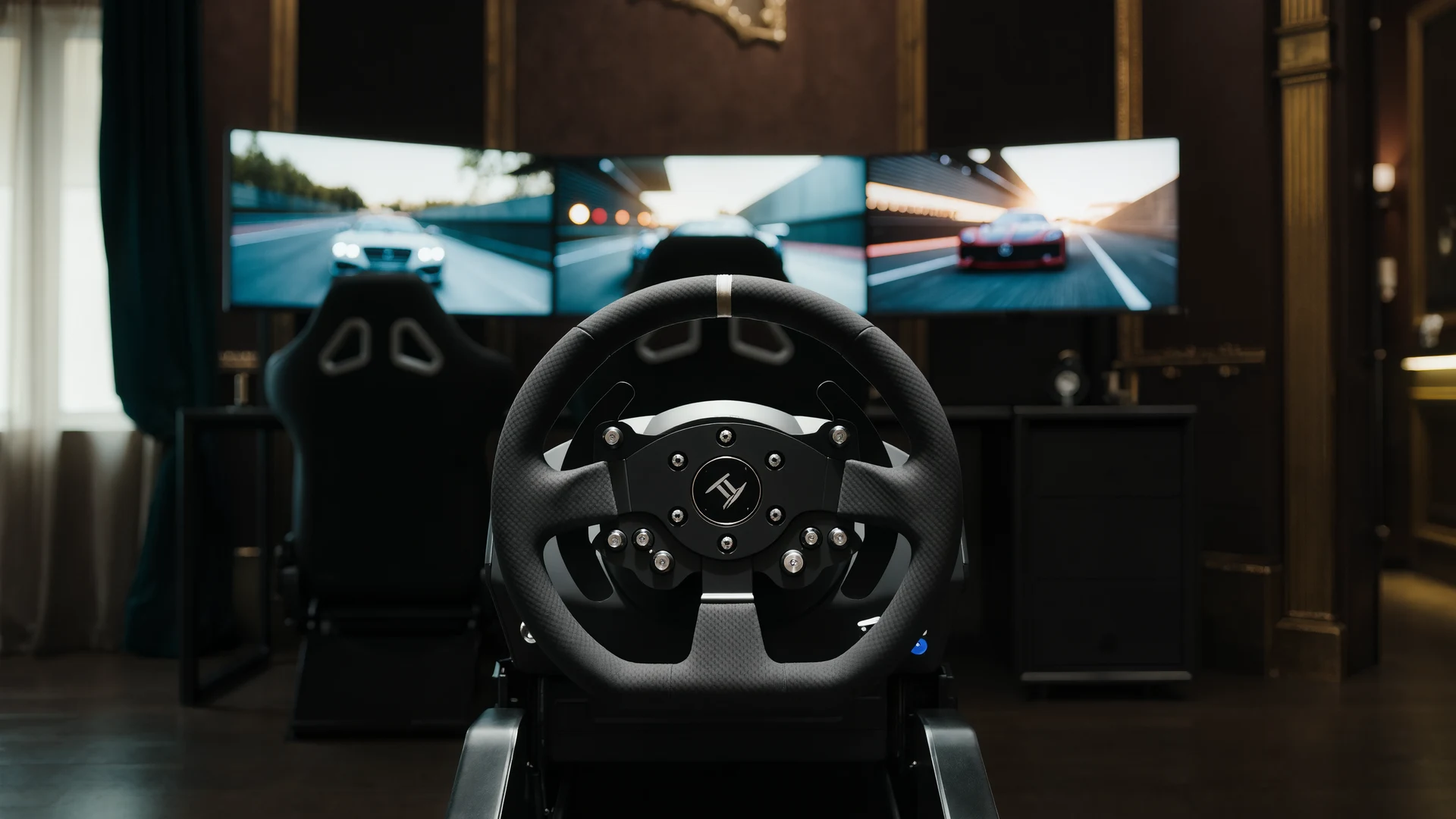
Sim Racing VR vs Triples Guide
VR vs triple monitors for sim racing in 2026: compare Quest 3, Pimax Crystal Light and triple 1440p setups on field of view, depth, comfort, cost and …
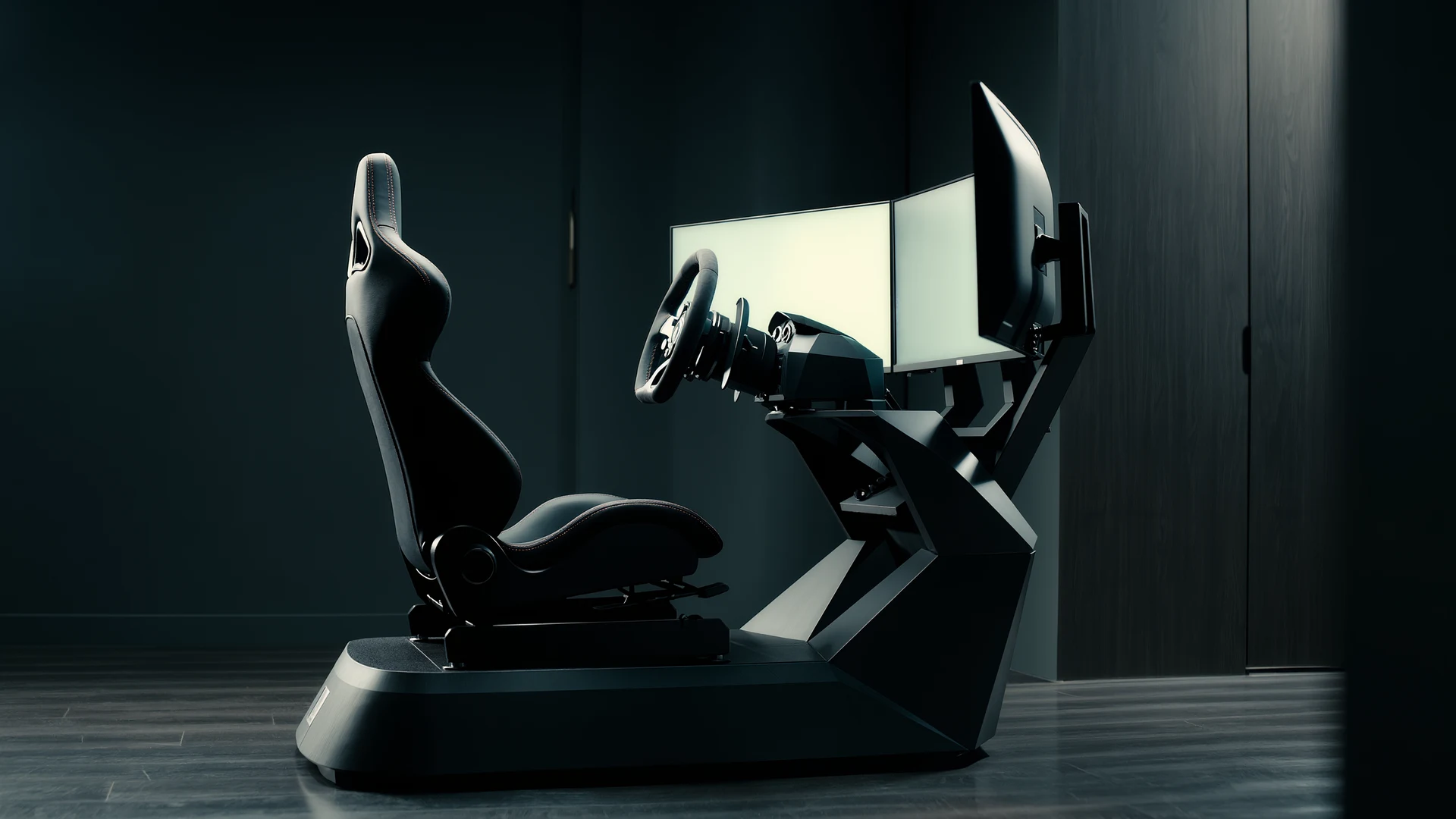
Sim Racing Motion Platforms Guide
Sim racing motion platforms guide: compare seat movers, chassis movers, D-BOX, PT Actuator, and bass shakers, with prices from $150 to $20,000-plus an…
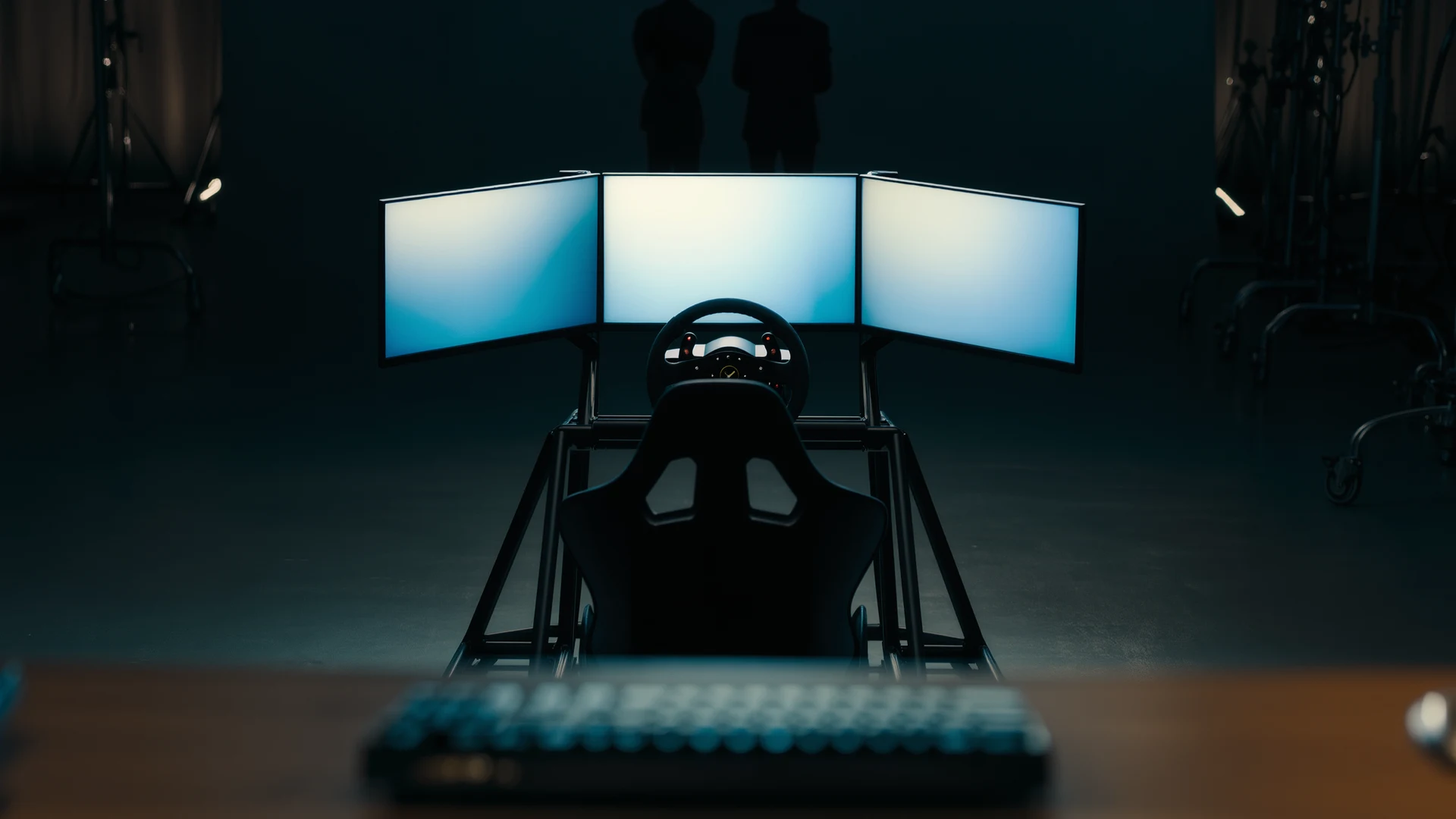
Sim Racing Cockpit Setup Guide
Sim racing cockpit setup guide: compare folding rigs, wheel stands, full cockpits and aluminum profile, plus seats, ergonomics and field-of-view tips.…