Mastering Racing Skills with Button Box Simulator
So, you’re wondering if a button box simulator can actually help you get better at racing? The short answer is a definitive yes, but it’s not a magic bullet. It’s a tool, and…
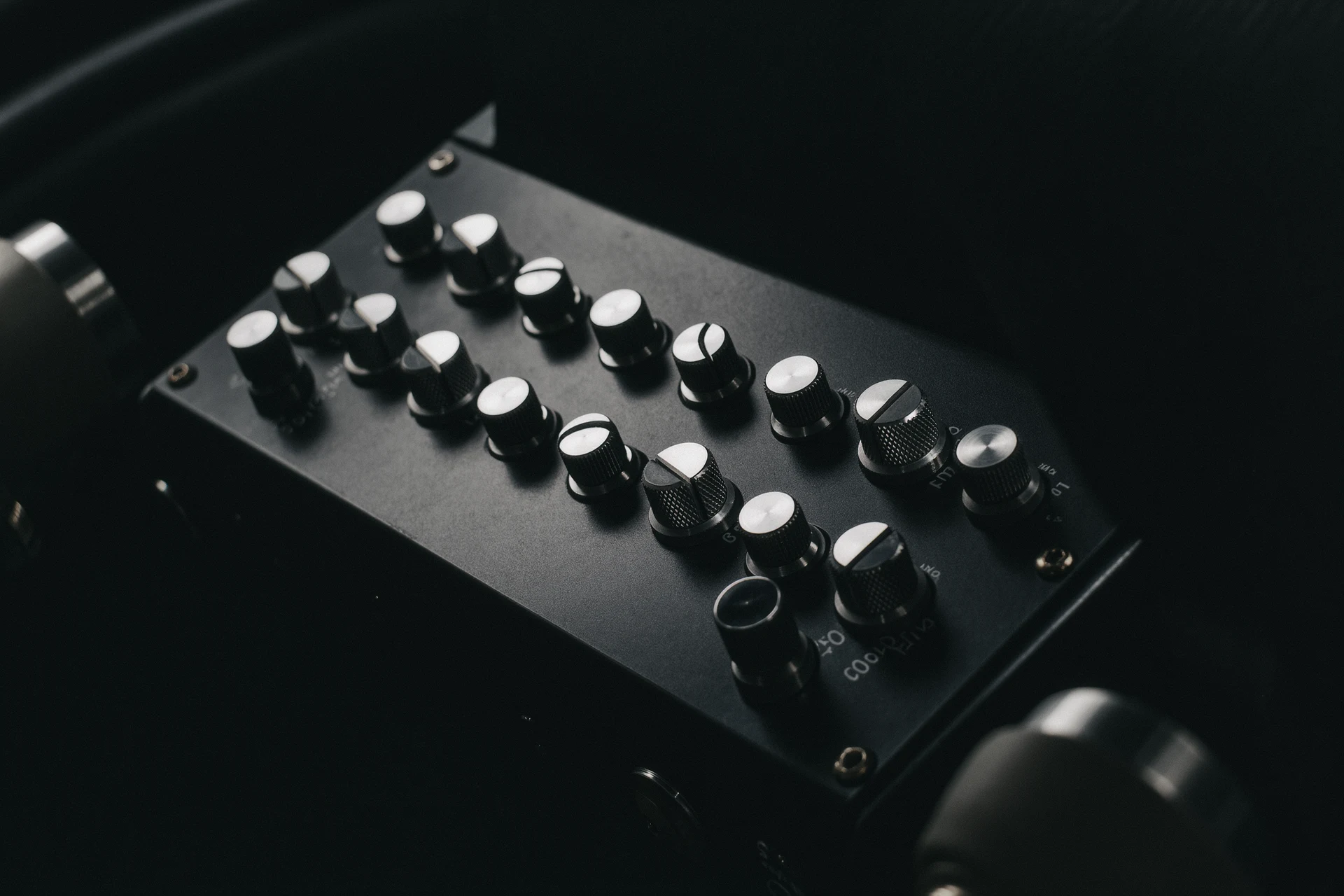
So, you’re wondering if a button box simulator can actually help you get better at racing? The short answer is a definitive yes, but it’s not a magic bullet. It’s a tool, and like any tool, its effectiveness depends on how you use it and what you’re trying to achieve. Think of it as leveling up your simulator setup rather than instantly making you Lewis Hamilton, but the right approach can definitely sharpen your skills.
Let’s break down what we’re even talking about here. A button box simulator isn’t a game itself, but rather a piece of hardware you connect to your computer or console that mimics the controls of a race car. It typically features a collection of buttons, switches, rotary encoders, and sometimes even joysticks, all designed to replicate the complex dashboards and steering wheels found in real race cars.
More Than Just Buttons
These aren’t just random buttons you’re clicking. Each one is usually mapped to a specific in-game function. This could be anything from activating DRS (Drag Reduction System) and pit limiter to toggling your headlights, adjusting brake bias, activating traction control settings, or even accessing different camera views. The idea is to move these often-used functions off your keyboard or gamepad and onto a dedicated, tactile interface.
The “Simulator” Aspect
The term “simulator” here refers to the fact that these devices are designed to provide a more immersive and realistic experience, mimicking the controls and layout you’d find in a real racing cockpit. It’s about building a more believable environment for your sim racing sessions.
Why Dedicated Controls Matter
Our hands are surprisingly adept at associating physical actions with specific outcomes. When you’re constantly reaching for a keyboard or fumbling with a gamepad, your focus can shift away from the track and your car. A button box allows for muscle memory to develop for essential functions, freeing up your mental energy to concentrate on racing lines, braking points, and car feedback.
How a Button Box Improves Racing Immersion
This is where the real magic starts to happen. While a button box is a practical tool, its biggest immediate impact is on your sense of immersion. And that immersion is surprisingly crucial for skill development.
Feeling Like You’re “In” the Car
When you can intuitively flick a switch to adjust your fuel mix or hit a button for your pit limiter without looking, you start to feel less like someone playing a game and more like a driver making decisions. This heightened sense of presence can significantly improve your focus and engagement.
Reducing Cognitive Load
Real race car drivers have a lot of information to process and a lot of controls to manage. A button box helps to offload some of that “cognitive load.” Instead of remembering which key on your keyboard activates your wipers, you have a dedicated button. This frees up your brain to focus on more critical racing tasks like anticipating other cars’ movements or understanding how grip levels are changing.
The Tactile Feedback Loop
The physical act of pressing buttons and flicking switches provides a tactile feedback that you don’t get from a keyboard or a standard gamepad. This subtle physical interaction can contribute to a more grounded and realistic feeling, which, in turn, can help you process visual and auditory cues from the simulator more effectively. It’s a small detail, but it adds up.
Sharpening Specific Racing Skills with a Button Box
Beyond just making it feel cooler, a button box can actively help you hone particular racing techniques. It’s about using the dedicated controls to practice and refine specific actions.
Streamlining Pit Stops and In-Race Adjustments
Pit stops are often a race-deciding factor. A button box allows for quicker and more precise execution of pit limiter engagement, fuel adjustments, tire pressure changes, and even crew commands if your simulator supports them. Practicing these actions on a button box can lead to faster and more efficient pit stops in real sim racing scenarios. Similarly, real-time adjustments to things like brake bias or traction control are much easier to perform on the fly when you have dedicated buttons or dials. This allows you to constantly fine-tune your car to prevailing track conditions and your driving style.
Mastering Complex Car Systems
Many modern racing simulators feature cars with intricate systems that require multiple inputs. Think about activating KERS, adjusting engine maps, or managing hybrid power. Trying to do this with a keyboard can be a recipe for disaster while you’re on track. A button box, with its organized layout, allows you to practice and master these complex controls in a controlled environment, building the muscle memory needed for quick and accurate activation during a race.
Improving Driver Aids Management
For those who use driver aids like traction control or ABS, a button box can be invaluable. Instead of cycling through menus or using awkward keybinds, you can have dedicated buttons to increase or decrease these aids incrementally. This allows for more nuanced control and the ability to adapt to changing grip levels more effectively. You can experiment with different levels of assistance during practice, really understanding how each setting impacts your car’s behavior.
Enhancing Defensive and Offensive Driving
When you’re in a close battle, precise input is everything. Having a button that instantly toggles your pit limiter can be the difference between a clean pass or a penalty. Similarly, being able to quickly engage or disengage certain systems can help you maintain momentum or control in challenging situations. It’s about reducing the hesitation when you need to react.
Choosing the Right Button Box for Your Needs
Not all button boxes are created equal, and the “best” one is really about what makes sense for your setup and your budget.
Types of Button Boxes
You’ll find a range of options, from simple arrays of buttons to more complex units with analog dials, toggle switches, and even integrated shifters. Some are designed as standalone units that connect via USB, while others might be part of a larger steering wheel setup. Consider what functions are most important to you.
Key Features to Look For
When you’re shopping, think about:
- Number and Type of Controls: Do you need a lot of buttons, or are rotary encoders and switches more appealing for certain functions?
- Build Quality and Ergonomics: Will it fit comfortably on your desk or rig? Are the buttons responsive and durable?
- Customization and Software: Can you easily reassign button functions? Is there software that allows for advanced profiles?
- Connectivity: Most use USB, which is straightforward, but ensure compatibility with your PC or console.
DIY vs. Commercial Options
There’s also a growing community of sim racers who build their own button boxes, often using Arduino microcontrollers and readily available buttons and switches. This can be a more affordable route and allows for ultimate customization, but it does require some technical skill. Commercial options offer a plug-and-play experience but come at a higher price point.
Integrating Your Button Box for Maximum Impact
Simply buying a button box isn’t enough. The real skill lies in integrating it effectively into your sim racing workflow.
Thoughtful Button Mapping
This is crucial. Don’t just assign buttons randomly. Think about the functions you use most frequently during a race and map them to easily accessible buttons that make sense logically. For example, pit limiter should be somewhere you can reach without looking, and maybe adjacent to your brake/throttle pedals. DRS activation can be on a thumb button for instant access.
Developing Muscle Memory
Once you’ve mapped your buttons, the key is practice. Spend time in offline sessions simply activating different functions. You want to reach a point where your hand knows where to go instinctively, without you even having to think about it. This is how you build true muscle memory.
Gradual Implementation
Don’t try to map every single function imaginable from day one. Start with the core functions that will have the biggest impact on your driving, things like pit limiter, pit lane entry/exit, and maybe basic adjustments like brake bias. As you get comfortable, gradually introduce more complex functions.
Practice in Different Scenarios
Use your button box in various scenarios. Practice pit stops repeatedly. Experiment with brake bias adjustments during long stints. Try changing traction control settings mid-corner (carefully!). The more you use it in different real-world racing situations within your simulator, the more effective it will be.
Beyond the Button Box: A Holistic Approach
It’s important to remember that a button box is just one piece of the puzzle. While it can significantly enhance your sim racing experience and help sharpen specific skills, it won’t magically transform you into a racing legend on its own.
The Importance of Practice and Analysis
Consistent practice is paramount. Even with a perfect button box setup, you still need to put in the laps. Analyzing your telemetry data, watching replays, and understanding where you’re losing time are all vital components of improvement.
Physical and Mental Stamina
Real racing requires physical stamina to deal with G-forces and neck strain, and mental stamina for long races. While a button box reduces some of that mental load, it doesn’t eliminate the need for focus and endurance.
Your Entire Setup Matters
Your steering wheel, pedals, monitor, and even your seating position all contribute to your overall immersion and performance. A button box complements these elements, but it’s part of a larger ecosystem.
Continual Learning and Adaptation
The world of sim racing is constantly evolving, with new cars, tracks, and simulator features. Mastering your skills means being open to learning and adapting your setup and techniques as these changes occur. A button box can be a part of that evolution, allowing you to efficiently manage new systems as they are introduced into your favorite simulators.
In conclusion, a button box simulator is a valuable asset for any serious sim racer looking to elevate their game. By providing dedicated, tactile controls, it enhances immersion, reduces cognitive load, and allows for the precise and efficient execution of racing functions. The key to unlocking its full potential lies in thoughtful integration, diligent practice, and a holistic approach to skill development. So, if you’re ready to take your sim racing to the next level, a button box is definitely worth considering.
FAQs
What is a button box racing simulator?
A button box racing simulator is a device used in racing simulation games to provide additional controls and functionality beyond what is available on a standard gaming controller. It typically consists of a box with various buttons, switches, and knobs that can be customized to control different aspects of the virtual racing experience.How does a button box racing simulator enhance the gaming experience?
A button box racing simulator enhances the gaming experience by providing more realistic and immersive controls for racing simulation games. It allows players to have quick access to important functions such as changing gears, adjusting traction control, or managing fuel and tire settings without having to navigate through menus or use complex button combinations on a standard controller.What are the key features of a button box racing simulator?
Key features of a button box racing simulator include customizable buttons and switches, compatibility with popular racing simulation games and platforms, plug-and-play functionality, and durable construction to withstand the rigors of intense gaming sessions.How does a button box racing simulator connect to a gaming setup?
A button box racing simulator typically connects to a gaming setup via USB or wireless connection. It is designed to be compatible with popular gaming platforms and racing simulation games, allowing for seamless integration into the overall gaming experience.Are button box racing simulators suitable for beginners?
Button box racing simulators can be suitable for beginners, especially those who are looking to enhance their racing simulation experience and are interested in having more realistic controls. However, it may take some time for beginners to familiarize themselves with the additional controls and functionality provided by a button box racing simulator.More from Equipment & Gear
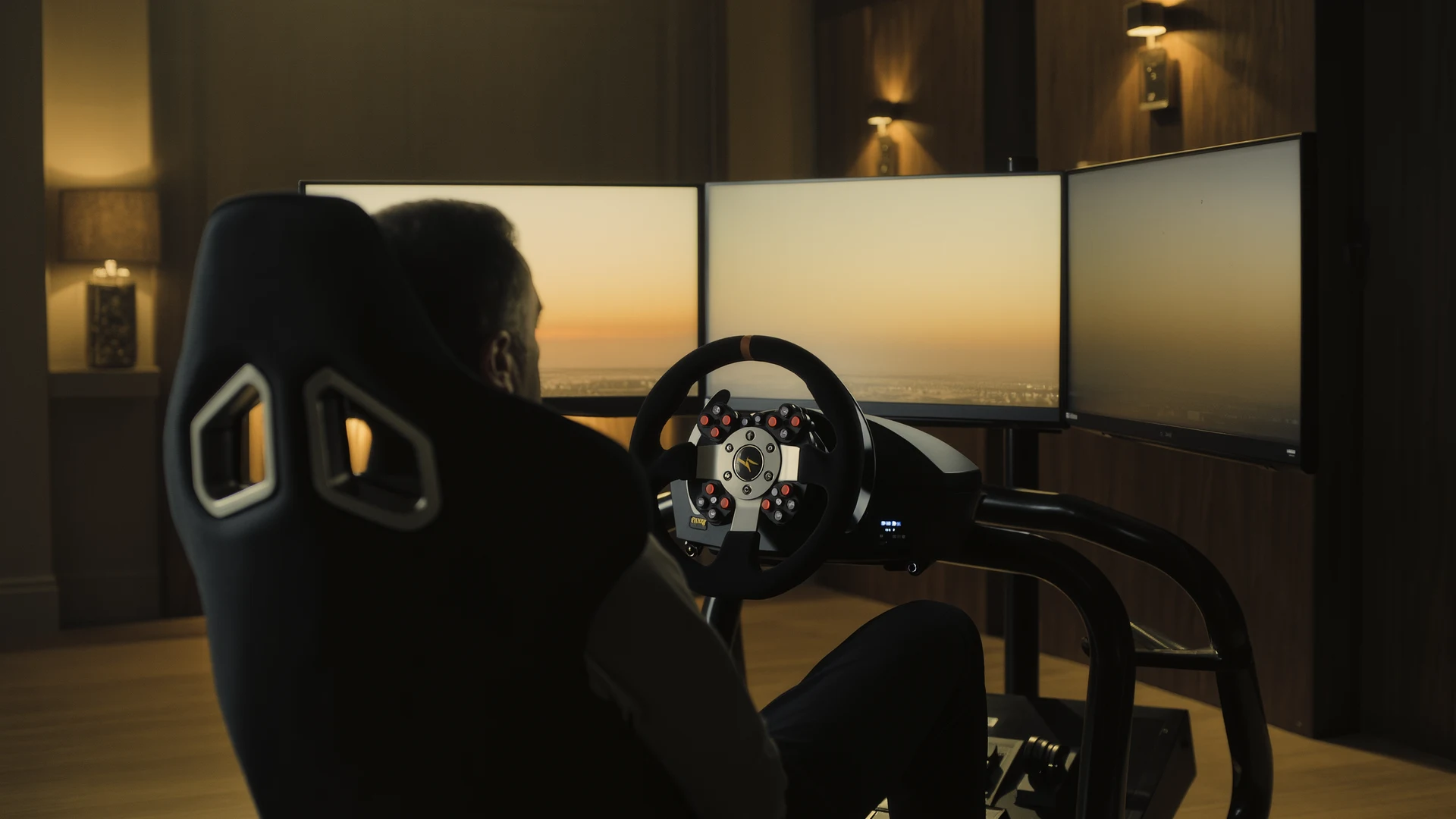
Sim Racing PC Build Guide
Sim racing PC build guide: why the AMD Ryzen 7 7800X3D wins on single-thread cache, how to match your GPU to your display, plus four complete budget b…
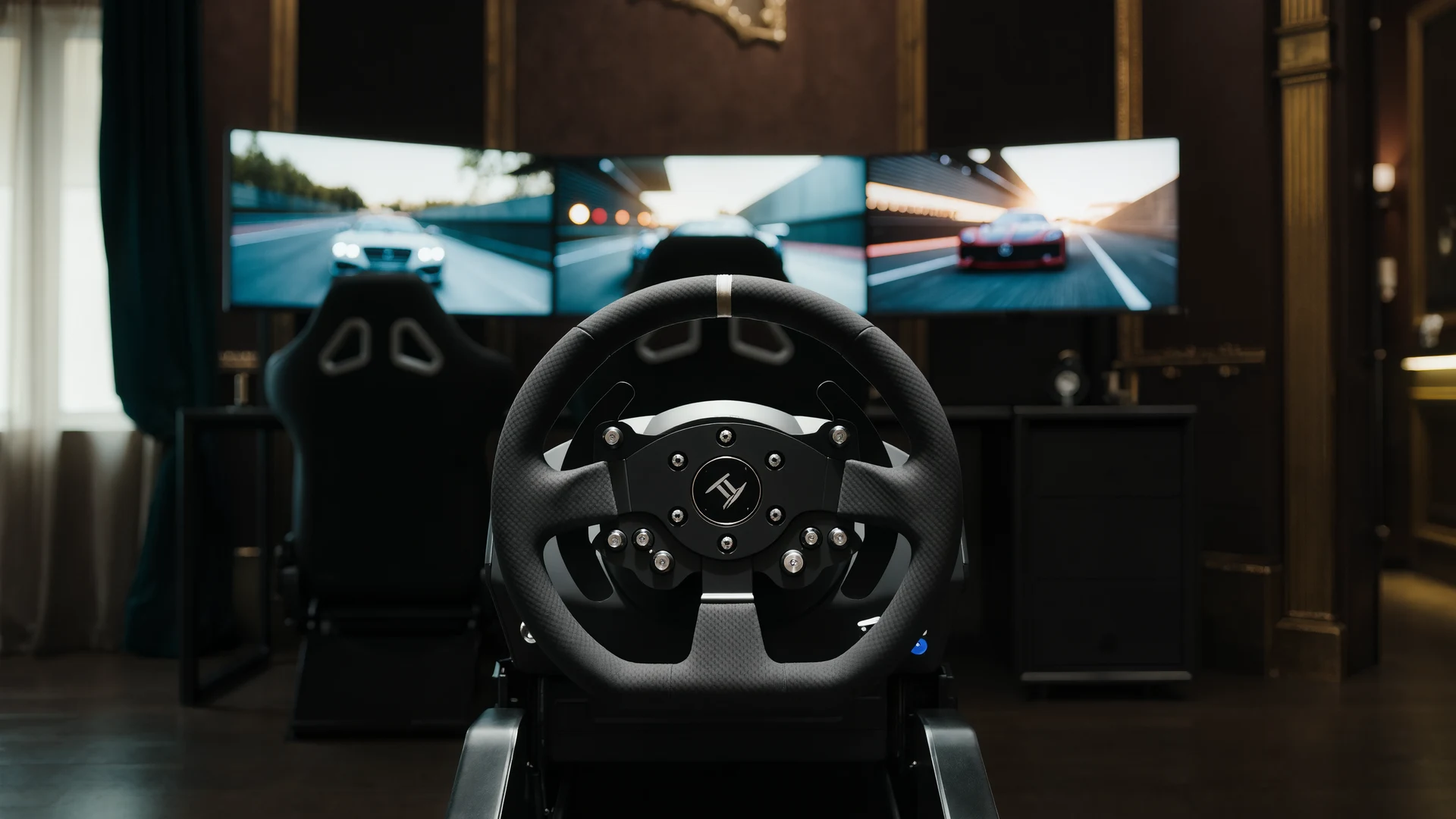
Sim Racing VR vs Triples Guide
VR vs triple monitors for sim racing in 2026: compare Quest 3, Pimax Crystal Light and triple 1440p setups on field of view, depth, comfort, cost and …
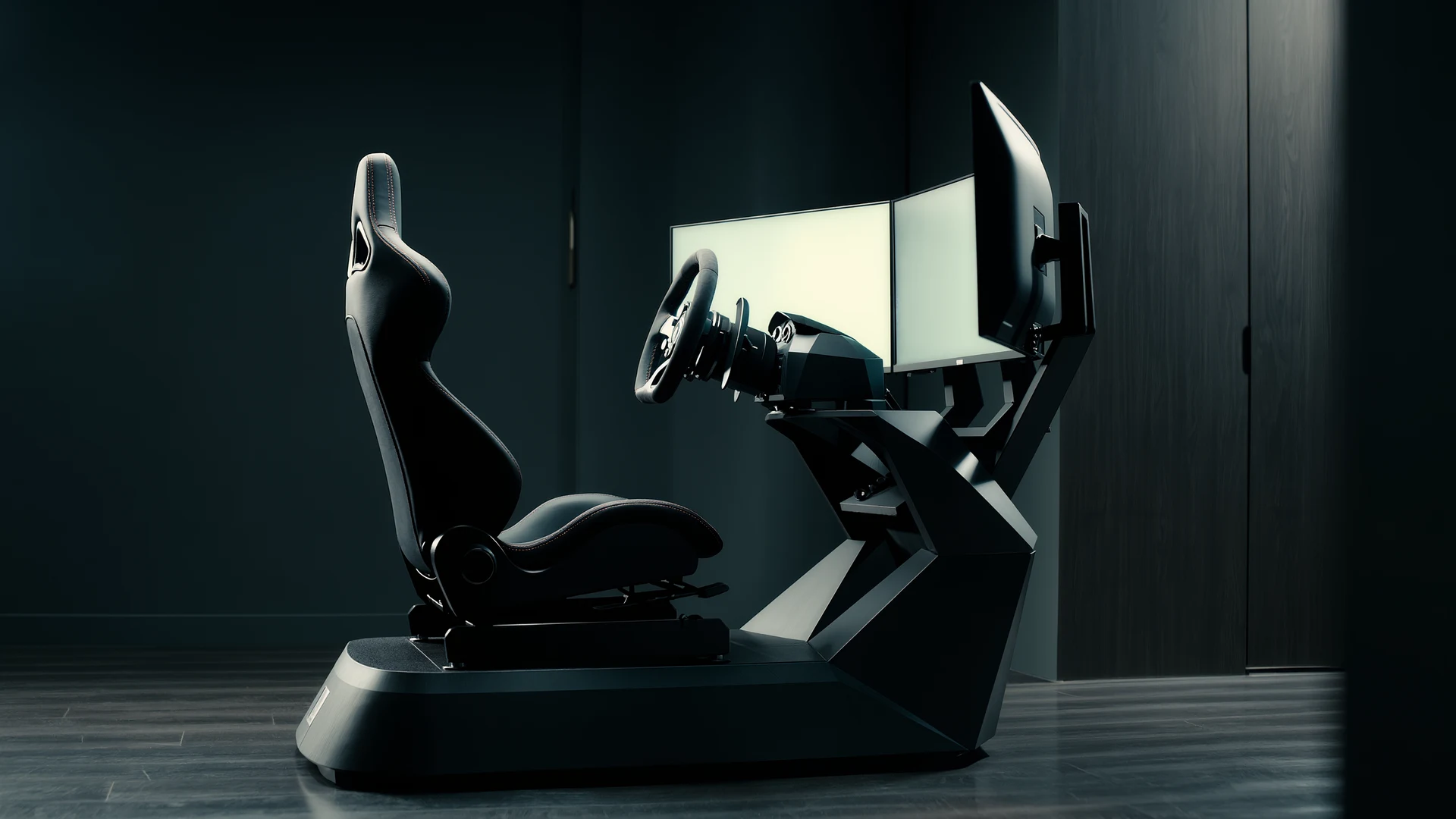
Sim Racing Motion Platforms Guide
Sim racing motion platforms guide: compare seat movers, chassis movers, D-BOX, PT Actuator, and bass shakers, with prices from $150 to $20,000-plus an…