Maximizing Performance with a Racing Wheelbase
So, you’ve got yourself a racing wheelbase. Awesome! Right off the bat, the biggest jump in performance you’ll see isn’t magic settings, but understanding what yo…
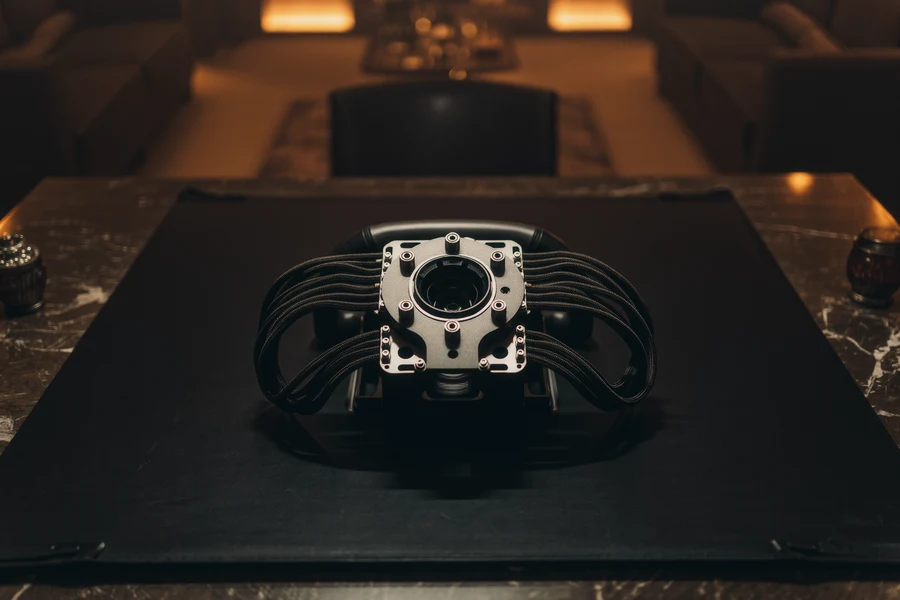
So, you’ve got yourself a racing wheelbase. Awesome! Right off the bat, the biggest jump in performance you’ll see isn’t magic settings, but understanding what your wheelbase is telling you and how to react. It’s about translating that powerful force feedback into usable information for faster, more consistent laps. Forget chasing ultra-specific numbers initially; focus on the feel and your ability to respond to it.
Before we dive into tweaking, let’s briefly touch on what makes these devices tick. Knowing your wheelbase’s basic capabilities helps set realistic expectations and informs your adjustment strategy.
Direct Drive vs. Belt/Gear Driven
This is a fundamental differentiator.
Direct Drive (DD)
If you have a direct drive wheelbase, you’re experiencing force feedback directly from a motor. This means incredibly detailed, fast, and powerful feedback. You’ll feel every bump, every loss of traction, and every nuance of the car’s behavior with remarkable clarity. The challenge here is often taming that power and preventing it from becoming overwhelming or ‘spiky’. Most high-end bases fall into this category.
Belt or Gear Driven
These wheelbases use belts or gears to transmit force feedback from a motor to the wheel. While still offering a significant upgrade over entry-level controllers, they inherently have some mechanical noise, dulling, or latency compared to direct drive. You might find yourself needing to amplify certain effects more to feel them distinctly. However, they are often a more affordable entry point into the world of force feedback.
Torque Output
This is generally measured in Newton-meters (Nm). A higher Nm rating means a stronger wheelbase. However, “stronger” doesn’t automatically mean “better” for everyone. Too much torque can lead to fatigue, prevent you from making precise inputs, and even cause injury if you’re not careful. The sweet spot is usually enough torque to convey the forces without making the wheel feel like a wrestling match. For most sim racers, anywhere from 8-15 Nm is a great range for immersive and informative racing, though some higher-end bases offer 20-30+ Nm for those who want maximum realism and have the strength to handle it.
Refresh Rate and Latency
While often not explicitly advertised in consumer-facing specs, a higher refresh rate and lower latency in force feedback transmission means a more immediate and accurate response from your wheelbase. This translates to feeling events in the simulator happening sooner, giving you more time to react. This is where direct drive bases typically excel, as there are fewer mechanical parts and processing steps between the game engine and your hands.
Initial Setup & Calibration: The Foundation
Before you even think about fine-tuning, you need a solid starting point. Get these basics right, and everything else will fall into place much more easily.
Mount It Securely
This might seem obvious, but a wobbly wheelbase is a huge detriment to performance. Any flex in your rig or desk will absorb force feedback cues, making them harder to feel and react to. Invest in a sturdy mounting solution, whether it’s bolts to a dedicated sim rig cockpit or a robust desk clamp. The less movement there is between your wheelbase and the surface it’s mounted to, the more direct and accurate the feedback will be.
Firmware Updates
Always, always make sure your wheelbase’s firmware is up to date. Manufacturers frequently release updates that improve performance, add new features, fix bugs, and refine force feedback algorithms. Think of it like updating your operating system, it’s crucial for optimal functionality.
Driver and Software Settings
Before launching any sim, dive into your wheelbase’s dedicated driver software (e.g. Fanatec Control Panel, Moza Pit House, Simucube TrueDrive).
Overall Force Feedback Strength
Start by setting your wheelbase’s overall force feedback strength to a reasonable level. For direct drive, 70-80% of max torque is often a good starting point. For belt/gear driven, you might go closer to 85-95%. The goal is to have enough headroom for the game to send strong effects without clipping (more on clipping later). You can always adjust this down in-game if it’s too much.
Damper, Friction, and Inertia
These are often global settings in your driver software.
- Damper: This adds resistance to the wheel’s movement, mimicking the feeling of friction in the steering rack or the car’s power steering. Too much damper can make the wheel feel ‘heavy’ or sluggish, obscuring finer details. Too little can make it feel ‘loose’ or overly responsive. Start with a low setting (e.g. 5-15%) and increase if the wheel feels too light or oscillations are excessive.
- Friction: Similar to damper, but often acts more like static friction or internal resistance in the steering mechanism. It can help calm oscillations at high speeds. Again, start low (0-10%).
- Inertia: This simulates the physical mass of the steering system. More inertia makes the wheel feel heavier and slower to react, but can smooth out very sharp forces. Less inertia makes it feel lighter and snappier. A low setting (0-10%) is usually preferred to maintain responsiveness.
Generally, for direct drive wheels, less damping, friction, and inertia is better globally as the motor is powerful and fast enough to deliver forces without needing these artificial dampeners. These settings are often more useful for belt/gear driven wheels to smooth out their inherent mechanical imperfections.
FFB Linearity/Gamma
Some wheelbases offer a setting to adjust the linearity of the force feedback. A linear setting (usually 1.0 or 100%) means forces are translated directly. A non-linear setting (like a gamma curve) can make smaller forces more pronounced while compressing stronger forces. This can be useful if you struggle to feel subtle effects but want to avoid clipping with strong forces. For most, leaving this linear is the best approach initially.
In-Game Force Feedback Settings: The Fine-Tuning
Once your wheelbase is calibrated globally, it’s time to refine things within each specific sim title. Remember, every game engine handles FFB differently.
Clipping: Your Worst Enemy
Clipping means your wheelbase is being asked to produce a force stronger than its maximum output, effectively flattening the force feedback curve. When this happens, you lose detail at the extremes, potentially missing critical information like impending understeer or oversteer.
How to Detect Clipping
Many sims have a built-in FFB meter or overlay. Keep an eye on it. If it’s hitting the top (100%) consistently during strong forces (e.g. heavy braking, cornering) for prolonged periods, you’re clipping. Some wheelbase software also shows clipping directly.
How to Combat Clipping
The primary method is to reduce the overall FFB strength in-game. If you set your wheelbase to 80% strength in its driver, you might find you need to set the in-game strength to 60-70% to avoid clipping. It’s a balance: you want enough strength to feel everything, but not so much that you lose information due to flattening.
Gain / Force Strength
This is your master FFB volume control within the game. Start by setting it so you feel pronounced forces but are not clipping. Drive a few laps, pay attention to the FFB meter, and adjust.
Road Effects / Curbs / Suspension
Most sims allow you to adjust the intensity of various elements.
- Road Effects: How much you feel the texture of the track surface. Too high, and it can become noisy and distracting. Too low, and you lose valuable information about grip levels.
- Curbs: The jolt you get from driving over curbs. Crucial for understanding track limits, but can be overly violent if too high, leading to discomfort and potentially shaking your hands off the wheel.
- Suspension / Slip / Understeer Effects: These are often harder to isolate but contribute to the overall feel of the car. Experiment with these carefully. You generally want forces that indicate loss of grip (understeer/oversteer) to be clear but not overwhelming.
Prioritize “grip” feedback over “noise.” You want to feel the car’s weight transfer, the tires loading up, and when they begin to lose traction. Excessive road bumps or curb effects can mask this crucial information.
Damping / Friction / Inertia (In-Game)
Some sims offer their own in-game FFB damping, friction, or inertia settings, often complementing or overriding the wheelbase’s global settings. If you’ve already set these low globally, keep them low or off in-game initially. Only increase if the wheel feels overly ‘twitchy’ or oscillates unrealistically at higher speeds.
Advanced Tuning & Understanding the Feedback
Now that the basics are covered, let’s look at how to really leverage that detailed feedback. This is where you move beyond just “feeling things” to “interpreting things.”
Learning the Language of Your Wheel
Your racing wheelbase is communicating constantly. Your job is to learn its language.
Understeer Cues
- Lightening of the Wheel: As the front tires lose grip, the forces pushing back against your steering input will decrease significantly. The wheel will feel “lighter” or “washy.” This is often the primary cue.
- Lack of Resistance: Turning the wheel might have less resistance than expected for the speed and corner.
- Vibrations (Subtle): In some cars or sims, you might feel a subtle, high-frequency vibration transmitted through the wheel as the tires are scrubbing and losing grip.
Oversteer Cues
- Wheel Snapping/Rotation: The most dramatic cue. As the rear tires lose grip, the forces from the car will try to rotate the wheel towards the direction of the slide. You’ll feel a sudden, strong pull or “kick” to counter-steer.
- Loss of Lateral Force: Similar to understeer, but for the rear. The overall lateral force in the wheel might change as the car slides.
- Increased Vibrations: Often more pronounced than understeer, as the rear tires are sliding laterally.
Braking Effects
- Weight Transfer: As you brake, the weight shifts to the front, increasing the load on the front tires. This often presents as increased resistance in the steering wheel, making it feel “firmer.”
- ABS Chatter: If your car has ABS and you activate it, you should feel a distinct vibration or rapid pulsing in the wheel. This is an important cue to modulate your brake pressure.
- Tire Lock-up: Before ABS or with cars without it, locking a tire will sometimes create a sudden slackening in the wheel on that side, or a rapid vibration, indicating a complete loss of grip.
Utilizing Software Profiles
Most modern wheelbases come with sophisticated software (e.g. TrueDrive, Fanatec PDD, Moza Pit House) that allows for highly detailed customization and profiles.
Sim-Specific Profiles
Take advantage of these! Don’t expect one general FFB setting to work perfectly across all sims (iRacing, Assetto Corsa, ACC, F1, Factor 2, etc.). Each sim has a different FFB engine. Create and save unique profiles for each game. Manufacturers often provide community-shared profiles as well, which can be a great starting point.
Per-Car Adjustments
Some advanced users even create per-car FFB profiles within games that support it, or using the wheelbase software’s savable profile slots. For example, a heavy GT3 car might need slightly different settings than a light open-wheeler to feel optimal. This is very granular and comes after you’ve mastered general sim settings.
The Importance of Self-Consistency
Once you find settings that feel good and provide clear information, stick with them for a while. Constantly tweaking your FFB means you’re always trying to re-learn how the car is communicating. Consistency in your FFB setup allows you to build muscle memory and instinct.
Beyond the Basics: Advanced Considerations
Filters and Smoothing
Many wheelbase drivers offer various filters or smoothing options (e.g. interpolation, dampening, friction, anti-cogging, slew rate limit).
- Smoothing/Interpolation: These generally reduce sudden spikes and make the FFB feel smoother. While good for combating unwanted noise, too much can introduce latency and dull fine details. Use sparingly and carefully. Direct drive wheels often need less of this than belt/gear driven.
- Anti-Cogging: Specifically for direct drive, this helps smooth out the natural ‘cogging’ or resistance inherent in powerful motors at slow speeds.
- Slew Rate Limit: This restricts how quickly the motor can change direction or target torque. Lowering it can reduce very sharp, sudden jolts, but can also dull responsiveness.
The goal with filters is to remove unwanted noise without removing vital information. It’s a delicate balance.
Headroom for Dynamics
Always ensure you have enough ‘headroom’ in your FFB settings. This means your peak forces in the game should not consistently reach 100% of your wheelbase’s maximum output. Why? Because the game engine creates dynamic forces. If your FFB is already maxed out during a strong corner, and then you hit a violent curb or sudden slide, the wheelbase can’t convey those additional forces. Giving yourself 10-20% headroom in your FFB meter ensures that even peak events can be fully expressed by your wheelbase, delivering the most information.
Ergonomics and Comfort
This is often overlooked but crucial for long-term performance.
- Seat Position: Ensure your driving position is comfortable and effective. You should be able to brace yourself against strong FF forces without straining.
- Wheel Rotation: Set the wheel rotation (degrees of lock) in both your wheelbase driver and in-game to match the real-life car you are driving, or a comfortable default like 900 degrees.
- Grip: Wear gloves if it helps protect your hands from blisters or improves grip, especially with high-torque wheels.
An uncomfortable setup leads to fatigue, reduces your ability to accurately feel and react to FFB, and ultimately impacts performance.
Maximizing performance with a racing wheelbase isn’t about finding a magic bullet setting. It’s a continuous process of understanding your hardware, correctly configuring it, and then meticulously learning what the car is telling you through force feedback. Start with a solid, non-clipping base, then gently refine settings to amplify the crucial cues (grip loss, weight transfer) while minimizing extraneous noise. The better you understand the language of your wheelbase, the faster and more consistent you’ll become.
FAQs
What is a racing wheelbase?
A racing wheelbase refers to the distance between the front and rear axles of a vehicle. It is an important factor in determining the stability, handling, and performance of a racing car.How does the wheelbase affect a racing car’s performance?
A longer wheelbase generally provides better stability at high speeds and can improve the overall handling of the car. However, a shorter wheelbase can offer better maneuverability and agility, especially in tight corners.What are the common wheelbase lengths for racing cars?
The wheelbase lengths for racing cars can vary depending on the type of racing and the specific regulations. However, common wheelbase lengths for racing cars typically range from around 95 inches to 110 inches.How does the wheelbase impact weight distribution in a racing car?
The wheelbase plays a significant role in determining the weight distribution of a racing car. A longer wheelbase can help distribute the weight more evenly between the front and rear axles, which can improve traction and stability.Are there any drawbacks to having a longer wheelbase in a racing car?
While a longer wheelbase can provide better stability and handling at high speeds, it can also make the car less agile and maneuverable, especially in tight and twisty sections of a race track. Additionally, a longer wheelbase can increase the overall weight of the car, which may impact acceleration and braking performance.More from Equipment & Gear
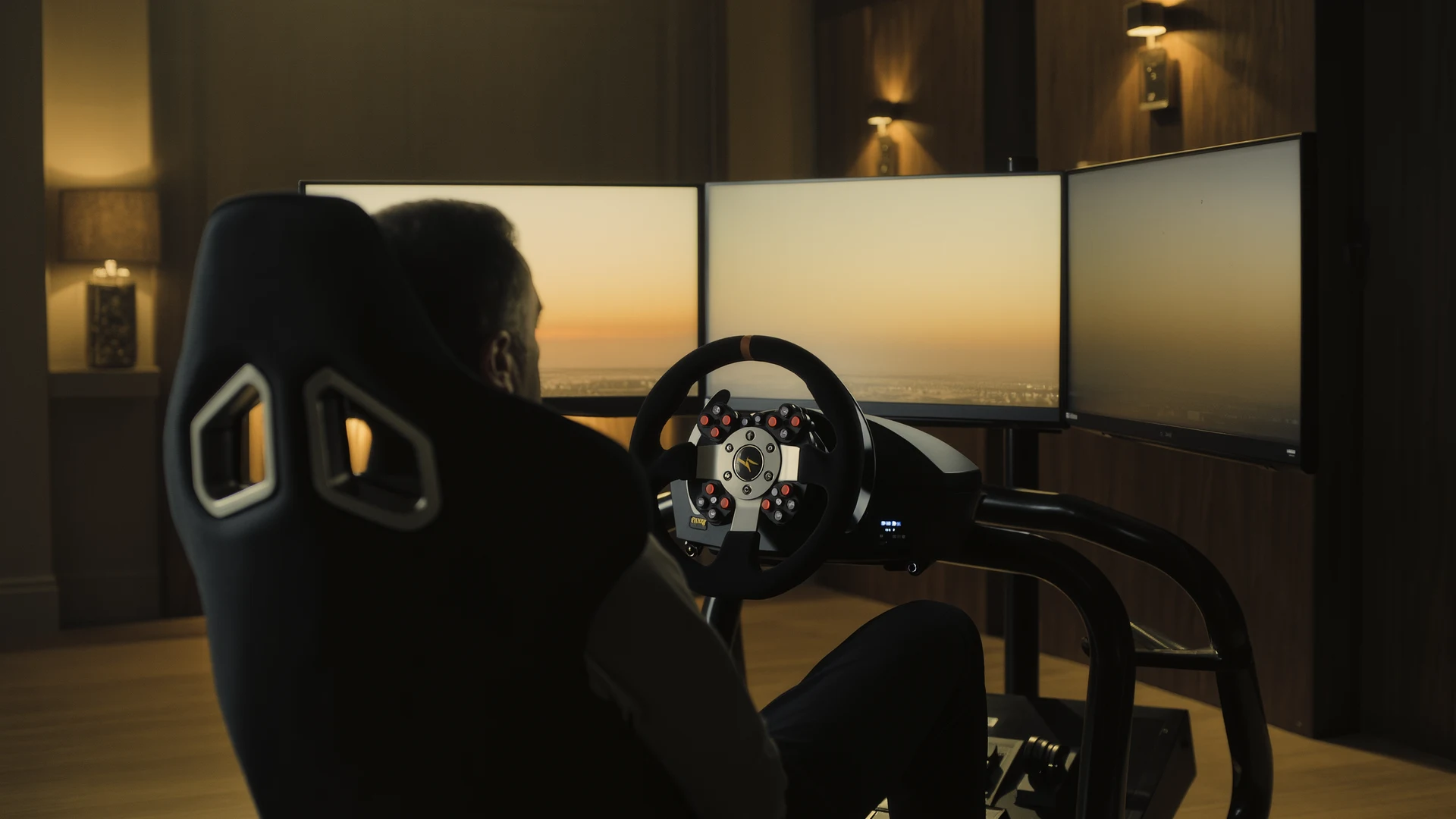
Sim Racing PC Build Guide
Sim racing PC build guide: why the AMD Ryzen 7 7800X3D wins on single-thread cache, how to match your GPU to your display, plus four complete budget b…
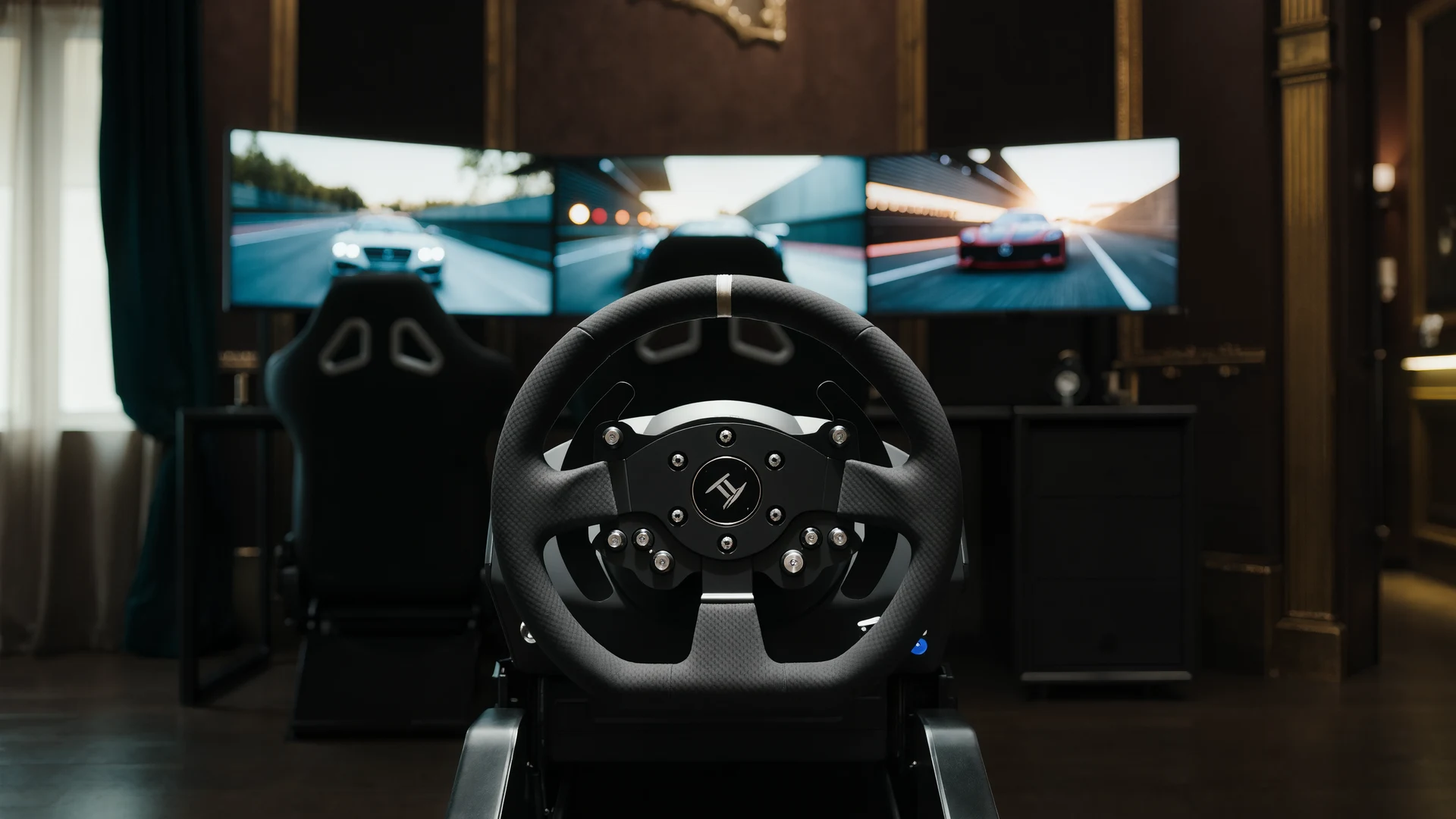
Sim Racing VR vs Triples Guide
VR vs triple monitors for sim racing in 2026: compare Quest 3, Pimax Crystal Light and triple 1440p setups on field of view, depth, comfort, cost and …
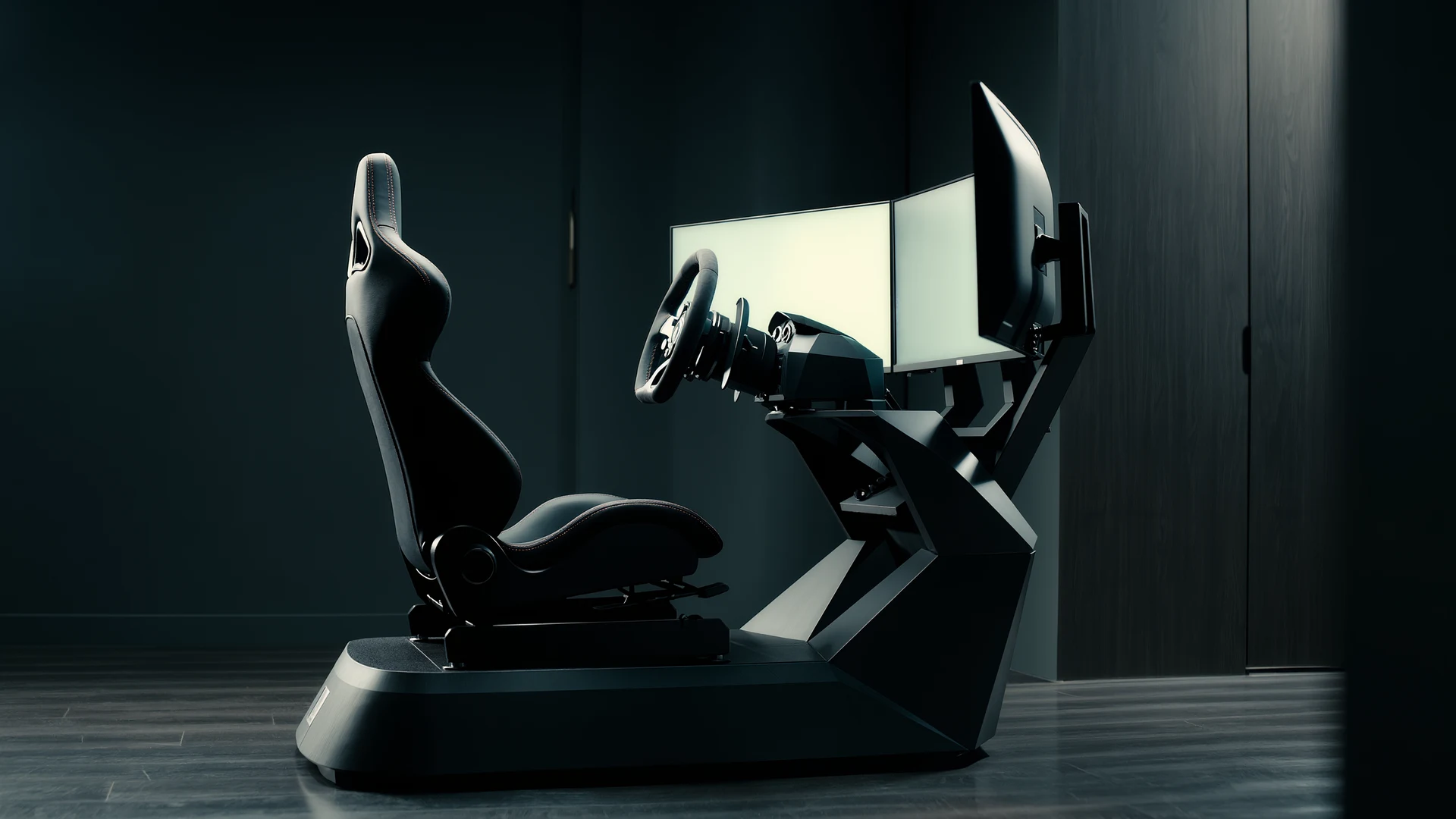
Sim Racing Motion Platforms Guide
Sim racing motion platforms guide: compare seat movers, chassis movers, D-BOX, PT Actuator, and bass shakers, with prices from $150 to $20,000-plus an…