Network latency: what actually causes the warping
Network latency and what actually causes the warping: the published thresholds, why packet loss is worse than ping and the fixes in order of effect.
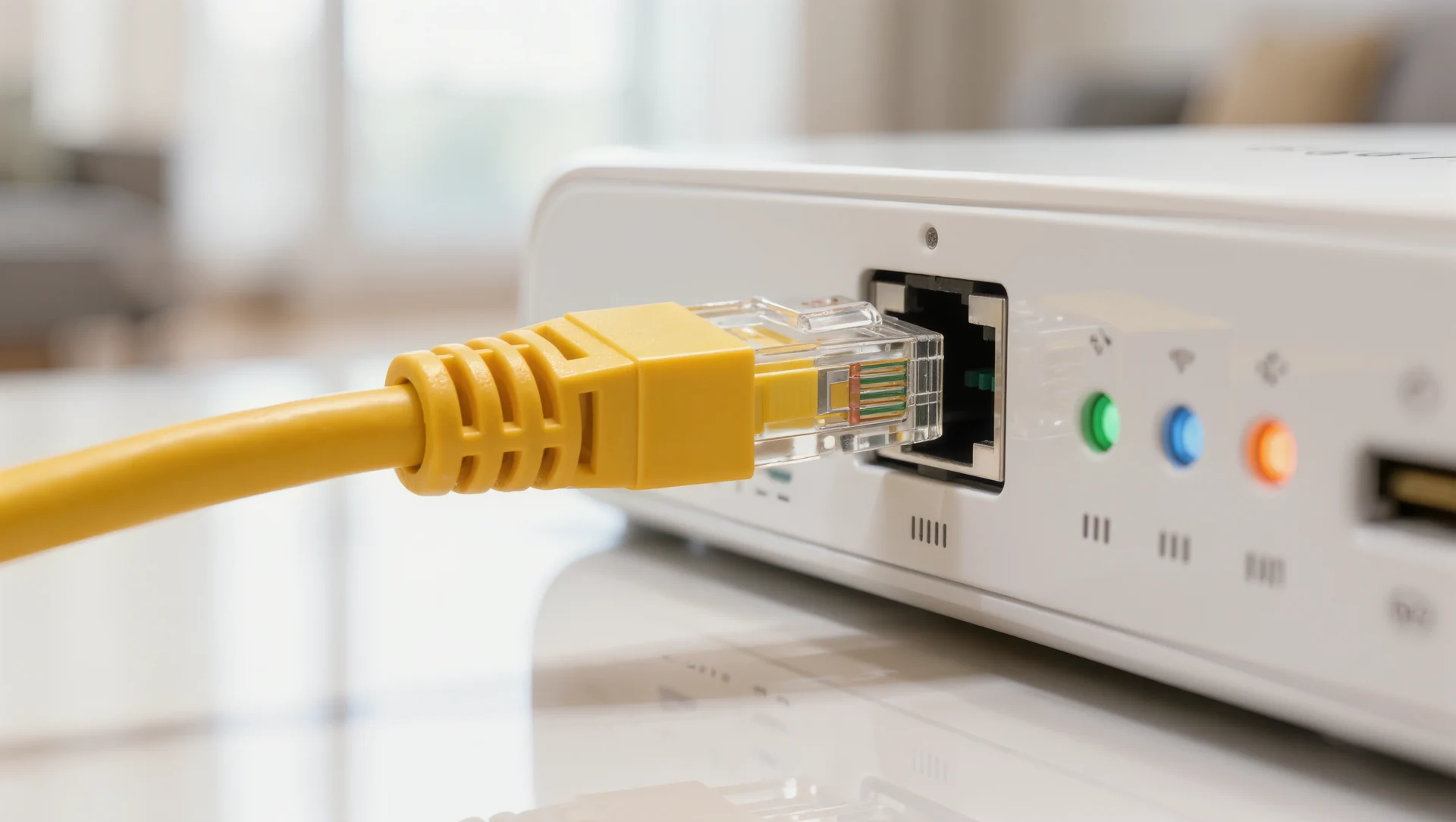
A car that jumps sideways is almost never a slow connection; it is a lost packet, and the two problems have different causes and different fixes. The published meters separate them precisely, which turns a frustrating evening into a ten minute diagnosis.
What the published meters measure
There are three network readouts and each answers a different question. The latency meter shows the delay between your computer and the server, with a full bar meaning one second and yellow or red described as concerning. The packet loss meter shows loss in each direction, with a full bar meaning 50 per cent per direction. And the congestion indicator turns red when an active congestion response is in progress.
Latency alone rarely causes warping. A consistent delay of 80 milliseconds is handled by prediction: the simulator extrapolates where the other cars will be and corrects when the next update arrives. What you see is smooth, and the correction is small because the prediction was working from good data.
Put the arithmetic on it. At 60 updates per second, losing 2 per cent means 1 missing update roughly every 0.8 seconds, and at 200 km/h a car covers 44 metres in that time. The prediction has to bridge that gap and then correct, which is why 2 per cent loss produces jumps of several car lengths while 90 milliseconds of steady latency produces none.
Packet loss is the one that breaks it. When an update never arrives, the prediction keeps extrapolating from old data, and the correction when the next packet lands is large. That correction is the sideways jump, and it is why a connection with 30 milliseconds of latency and two per cent loss looks far worse than one with 90 milliseconds and none.
| Meter | Full bar means | What it points at |
|---|---|---|
| Latency | one second | distance and route to the server |
| Packet loss | 50 per cent per direction | the cause of warping |
| Congestion indicator | active congestion response | something else using the line |
| Minimum connection | DSL at 256k or faster | bandwidth is rarely the constraint |
| Recommended connection | cable or fibre |
Why the problem is usually local
The published minimum requirement is modest: DSL at 256k or faster, with cable or fibre recommended. That is not a demanding figure, which tells you that raw bandwidth is rarely the constraint and that a connection fast enough for video is fast enough for racing.
What matters instead is consistency, and the common local causes are specific. Another device saturating the upload, a wireless link with interference, a router prioritising a download, or background software updating during a race all produce loss rather than latency.
Wireless is the single most common cause. A wireless link shares airtime with every other device and with the neighbours, so its loss rate varies minute to minute in a way a cable does not. A cable is the first fix precisely because it removes a variable rather than improving a number.
The fixes in order of effect
A cable first. Moving from wireless to wired removes the largest source of variable loss and costs the price of a cable.
Then quiet the network during a race. A single large upload elsewhere in the house is enough to produce loss, and the congestion indicator turning red tells you it is happening rather than leaving you to guess.
Then the router. Quality of service settings that prioritise the racing machine, or simply a router that is not ten years old, address the case where the loss is created inside your own house.
And only then the provider. A connection that shows loss on a cable, with the network quiet and a modern router, is a connection with an external problem, and that is the point at which a support call is worth making.
Diagnosing it in one session
Open the meter box and race with a full field, watching the latency and packet loss bars rather than the cars. Warping with a stable latency bar and a moving loss bar is loss; warping with a rising latency bar and no loss is a congested route.
Then repeat with everything else in the house switched off. If the loss disappears, the problem is inside your network and no provider will fix it, which is the most common outcome and the cheapest one.
Sources
Frequently asked questions
Is high ping the cause of warping?
Usually not. A consistent delay is handled by prediction; a lost packet is not, and that is what produces the sideways jump.
How much bandwidth do I need?
Very little. The published minimum is DSL at 256k or faster, which tells you the constraint is consistency rather than speed.
Wireless or cable?
Cable. A wireless link shares airtime with every other device nearby, and its loss rate varies in a way a cable does not.
How do I tell loss from latency?
By which bar moves. A moving packet loss bar with a stable latency bar is loss, and loss is what causes the warping.
More in Technology
From sim to seat: what a shootout really tests
What transfers from the simulator to a real car, what does not, and the licence steps that stand between a fast sim driver and a race entry.
Mental training: concentration for a two hour stint
The mental side of sim racing measured rather than described: sleep, attention budgets, the routine before a race and what to do after a bad one.

Opening a sim racing centre: the numbers before the dream
Opening a sim racing centre: the throughput arithmetic, the electrical and space requirements and the costs that only appear after the first month.