Ultimate Sim Racing Hardware Guide
So, you want to dive into sim racing, or perhaps you’re looking to upgrade your current setup. Excellent choice! The world of sim racing offers an incredibly immersive and sa…
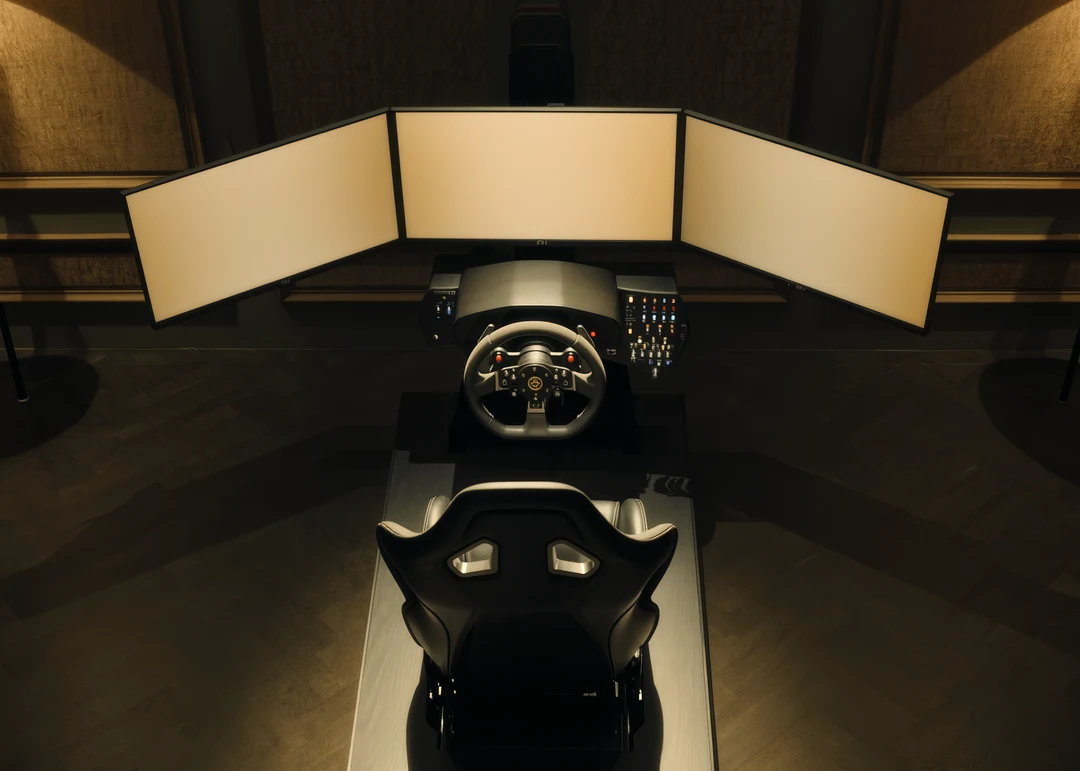
So, you want to dive into sim racing, or perhaps you’re looking to upgrade your current setup. Excellent choice! The world of sim racing offers an incredibly immersive and satisfying experience, but getting the right hardware can feel a bit overwhelming with all the options out there. This guide aims to cut through the noise and give you a practical rundown of what you actually need to consider, from absolute basics to top-tier equipment, all without breaking the bank unnecessarily.
Let’s start with the non-negotiables: a wheel, pedals, and a way to display the game. These are your foundational pieces. Everything else we discuss builds upon this core.
Wheel and Force Feedback
This is where the magic happens. A good racing wheel is your primary interface with the virtual track, providing crucial feedback that helps you feel what the car is doing.
Force Feedback Types
Not all force feedback is created equal. Understanding the different types is key to making an informed decision.
- Gear-Driven Force Feedback: This is the most common type for entry-level and mid-range wheels. Gears are used to transfer the motor’s force to the wheel, creating resistance and vibrations. While generally affordable, gear-driven wheels can sometimes feel a bit “notchy” or produce a slight grinding sensation compared to more advanced systems. Think Logitech G29/G920 or Thrustmaster T150/TMX. They’re a great starting point, offering a solid introduction to force feedback.
- Belt-Driven Force Feedback: Stepping up from gear-driven, belt-driven wheels use a system of belts to transmit force. This results in a much smoother, more direct, and quieter force feedback experience. There’s less internal friction, allowing for finer force feedback details to come through. This is often seen in mid-to-high range wheels like the Thrustmaster T300RS/TX or the Fanatec CSL Elite. They offer a significant upgrade in feel and immersion.
- Direct Drive Force Feedback: The crème de la crème of force feedback. In direct drive systems, the wheel rim is directly attached to the motor shaft. This eliminates any gears or belts, providing the purest, most immediate, and most powerful force feedback possible. You feel every bump, every loss of traction, and every steering input with incredible fidelity. This is where you get into the Fanatec DD series, Simucube, or VRS DirectForce Pro territory. These are significantly more expensive but offer an unparalleled level of realism and detail.
Wheel Rim Choices
Beyond the force feedback mechanism, the actual wheel rim matters.
- Materials and Ergonomics: Entry-level wheels often have plastic or synthetic leather wraps. As you move up, you’ll find genuine leather, Alcantara, and carbon fiber. Consider the diameter and button layout. Formula-style wheels are smaller and have many buttons, while GT or rally wheels are larger and often more rounded. Choose what feels comfortable for long racing sessions and suits the types of cars you plan to drive most often.
- Swappable Rims: Many mid-range and high-end wheelbases allow you to swap out different wheel rims. This is fantastic for versatility. You can have a formula wheel for open-wheelers and a larger round wheel for GT cars or rally, all on the same wheelbase. This modularity is a big selling point for brands like Thrustmaster and especially Fanatec.
Pedals: Your Connection to the Car’s Soul
Often overlooked, pedals are arguably just as important as the wheel, especially the brake pedal. They are your primary input for speed control and can make or break your consistency.
Pedal Types and Construction
The construction and sensor type dramatically impact a pedal’s feel and precision.
- Potentiometer Pedals: Many entry-level pedal sets use potentiometers to measure pedal position. While functional, they can suffer from reduced accuracy over time due to wear and tear, and the feel is often spring-loaded and lacks realistic resistance, particularly on the brake. Examples include the default pedals with Logitech G29/G920 or Thrustmaster TMX/T150.
- Hall Effect Pedals: These use magnetic sensors, which are contactless and therefore much more durable and accurate than potentiometers. They don’t suffer from wear and tear, providing consistent performance over the long term. Many mid-range sets will incorporate hall-effect sensors, sometimes on the accelerator and clutch, while still using a potentiometer for the brake.
- Load Cell Pedals (Brake): This is the game-changer for sim racing pedals. Instead of measuring position, a load cell sensor measures the force you apply to the pedal. This mimics real-world braking much more accurately. In a real car, you brake by pressure, not just by how far the pedal travels. Load cell pedals allow for much finer control and muscle memory development. Most serious sim racers will agree that upgrading to a load cell brake pedal is one of the best investments you can make. You’ll find these in mid-to-high-end sets from brands like Fanatec ClubSport, Heusinkveld, or SimForge.
Pedal Layout and Adjustability
Consider a 2-pedal (gas, brake) or 3-pedal (gas, brake, clutch) setup based on the cars you want to drive.
- Spacing and Angle: Being able to adjust the spacing between pedals, their individual angles, and even the stiffness of springs or elastomers (for load cell brakes) is crucial for finding a comfortable and effective driving position. Good pedals will offer a range of adjustability.
- Mounting: Pedals that slide around under heavy braking are a nightmare. Ensure you have a way to securely mount your pedals, whether it’s against a wall, on a dedicated sim rig, or with a robust wheel stand.
Displaying the Action
You can have the best wheel and pedals, but if you can’t see the track clearly, it’s all for naught.
Single Monitor vs. Ultrawide vs. Triple Monitors vs. VR
Each option has its pros and cons in terms of immersion, cost, and system requirements.
- Single Monitor: The most common and budget-friendly option. A good 27-inch to 32-inch monitor with a high refresh rate (120Hz+) and low response time (1ms-5ms) is perfectly adequate for getting started. Position it as close to your wheelbase as possible for better field of view (FOV).
- Ultrawide Monitor: A step up in peripheral vision without the complexity of triples. A 34-inch or 49-inch ultrawide offers a significantly wider field of view, making it easier to spot apexes and other cars. These can be very immersive, especially the super-ultrawides. Make sure your PC can drive the higher resolution.
- Triple Monitors: The gold standard for many sim racers seeking immersion without going into VR. Three identical monitors (27-inch or 32-inch are popular) perfectly aligned create a panoramic view, giving you an almost 180-degree field of vision. This is fantastic for spatial awareness and feeling like you’re truly “in” the car. Be aware that this requires a powerful graphics card to render three distinct images, and setting up the precise angles can be a bit fiddly.
- Virtual Reality (VR) Headset: For ultimate immersion, VR is king. Being able to look around the cockpit, judge distances naturally, and truly feel like you’re sitting in the car is an incredible experience. However, VR demands a very powerful PC, and some users experience motion sickness. Resolution and refresh rates in VR headsets are constantly improving, but it’s still a significant investment and might not be for everyone. Think Oculus Quest 2/3 (PCVR mode), Pico 4, or Valve Index.
Mounting Solutions for Displays
Don’t just plop your display on a desk.
- Desk Mount/Stand: For single monitors, a sturdy desk mount (clamp or grommet) allows you to position the monitor directly behind your wheel, which is ideal for FOV.
- Monitor Arms (for Triples): Essential for triple monitor setups. Choose robust arms that can handle the weight and allow for precise adjustment of angle and distance.
- Integrated Rig Mount: Many dedicated sim rigs have integrated monitor stands, which is the most robust and stable solution, ensuring your displays move with your rig.
The Foundation: Your Sim Rig/Cockpit
Where you sit and how your gear is mounted makes a massive difference to comfort, consistency, and immersion.
Wheel Stands vs. Full Cockpits
Your choice here depends on space, budget, and commitment.
- Wheel Stands: These are collapsible frames that hold your wheel and pedals, allowing you to use a separate chair. They’re excellent for smaller spaces and for those who need to pack away their setup. Look for sturdy designs that don’t flex under heavy braking or force feedback. Examples include the Next Level Racing Wheel Stand 2.0 or the GT Omega Apex.
- Full Cockpits/Rigs: These are dedicated frames with an integrated seat, wheel mount, and pedal plate. They offer the ultimate in stability, adjustability, and immersion. They don’t flex, ensuring consistent pedal pressure and no wobbling force feedback. They take up a permanent footprint, so make sure you have the space. Rigs come in varying materials (steel, aluminum profile) and price points. Brands like Next Level Racing, GT Omega, Sim-Lab, and Trak Racer are popular choices.
Ergonomics and Adjustability
A comfortable and properly adjusted driving position is crucial for long racing sessions.
- Seat Type: From repurposed car seats to dedicated racing buckets, choose something comfortable and supportive. Many rigs come with their own dedicated seats.
- Adjustability: Ensure your rig allows for ample adjustment of wheel height/angle, pedal distance/angle, and seat position. You want to be able to replicate a natural driving position as closely as possible. Your knees shouldn’t be hitting the wheel, and your arms should have a slight bend when holding the wheel.
Beyond the Basics: Enhancing Your Experience
Once you have the core components dialed in, you can start looking at additions that further enhance realism and immersion.
Shifters and Handbrakes
These are essential for certain disciplines.
- H-Pattern Shifters: For classic cars, rally, or truck sims, an H-pattern shifter is indispensable. Look for solid construction and a realistic feel. Brands like Thrustmaster TH8A or Fanatec ClubSport Shifter are popular.
- Sequential Shifters: Often integrated into modern racing wheels via paddle shifters, but a dedicated sequential shifter can offer a more satisfying and robust feel for specific race cars where you’re rapidly banging through gears.
- Handbrakes: Crucial for rally, drift, and some track racing. Hydraulic handbrakes offer the most realistic feel, while spring-loaded USB handbrakes are a more affordable and still very effective option.
Audio: The Unsung Hero
Good audio is surprisingly important for sim racing.
- Headphones/Headset: A comfortable, good-quality gaming headset or a pair of audiophile headphones with a separate microphone can provide excellent directional audio cues (where other cars are, tire squeal, engine notes) that enhance awareness and immersion. Look for good sound isolation to minimize distractions.
- Surround Sound Systems: If you prefer speakers, a good 5.1 or 7.1 surround sound system, properly positioned, can also contribute significantly to immersion, especially when combined with a large display setup.
Buttkickers and Haptic Feedback
Feel the road, literally.
- Buttkicker/Tactile Transducers: These devices, mounted to your seat or rig, convert audio signals into vibrations. This allows you to feel engine rumble, gear changes, kerbs, and even impacts. It’s a fantastic addition for immersion and can even provide subtle cues about what the car is doing. They range from single units to multi-transducer setups where you can feel vibrations from different corners of the car. Software like SimHub is often used to fine-tune these effects.
Software and PC Considerations
Don’t forget the brains behind the operation.
- PC Specifications: Sim racing can be demanding, especially with triple monitors or VR. A modern CPU (Intel i5/Ryzen 5 or better), a capable discrete GPU (Nvidia RTX 30 series/AMD RX 6000 series or better), and at least 16GB of RAM are recommended. Faster SSD storage is also beneficial for quick loading times.
- Sim Racing Titles: Research the games you want to play. Some are more forgiving on hardware (e.g. Assetto Corsa) than others (e.g. iRacing, Automobilista 2 with VR).
- SimHub: A brilliant piece of third-party software that allows you to configure dashboards, tactile transducers, integrate external hardware, and generally customize your sim racing experience extensively. It’s almost a must-have for advanced setups.
Budgeting and Recommendations
No one wants to empty their bank account without getting value.
Entry-Level (Under $500 – $700)
Focus on solid basics.
- Wheel & Pedals: Logitech G29/G920 or Thrustmaster T150/TMX with their included pedals. These offer functional force feedback and a decent entry point.
- Display: Your existing PC monitor or TV, or a dedicated 24-27 inch 1080p monitor (120Hz+).
- Mounting: Desk clamp for the wheel, pedals against a wall, or a basic wheel stand like the GT Omega Classic.
Mid-Range ($700 – $1500)
Significant step up in feel and immersion.
- Wheel & Pedals: Thrustmaster T300RS/TX (belt-driven) with upgraded T3PA Pro pedals or the Fanatec CSL DD Ready2Race bundle (direct drive at the lower end of this budget). Crucially, a load cell brake pedal is a priority here.
- Display: 34-inch ultrawide or a good 27-inch 1440p monitor (144Hz+).
- Mounting: A robust wheel stand (e.g. Next Level Racing Wheel Stand 2.0) or an entry-level aluminum profile rig (e.g. Sim-Lab GT1 Evo or Trak Racer TR80 Lite).
High-End ($1500 – $5000+)
The sky’s the limit for quality and immersion.
- Wheel & Pedals: Dedicated direct drive wheelbase (Fanatec Podium, Simucube 2 Sport/Pro/Ultimate, VRS DirectForce Pro) with a high-quality rim. High-end load cell pedals (Heusinkveld Sprint/Ultimate, SimForge, Fanatec ClubSport V3).
- Display: Triple 32-inch 1440p monitors, a 49-inch super ultrawide, or a high-end VR headset (Valve Index, Varjo Aero if budget allows).
- Mounting: A sturdy aluminum profile rig (e.g. Sim-Lab P1X, Trak Racer TR160) with an integrated monitor stand.
- Add-ons: H-pattern/sequential shifters, hydraulic handbrake, Buttkicker/tactile transducers, button boxes.
Remember, this is a journey, not a destination. You can always start with a basic setup and upgrade components over time as your skills and budget allow. The most important thing is to enjoy the ride!
FAQs
What is sim racing hardware?
Sim racing hardware refers to the physical equipment used for simulating real-life racing experiences in a virtual environment. This can include steering wheels, pedals, shifters, and other accessories designed to enhance the realism and immersion of racing simulations.What are the key components of sim racing hardware?
The key components of sim racing hardware include a steering wheel, pedals, and a racing seat. Some setups may also include a shifter, handbrake, and other accessories to further enhance the racing experience.What are the benefits of using sim racing hardware?
Using sim racing hardware allows enthusiasts to experience the thrill of racing in a realistic and immersive manner without the need for a physical race car. It also provides a safe and cost-effective way to practice and improve racing skills.What are some popular brands of sim racing hardware?
Some popular brands of sim racing hardware include Logitech, Thrustmaster, Fanatec, and SimXperience. These brands offer a range of products catering to different budgets and levels of realism.How can I set up a sim racing hardware system at home?
Setting up a sim racing hardware system at home involves selecting the desired components, such as a steering wheel, pedals, and racing seat, and connecting them to a compatible gaming console or PC. Additionally, users may need to install and configure racing simulation software to complete the setup.More from Equipment & Gear
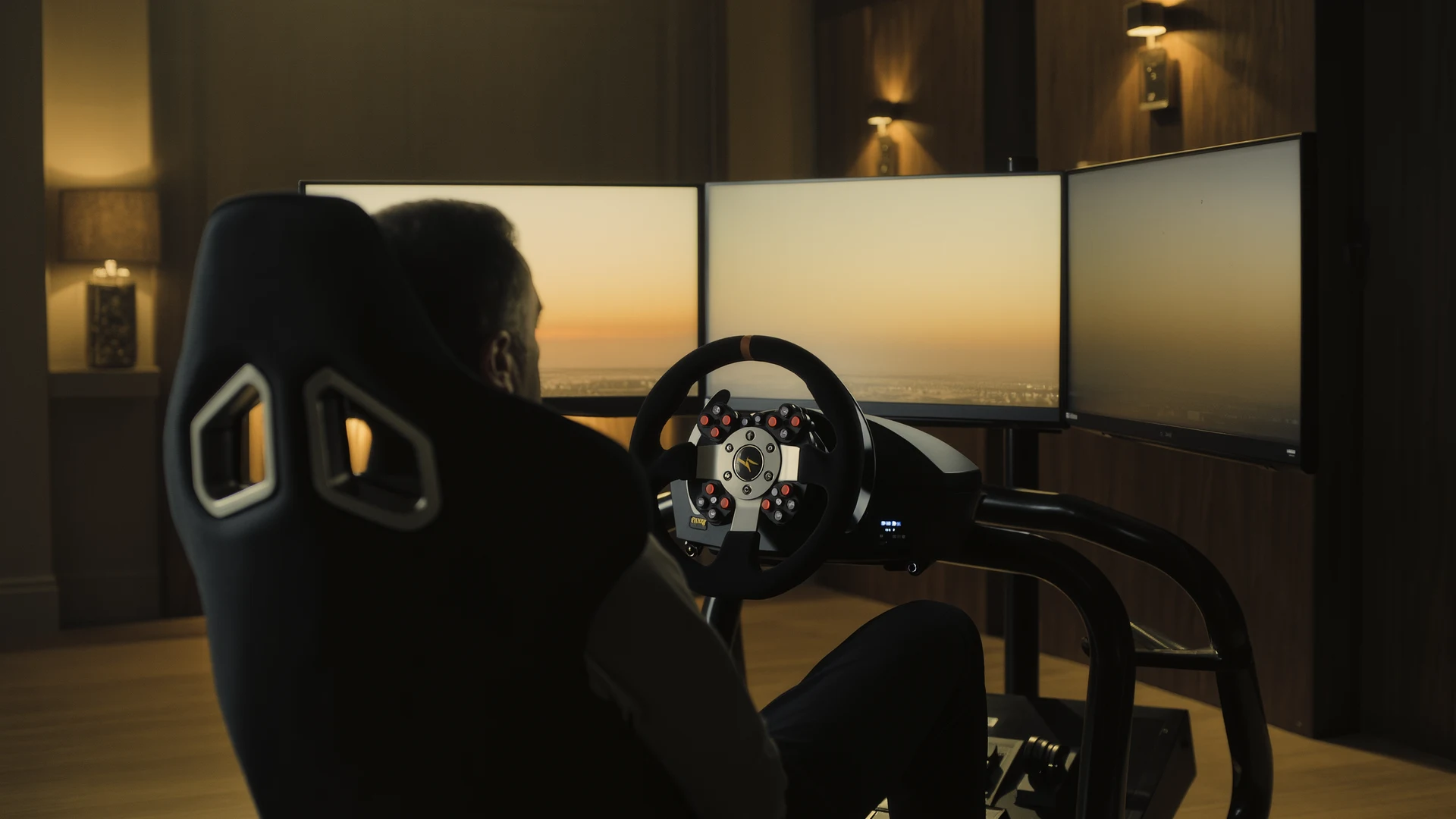
Sim Racing PC Build Guide
Sim racing PC build guide: why the AMD Ryzen 7 7800X3D wins on single-thread cache, how to match your GPU to your display, plus four complete budget b…
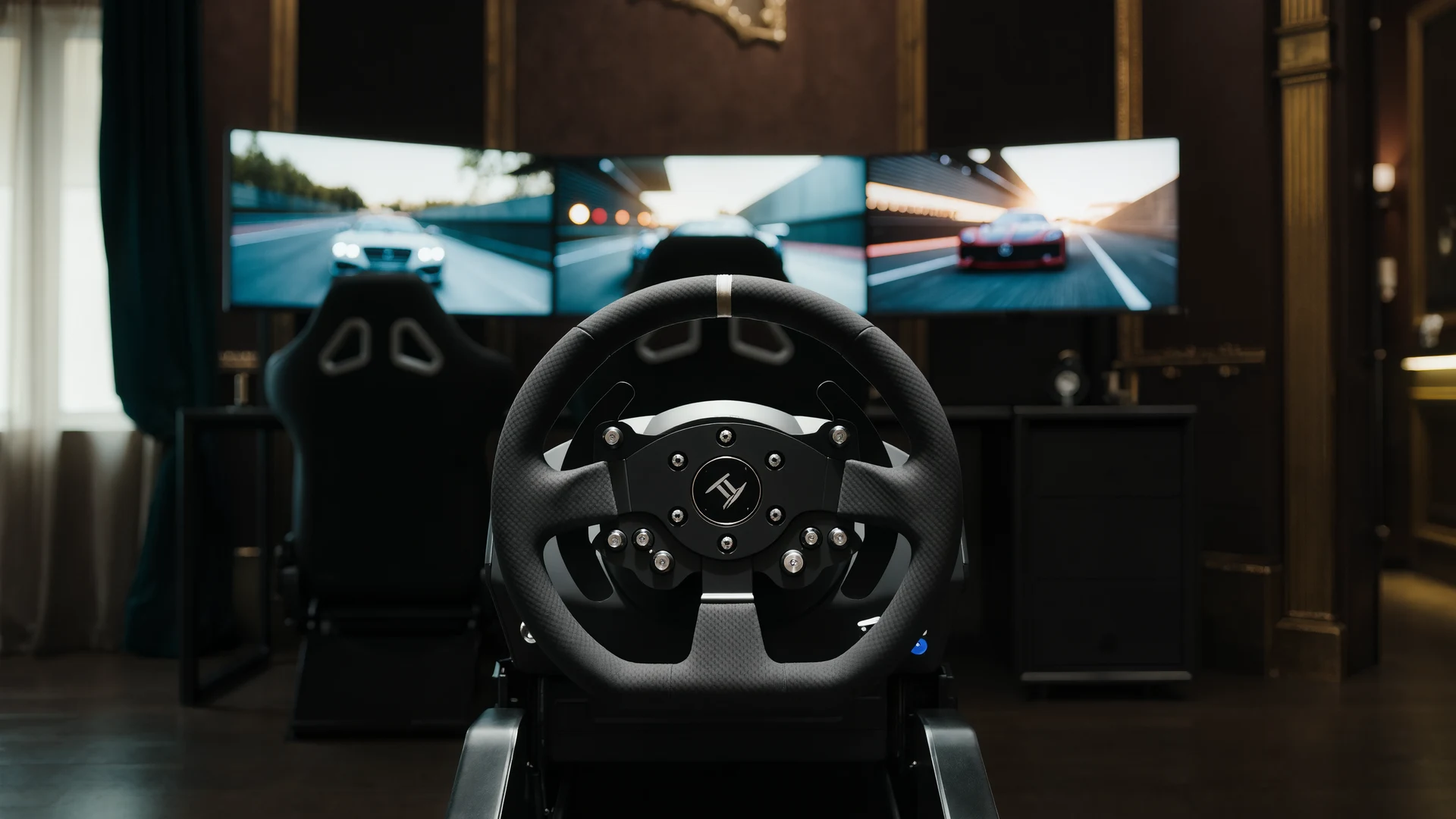
Sim Racing VR vs Triples Guide
VR vs triple monitors for sim racing in 2026: compare Quest 3, Pimax Crystal Light and triple 1440p setups on field of view, depth, comfort, cost and …
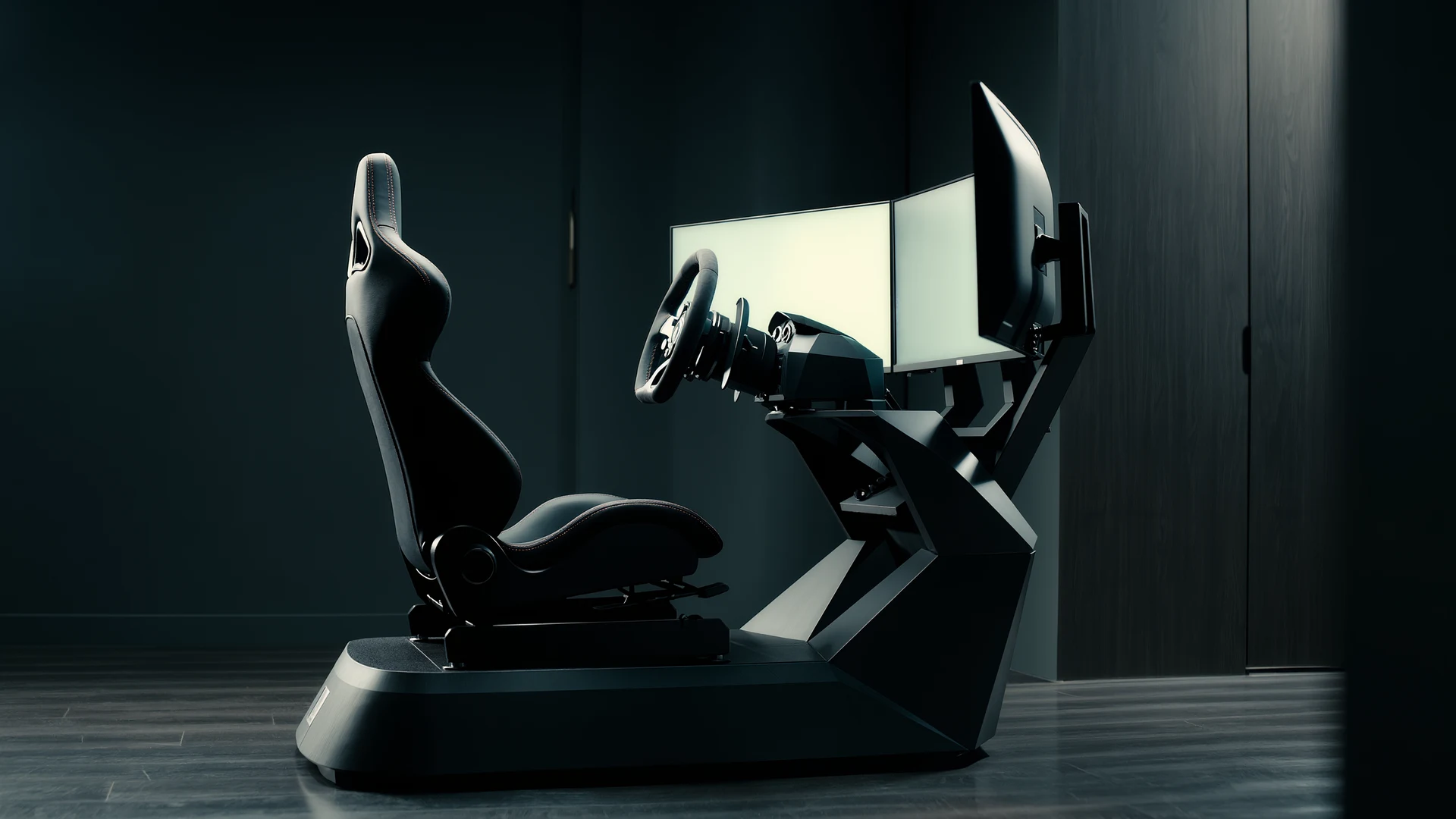
Sim Racing Motion Platforms Guide
Sim racing motion platforms guide: compare seat movers, chassis movers, D-BOX, PT Actuator, and bass shakers, with prices from $150 to $20,000-plus an…