Head tracking and eye tracking on a flat screen
Head tracking and eye tracking on a flat screen: what each one actually does, the published latency and degrees of freedom, and which problem they solve.
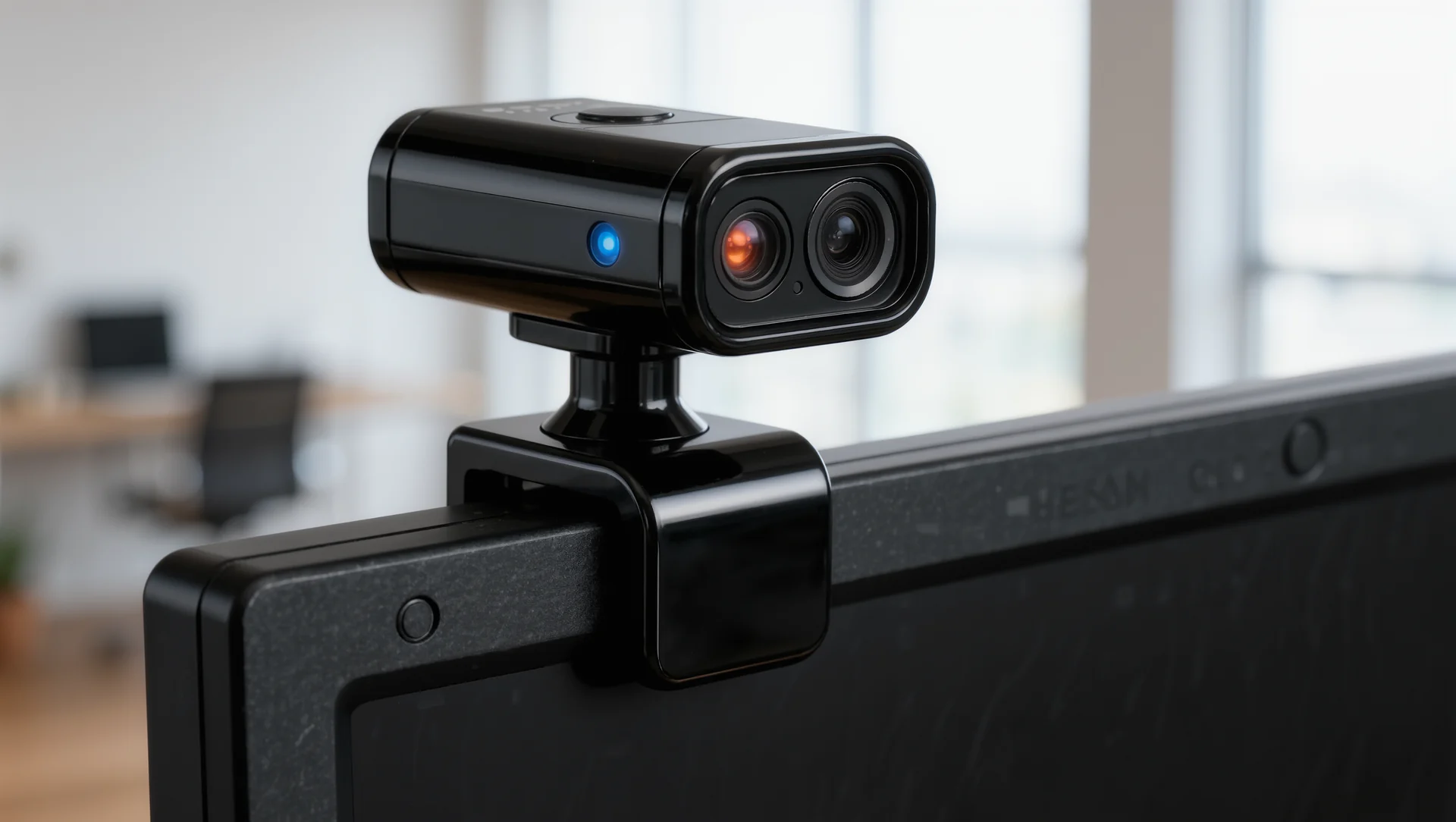
A flat screen shows you one fixed viewpoint, and head tracking turns it into a window you can look around. It is the cheapest way to recover part of what a headset gives you, and it solves a specific problem rather than being a general upgrade.
The two technologies and what separates them
Head tracking follows the position of your head. A tracker that provides only yaw, pitch and roll is a three degree of freedom tracker; one that also provides X, Y and Z translation is a six degree of freedom tracker, and the difference is whether leaning forward moves the view or only turning your head does.
TrackIR is the established hardware approach, with an infrared sensor on the monitor and an emitter on a headset or cap. The published figures for TrackIR 5 are a full six degree of freedom pose covering pitch, yaw, roll plus X, Y and Z translation, with latency under 8 milliseconds, and over 200 game integrations that remove the need for intermediary software.
Eye tracking answers a different question. A Tobii device follows gaze direction for interface interaction rather than providing accurate head positioning, so the two are not substitutes: one tells the simulator where your head is, the other tells it where you are looking.
| Item | Figure |
|---|---|
| Three degree of freedom tracker | yaw, pitch and roll only |
| Six degree of freedom tracker | plus X, Y and Z translation |
| TrackIR 5 | full six degree of freedom pose, latency under 8 ms |
| TrackIR game integrations | over 200 |
| opentrack | open source, FreeTrack compatible, over 200 games |
| Eye tracking | gaze direction, not head position |
The free route and where it ends
opentrack is open source software providing a FreeTrack compatible interface used by a wide range of games as a drop in replacement, and it can drive tracking from a webcam or from eye tracking hardware in over 200 games. For a driver who wants to know whether head tracking helps at all, it costs nothing but a webcam.
What it costs instead is latency and stability. A webcam based solution runs at the camera's frame rate and is sensitive to lighting, while dedicated hardware publishes latency under 8 milliseconds and works in the dark. The difference shows up as a view that lags slightly behind your head, which is a mismatch of exactly the kind that causes discomfort.
And the free route needs configuration. Curves, dead zones and axis limits all have to be set, and a badly configured tracker is worse than none because it moves when you did not ask it to.
Which problem it actually solves
Looking into a corner. On a single screen with a correct field of view, the apex of a tight left hander can be outside the picture, and head tracking lets you glance at it the way you would in a car. That is the case where it genuinely adds information.
Checking a mirror or a car alongside. In traffic, a small head movement to see who is beside you replaces guesswork, and this is where drivers report the largest practical benefit on a single screen.
What it does not solve is depth. Head tracking moves a flat image; it does not give you stereo depth perception, which is the thing a headset provides and the reason VR remains different in kind rather than in degree.
Setting it so it helps
Set the movement to be smaller than reality, not larger. A one to one mapping means turning your head 30 degrees turns the view 30 degrees, and your eyes then leave the screen. Amplifying the movement so that 15 degrees of head turn produces 45 degrees of view keeps your eyes on the picture, which is the whole point.
And add a dead zone in the centre. Small involuntary movements while braking should not move the view, and a few degrees of dead zone removes the jitter without removing the function.
Then check the field of view again. Head tracking changes how much of the world you can reach but not the geometry of what is on screen, so the calculation from screen width and eye distance still applies exactly as before.
Sources
Frequently asked questions
Is head tracking a substitute for VR?
No. It moves a flat image and does not provide stereo depth, which is the thing a headset gives you.
Three or six degrees of freedom?
Six if you can. Leaning forward to see into a corner is the movement that helps most, and a three degree tracker cannot do it.
Can I try it for free?
Yes. opentrack with a webcam works in over 200 games, at the cost of latency and lighting sensitivity against dedicated hardware under 8 ms.
Should the movement be one to one?
No. Amplify it so a small head turn produces a larger view movement, otherwise your eyes leave the screen.
More in Technology
Mental training: concentration for a two hour stint
The mental side of sim racing measured rather than described: sleep, attention budgets, the routine before a race and what to do after a bad one.
Opening a sim racing centre: the numbers before the dream
Opening a sim racing centre: the throughput arithmetic, the electrical and space requirements and the costs that only appear after the first month.
Simulator rental: logistics, pricing, damage
Renting simulators out: what a load actually weighs, how long a build really takes, how to price it and who pays when something breaks.