Refresh rate and latency: where milliseconds hide
Refresh rate and latency: where the milliseconds actually hide, which ones you can remove and which published thresholds tell you where the problem is.
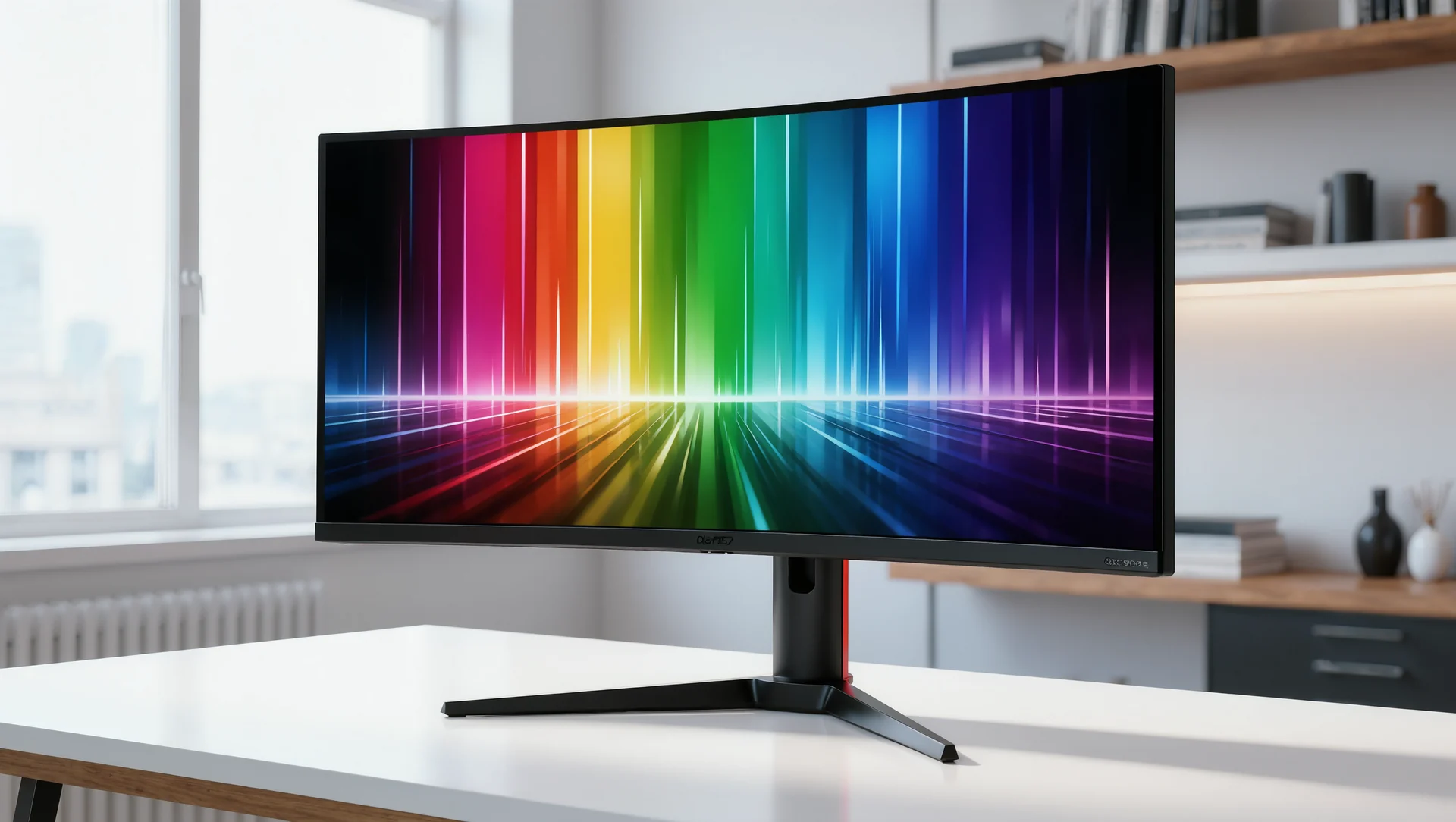
Between the tyre losing grip in the physics engine and your hands feeling it, there are at least five separate delays, and only two of them are the monitor. Knowing which is which decides whether a faster screen helps at all.
The chain from physics to hands
The physics runs first and fastest. Le Mans Ultimate publishes a physics engine at 400 Hz for force feedback, which is a value every 2.5 milliseconds, and iRacing runs force feedback at 360 Hz, or every 2.8 milliseconds. That is the fastest link in the chain and almost never the problem.
The wheel base is the second link and can be faster still. A base publishing a torque slew rate of 4.8 Nm per millisecond and a 22 bit absolute angle sensor is capable of responding within single milliseconds, which is why force feedback reaches your hands before the picture reaches your eyes.
The display is the slow link. At 60 Hz a new frame arrives every 16.7 milliseconds, which the published meter box uses as its reference: a full bar on the renderer, graphics or physics thread meters means about 16.7 ms at 60 Hz. At 144 Hz the same frame budget is 6.9 milliseconds, and at 240 Hz it is 4.2.
| Link | Published figure | Time per step |
|---|---|---|
| Physics, Le Mans Ultimate | 400 Hz | 2.5 ms |
| Force feedback, iRacing | 360 Hz | 2.8 ms |
| Wheel base slew rate | 4.8 Nm per millisecond | single milliseconds |
| Display at 60 Hz | meter box reference | 16.7 ms |
| Display at 144 Hz | 6.9 ms | |
| Display at 240 Hz | 4.2 ms | |
| Latency meter full bar | 1 second | |
| Packet loss meter full bar | 50 per cent per direction |
Which milliseconds you can actually remove
Frame time variance first, because it costs more than the average. A machine that averages 120 frames per second but drops to 45 in a full field has a 22 millisecond frame in exactly the moment twenty cars are on screen. The published meters show this immediately: a bar that fills only in traffic is a load problem, not a hardware limit.
Then the refresh rate, but only after the frame time is stable. Moving from 60 Hz to 144 Hz removes about 10 milliseconds of display latency, which is real and worth having, and is worth nothing if the machine cannot hold 144 frames in a full field.
Then the network, which is a separate chain entirely. The published thresholds are specific: a full bar on the latency meter means one second, a full bar on packet loss means 50 per cent per direction, and a red congestion indicator means an active congestion response. Those numbers describe the connection rather than the computer.
What a faster screen does not fix
It does not fix physics stutter. A physics thread that misses its deadline produces a discontinuity in the force feedback, and no display refresh rate changes what the wheel does. The published thresholds separate the two: watch the physics thread meter rather than the frame counter.
It does not fix input lag from the wheel side. A base with heavy filtering applied delays the report of a falling load by more than a display frame, and turning damping down is free where a monitor is not.
And it does not fix a marginal USB connection. A device browning out under load disappears from the device list, and a 240 Hz monitor renders the moment it happens in beautiful detail.
Setting the priorities
Stable frame time first, refresh rate second, network third, monitor last. That order is the reverse of how most people spend money, and it follows directly from where the published thresholds put the delays.
And measure before you buy. Ten minutes with a full grid and the meter box open tells you which link in the chain is the slow one, and the published thresholds are specific enough that the answer is not a matter of opinion.
Sources
Frequently asked questions
Is a 240 Hz monitor worth it?
Only after frame time is stable in a full field. Going from 60 to 144 Hz removes about 10 ms; going from 144 to 240 removes 2.7 more.
Why does my wheel feel delayed at high frame rates?
Usually filtering rather than display latency. Damping and inertia delay the report of a falling load by more than a display frame.
How do I tell a network problem from a machine problem?
By which meter fills. Latency and packet loss describe the connection; the physics thread and renderer meters describe the computer.
What frame rate do I actually need?
Whatever you can hold with a full grid without dropping. A stable 90 beats an average of 120 that dips to 45 exactly when twenty cars appear.
More in Technology
Pit strategy: undercut, overcut and the safety car
Pit strategy: undercut, overcut and the safety car, with the arithmetic that decides each one and the published rules that limit your options.
Founding a team: roles, rules and the first season
Founding a team: the roles that actually matter, the rules that bind a team and the first season planned so it survives to the second.

Prize money in sim racing: the sober numbers
What sim racing actually pays: the published prize pools, what they look like divided by the field and why prize money is not an income.