The sim racing PC: where the money actually belongs
The sim racing PC: where the money actually belongs, what the published requirements ask for and the component most drivers overspend on.
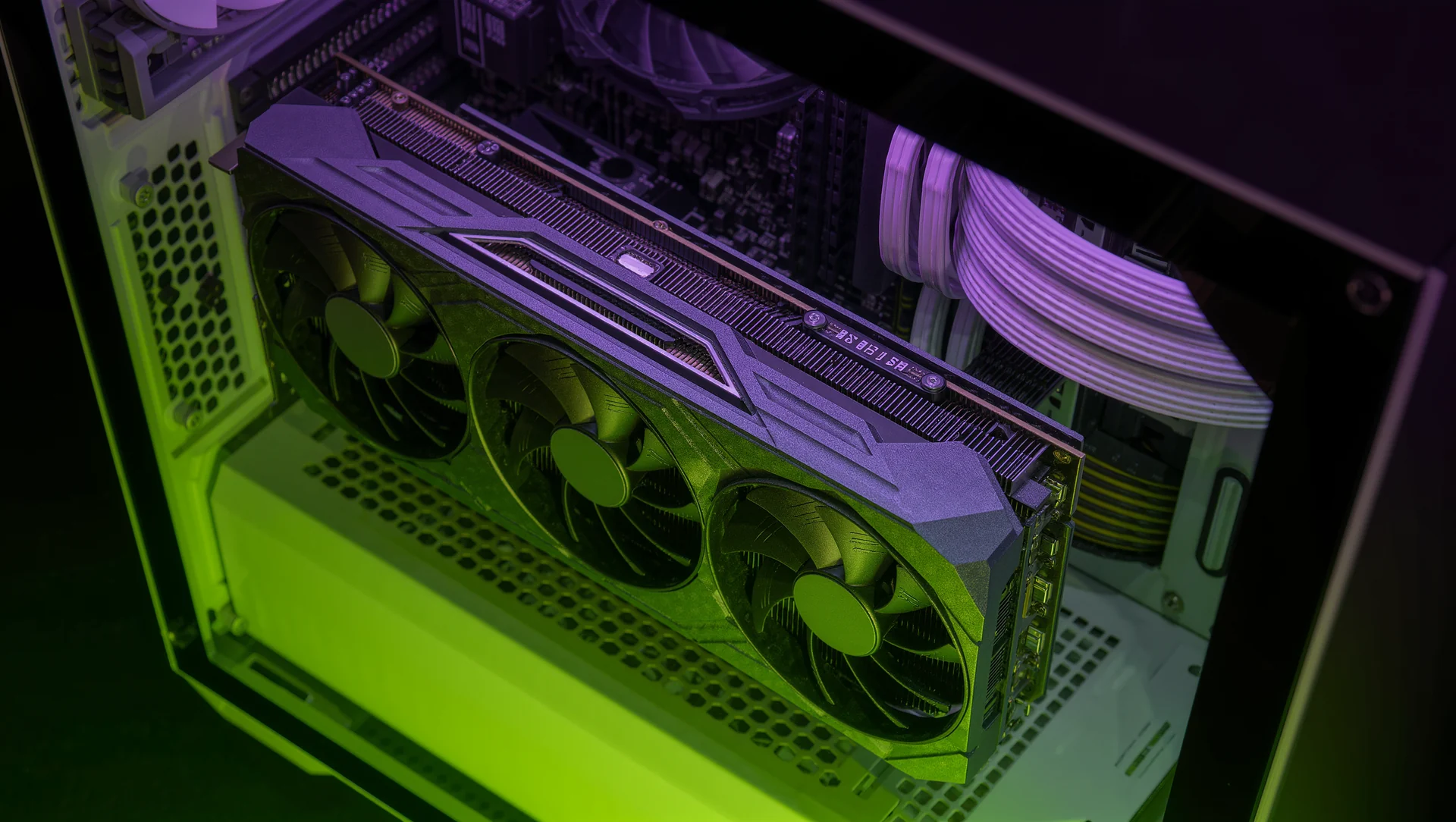
A sim racing PC is not a gaming PC with a wheel attached, because racing simulators are limited by the processor and by frame consistency rather than by raw graphics power. The published requirements make that visible before you spend anything.
What the published requirements actually ask for
iRacing publishes a minimum of Windows 11 64 bit, a 4 core processor, a graphics card with 6 GB of dedicated video memory, 16 GB of system memory in DDR4 or better, 40 GB of storage, DirectX 11 and a DSL connection at 256k or faster. The recommended tier is a 6 core processor, 8 GB of video memory, the same 16 GB of system memory and 225 GB of storage for all cars and tracks.
Two things stand out. The recommended memory is the same as the minimum, at 16 GB, which tells you memory capacity is not where the performance sits. And the storage jumps from 40 GB to 225 GB, which is the largest single increase in the whole table.
Other simulators ask differently. Automobilista 2 publishes 8 GB minimum and 16 GB recommended with 120 GB of storage, while rFactor 2 publishes 16 GB minimum and 32 GB recommended with 40 to 60 GB. A machine built for one is not automatically right for another, and the memory figures differ by a factor of four across the three.
| Simulator | Minimum | Recommended | Storage |
|---|---|---|---|
| iRacing | 4 cores, 6 GB vRAM, 16 GB RAM | 6 cores, 8 GB vRAM, 16 GB RAM | 40 GB, 225 GB for everything |
| Automobilista 2 | 8 GB RAM, GTX 680 | 16 GB RAM, GTX 1080 Ti | 120 GB |
| rFactor 2 | 16 GB RAM, GTX 950 | 32 GB RAM, GTX 1070 8 GB | 40 to 60 GB |
| Assetto Corsa | 2 GB RAM, DirectX 10.1 | 6 GB RAM, DirectX 11 | 15 to 30 GB |
Where the money belongs
The processor first, and specifically its single thread speed. A physics engine running at 360 or 400 Hz has to complete each step on time, and a step that is late produces a stutter that no graphics card fixes. The published recommendation of 6 cores is about having headroom for the operating system and the telemetry software rather than about physics using six cores.
Then frame consistency rather than frame rate. A steady 90 frames per second is better than an average of 120 that dips to 45 in a full field, because the dip happens exactly when twenty cars are on screen, which is exactly when you need to see. Test with a full grid, not on an empty track.
Then storage, because the numbers are larger than people budget for. 225 GB for one simulator's full content, plus 120 GB for another and 60 GB for a third, is over 400 GB before the operating system, and a drive that is nearly full is a drive that loads slowly.
The graphics card comes fourth for a single screen and second for triples or VR. On one monitor a card meeting the recommended 8 GB is enough for years; on three screens or a headset the pixel count triples or worse and the card becomes the limit again.
What most drivers overspend on
The graphics card, usually by one tier. A card two steps above the published recommendation buys frames you cannot see on a 60 Hz monitor and does nothing for the physics stutter that is actually costing you.
And memory capacity, because the recommendation is 16 GB and has been for years. Money spent on 64 GB is money not spent on the processor or on a second drive, and no racing simulator on the published list asks for more than 32 GB.
The thing to buy instead is the peripheral chain. A better wheel base, a load cell pedal set or a proper seat changes lap times in a way that a faster graphics card does not, and the published requirements are honest that a steering wheel and pedal set are what is recommended rather than a particular card.
Checking your machine before buying anything
Run the simulator with a full grid and watch the physics thread meter rather than the frame counter. The published threshold is specific: a full bar means about 16.7 ms at 60 Hz, and a bar that fills in traffic is a processor problem no graphics purchase will solve.
Then watch the page fault meter, where a full bar is 30 per second. Page faults mean the machine is swapping memory, and that is the one symptom where more memory is genuinely the answer.
Sources
Frequently asked questions
How much memory do I actually need?
16 GB covers the published recommendation for iRacing and Automobilista 2. Only rFactor 2 recommends 32 GB, and nothing on the list asks for more.
Processor or graphics card first?
Processor on a single screen, because physics steps that arrive late produce stutters no card fixes. Graphics card first for triples or VR.
Why is storage such a large number?
Because full content is enormous: 225 GB for one simulator and 120 GB for another means over 400 GB before the operating system.
How do I tell whether my problem is the processor?
Watch the physics thread meter with a full grid. A full bar is about 16.7 ms at 60 Hz, and a bar that fills in traffic is a processor limit.
More in Technology
Safety and skill ratings: what the numbers reward
How iRacing Safety Rating works: the 0.00 to 4.99 scale, the 3.00 and 4.00 promotion thresholds, the 0.40 bumper at whole numbers and the participation minimum.

Flags and etiquette: the rules nobody explains
Flags and etiquette: what each flag actually means in the rulebook, what it obliges you to do and the unwritten rules that come with them.
Driver swaps: the choreography that loses or wins hours
Driver swaps: the rule that disqualifies teams, the arithmetic behind a fair share and the choreography that loses or wins hours.