Button box mapping that survives a race
Button box mapping that survives a race: the published input limits, which functions belong where and the rule that keeps you from pressing the wrong one.
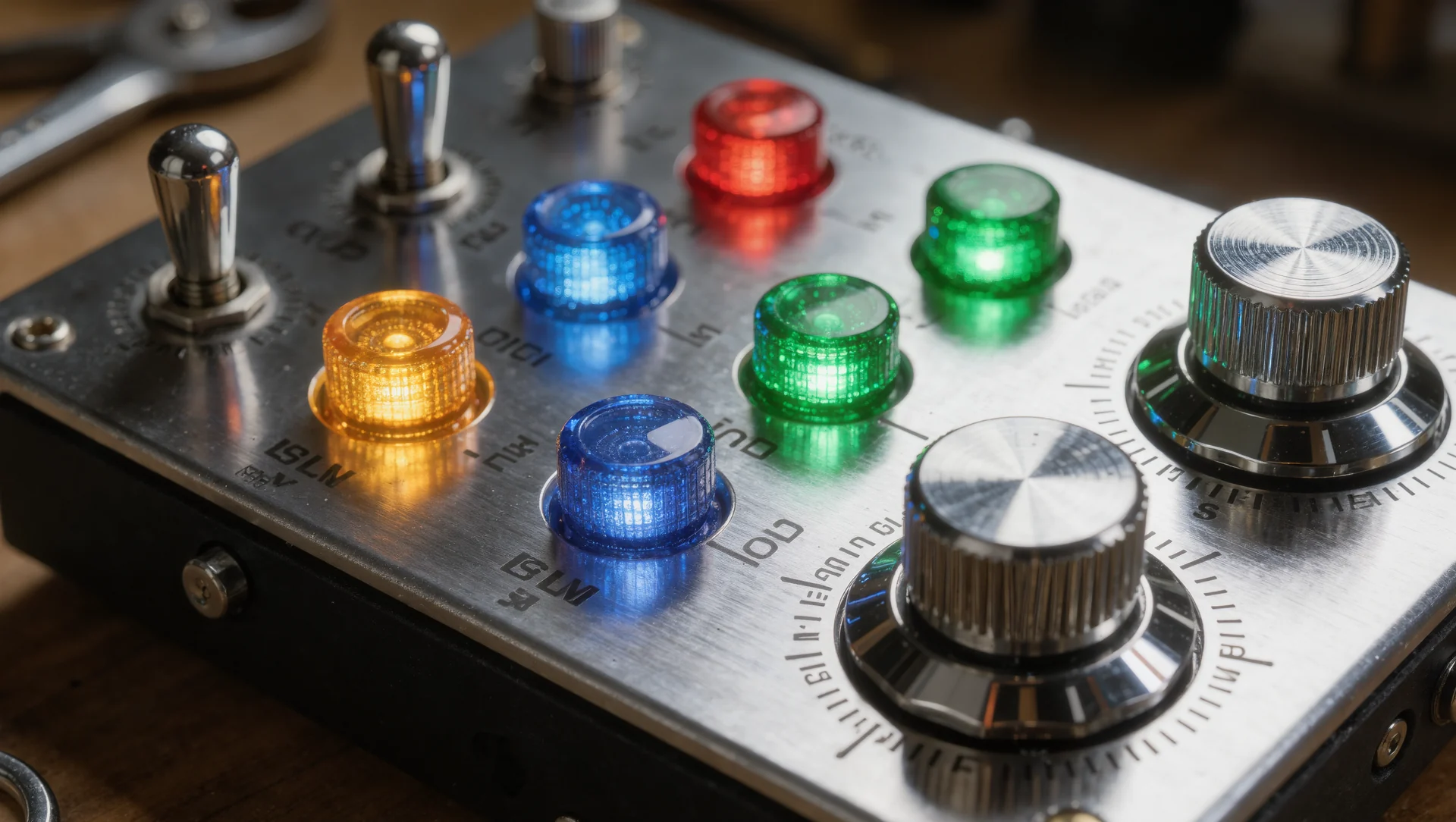
A button box fails in a race not because it has too few buttons but because you cannot find the right one without looking. The mapping question is therefore not how many controls you have but how few you need to reach while the car is moving.
The limits the software imposes
Microsoft documents the classic DirectInput joystick state as an array of 32 buttons, four point of view controllers and eight axes, six named ones plus two sliders. The extended structure introduced with DirectX 8 raises the button count to 128, but a great deal of software still treats 32 as the hard limit, so a box with 40 switches can silently lose the last eight in some titles.
The practical consequence is to spread controls across devices rather than piling them onto one. A wheel rim, a button box and a pedal set each present as their own device with their own 32 button budget, which is both more robust and easier to remap when a title loses a binding.
Rotary encoders are the exception worth understanding. An encoder that reports as two buttons, one per direction, costs two of your 32 and replaces a whole row of switches for any value that steps up and down, which is most of what you adjust while driving.
| Item | Figure |
|---|---|
| Buttons in the classic joystick state | 32 |
| Buttons in the extended structure | 128 |
| Point of view controllers | 4 |
| Named axes plus sliders | 6 plus 2 |
| Buttons used by one rotary encoder | 2, one per direction |
What belongs within reach and what does not
Three categories decide the layout. Things you press while cornering go on the rim: radio, pit limiter, headlights, wipers, and the one or two adjustments your car changes mid lap. Things you press on the straight go on the box within reach without leaning: brake bias, traction control, engine map, fuel mix. Things you press in the pits or on the formation lap can go anywhere at all.
The rule that prevents the classic mistake is that a control which ends your race should never sit next to one you use often. The pit limiter next to the ignition switch is a design that will eventually cost somebody a result, and moving them 100 mm apart costs nothing.
Group by function, not by shape. A row of six identical toggles looks tidy and is unusable in the dark; two toggles, an encoder and a guarded switch spread across the panel are found by touch on the first attempt.
Mapping so it survives a season
Write the map down. Every simulator stores bindings differently, a firmware update can reorder devices, and a box remapped from memory six months later is a box with two functions on the same switch. A photograph of the panel with labels is enough.
Bind in the same order in every title. If radio is always the top left switch, the muscle memory transfers between simulators and the panel stops being title specific. This matters more than any individual choice of button.
Test in the dark before you race in the dark. A night endurance stint with cockpit lighting off is where a layout is judged, and the switches you cannot find at 3 a.m. are the ones to move.
The box you actually need
Most drivers need fewer controls than they buy. Count the functions you genuinely change while the car is moving in your discipline: in GT racing it is usually brake bias, traction control, the pit limiter, the radio and the headlights, which is five, plus perhaps two encoders. That fits on a rim, and a separate box becomes a convenience rather than a requirement.
Sources
Frequently asked questions
How many buttons do I really need?
In GT racing, about five reachable while moving plus two encoders. Everything else can sit further away or in a menu.
Why do some of my buttons not register?
Often the 32 button limit in the title rather than a hardware fault. Split controls across devices instead of one large box.
Are rotary encoders worth it?
Yes, for anything that steps up and down. Two buttons replace a row of switches and one hand movement replaces looking.
Should the box match my car?
Only if you race one car. A layout organised by how often you press something survives changing cars, a layout copied from one dashboard does not.
More in Wheels & Pedals
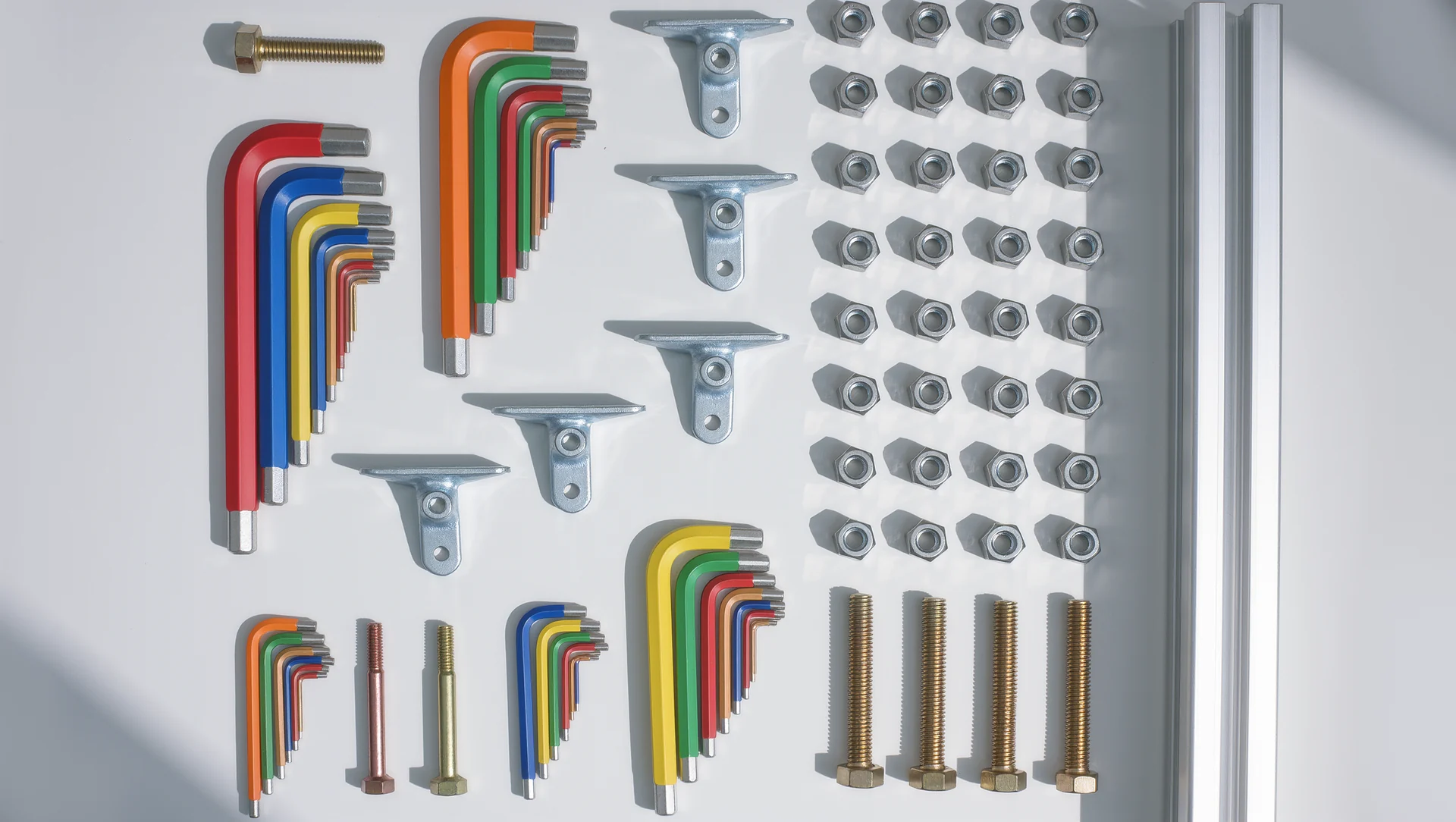
The tool list for an aluminium profile build
The tool list for an aluminium profile build, with the published torque limits and the two tools that decide whether the frame stays square.
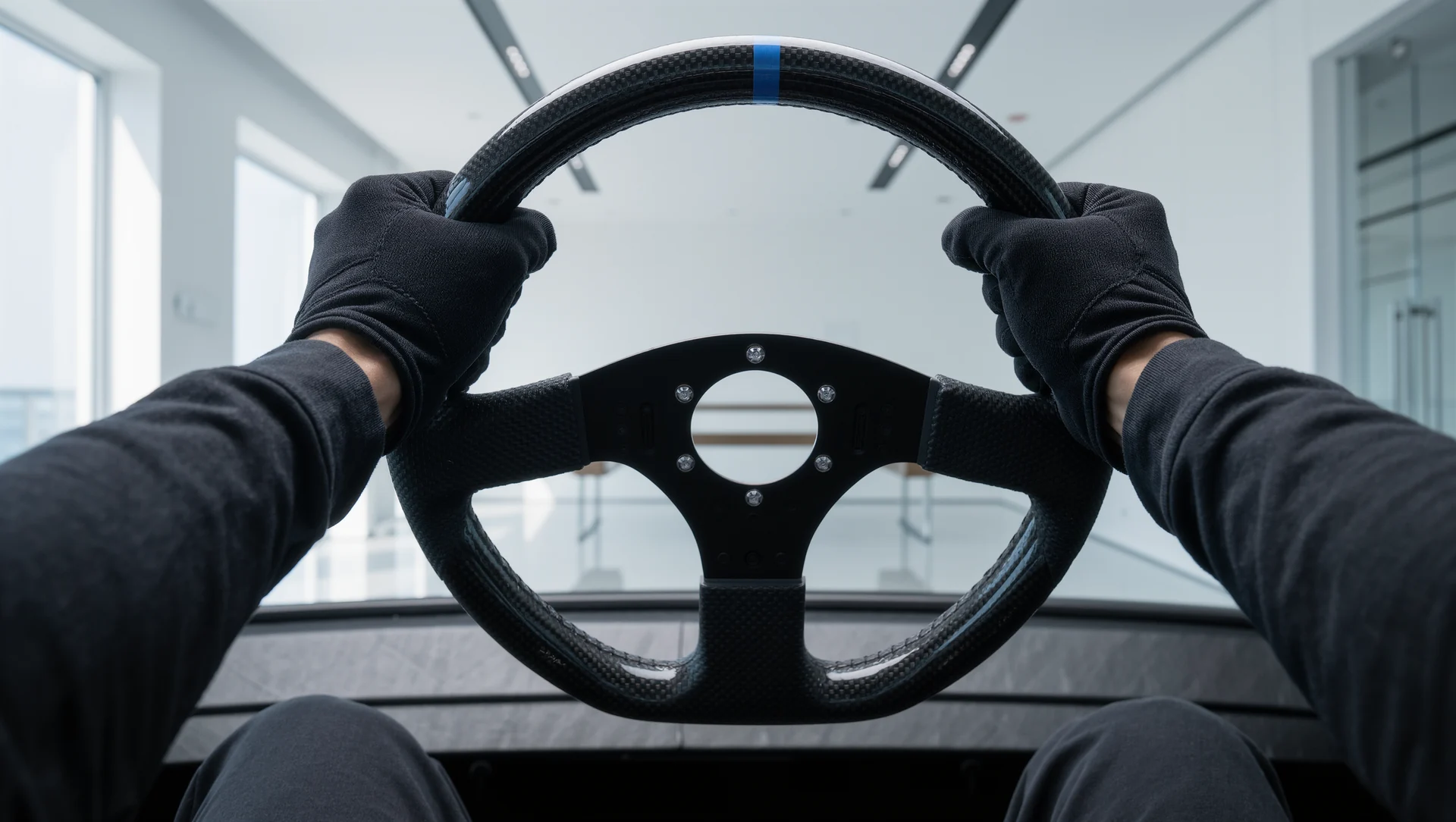
Wheel distance and the ninety degree elbow
Wheel distance decides whether your shoulders or your elbows do the steering. The angle to aim for, the published rim sizes and how to measure it in five minutes.
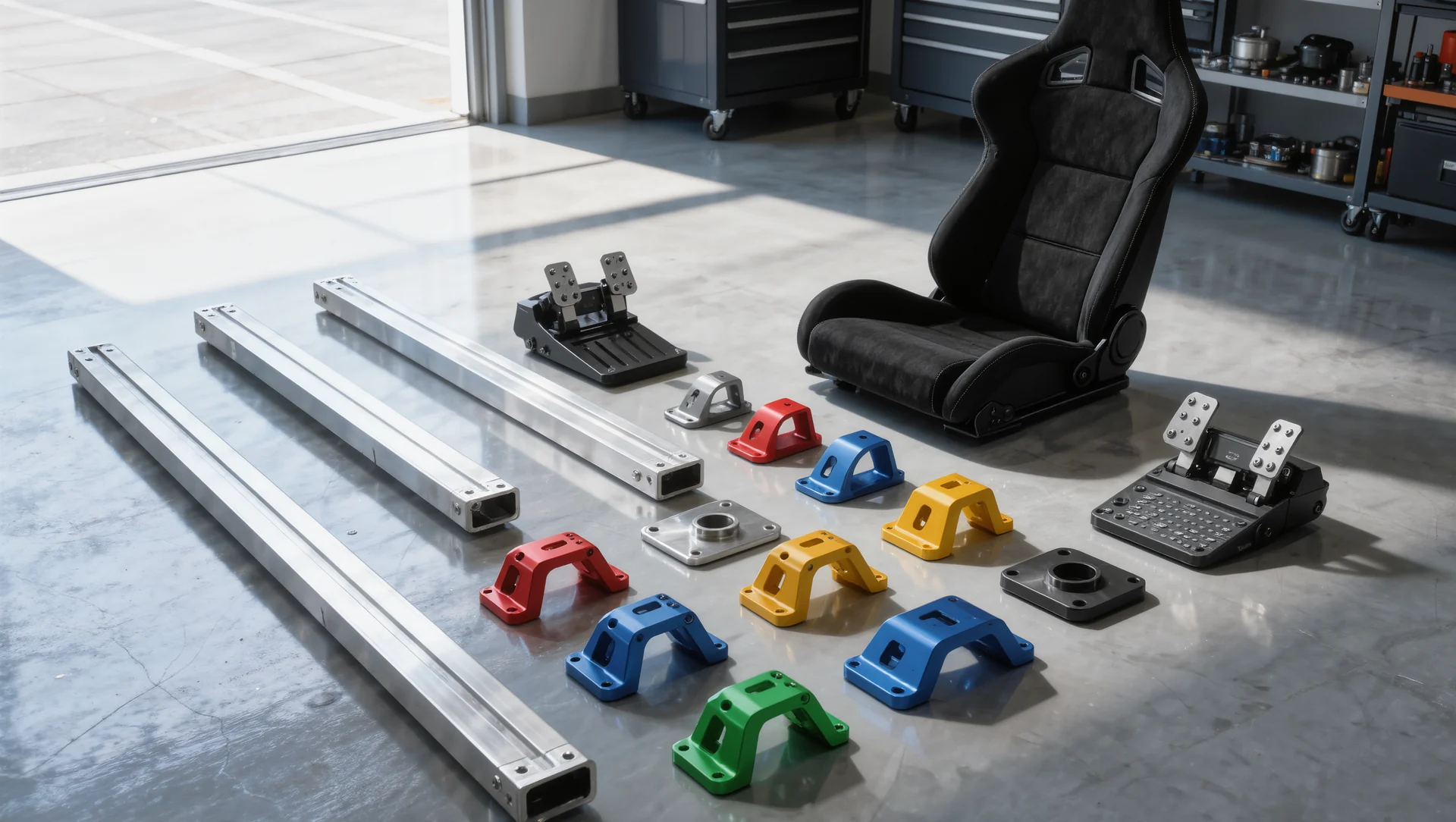
Buying a used rig: what to check before you pay
Buying a used sim rig: the parts that carry value, the damage that is invisible in photographs and the price arithmetic that decides whether it is a bargain.