Clipping: how to see the detail you are losing
Clipping explained: what the force meter shows, why the strongest setting loses detail and how iRacing sets the maximum for you.
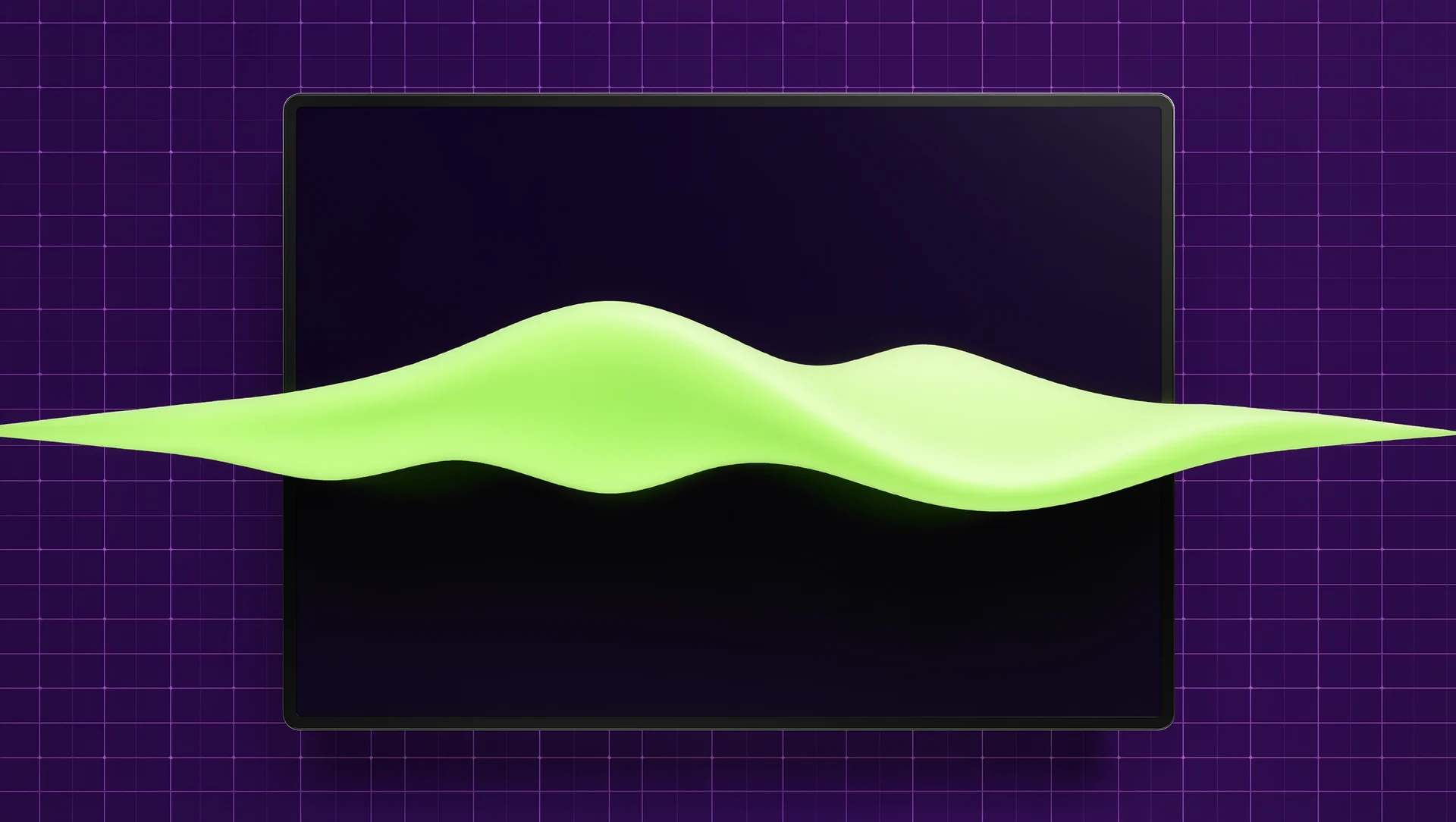
Clipping is not a broken feeling, it is a flat one: once the demanded force exceeds what the base can deliver, every additional force arrives as the same force. iRacing puts that on screen, and the fix is almost always a lower strength setting rather than a stronger base.
What the meter is telling you
iRacing includes a steering force meter, enabled under Settings, Interface, On Screen Displays, System Meters. The value corresponds to the wheel force the sim is currently demanding, and it rises with speed, steering angle and bumps. When the display reads full and turns orange instead of green, the steering force is at its maximum and any additional forces will not be communicated through the wheel.
That last sentence is the whole subject. The forces are still calculated, they simply cannot be delivered, so the information that would have told you the front tyre is about to let go arrives as the same solid wall as the kerb you hit two seconds earlier. Drivers usually describe the result as heavy and numb, and then buy a stronger base, which does not fix a setting.
How to set the strength
iRacing provides an auto button that sets the strength to the maximum value that does not cause clipping. Clicking Strength changes the field to Max force, at which point the sim tries to detect the wheel maximum and adjusts the slider accordingly, which the documentation describes as a way to calculate the force levels safely and automatically.
The manual method is the same idea with your eyes. Drive the heaviest corner on the track, watch the meter, and lower the strength until the bar stops reaching full during normal driving. The rule the documentation gives is exactly that: the strength should be set so that the bar is never at full force under normal driving circumstances. What counts as normal excludes the once a lap kerb strike, because reserving headroom for a single event costs you resolution everywhere else.
Hardware headroom then decides how much detail survives. A base at 5 Nm, such as the Fanatec CSL DD, reaches its ceiling sooner than one at 17 Nm, such as the Simucube 2 Sport, and the higher ceiling is worth more than the raw strength: it is the difference between forces being scaled down and forces being cut off.
Put numbers on the headroom. A 5 Nm base driven at 80 per cent strength has 1 Nm of reserve above its working level; a 17 Nm base at the same 80 per cent has 3.4 Nm. The published slew rates matter for the same reason: 4.8 Nm per millisecond on the Simucube 2 Sport against 8.0 Nm per millisecond on the Pro decides how much of a sudden force arrives as a shape rather than as a wall, and a 22 bit encoder decides how finely the base knows where it is while delivering it.
The mistakes that produce clipping
The first is turning everything up. In game strength, driver strength and any per car multiplier all stack, and a driver who raises all three ends up clipping in every corner while believing the base is weak. Set the driver level once, leave it, and adjust only in the sim.
The second is comparing cars. A formula car with power steering demands far less force than a heavy historic car, so a strength that is correct for one clips constantly in the other. Per car settings exist for this reason, and using them is not an admission of anything.
The third is chasing a feeling of strength. Force feedback is an information channel, not a workout. A setting that keeps the meter green for a whole lap will feel lighter for the first ten minutes and more informative for the following ten years.
| Meter shows | Meaning | Action |
|---|---|---|
| Green, moving | Forces within range | Nothing |
| Full and orange | Maximum reached, detail lost | Lower the strength |
| Full only on kerbs | Acceptable headroom | Leave it |
| Rarely above half | Strength set too low | Raise until it approaches full in the heaviest corner |
Sources
Frequently asked questions
Does clipping damage the wheel?
No. It costs information, not hardware. The base simply delivers its maximum instead of the force that was requested.
Will a stronger base stop clipping?
Only if the setting is already correct. A higher ceiling raises the point at which forces are cut off, but the strength slider still has to sit below it.
Should the meter ever reach full?
On the heaviest kerb strike, yes. Under normal driving, no, which is the rule the documentation states.
Where is the meter?
In iRacing under Settings, Interface, On Screen Displays, System Meters.
More in Wheels & Pedals
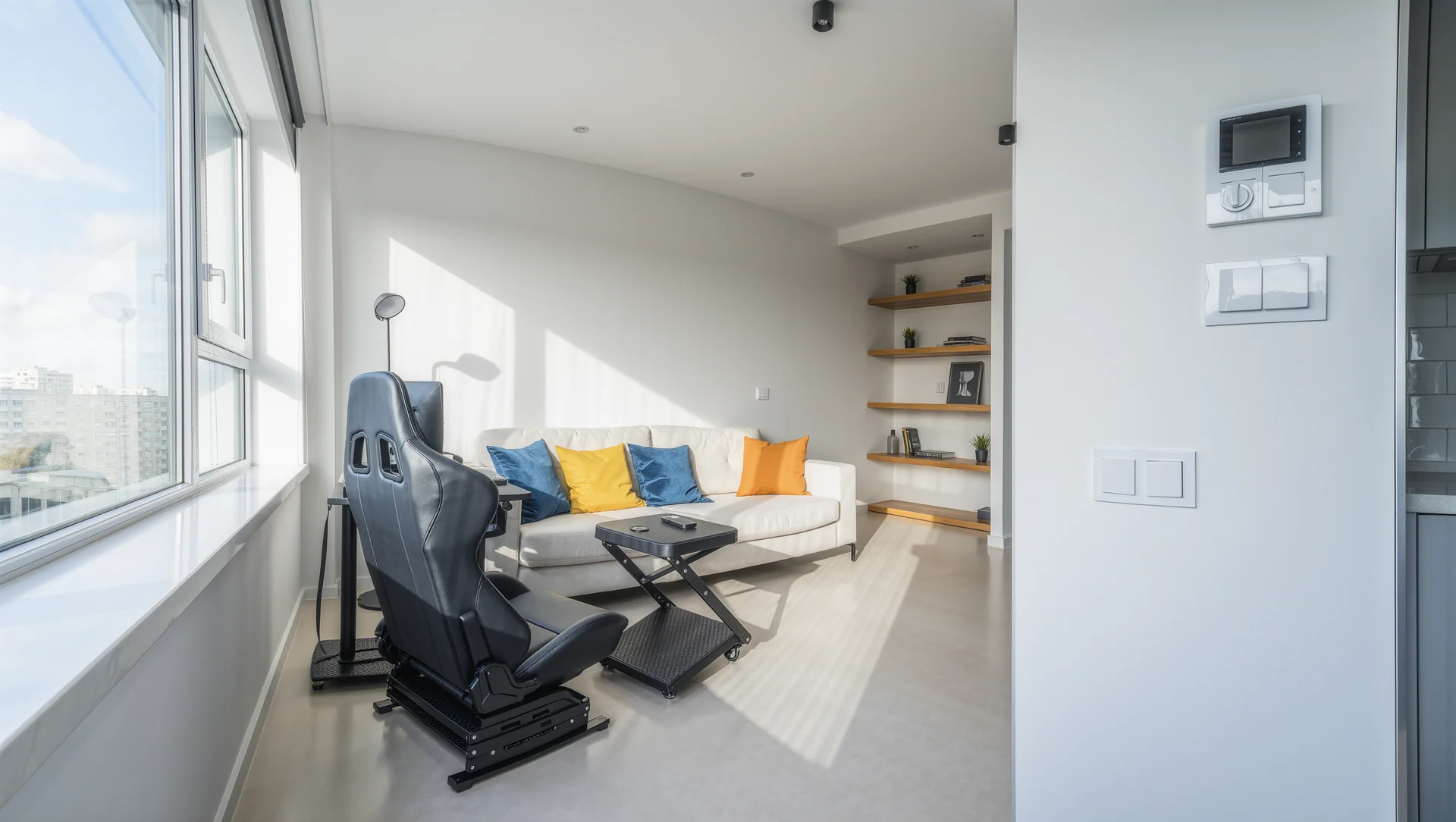
A rig that fits a flat: folding, wheel stand or profile
Folding cockpit, wheel stand or a full profile rig in a small flat: the published dimensions, the storage figures and what each option really costs in floor space.
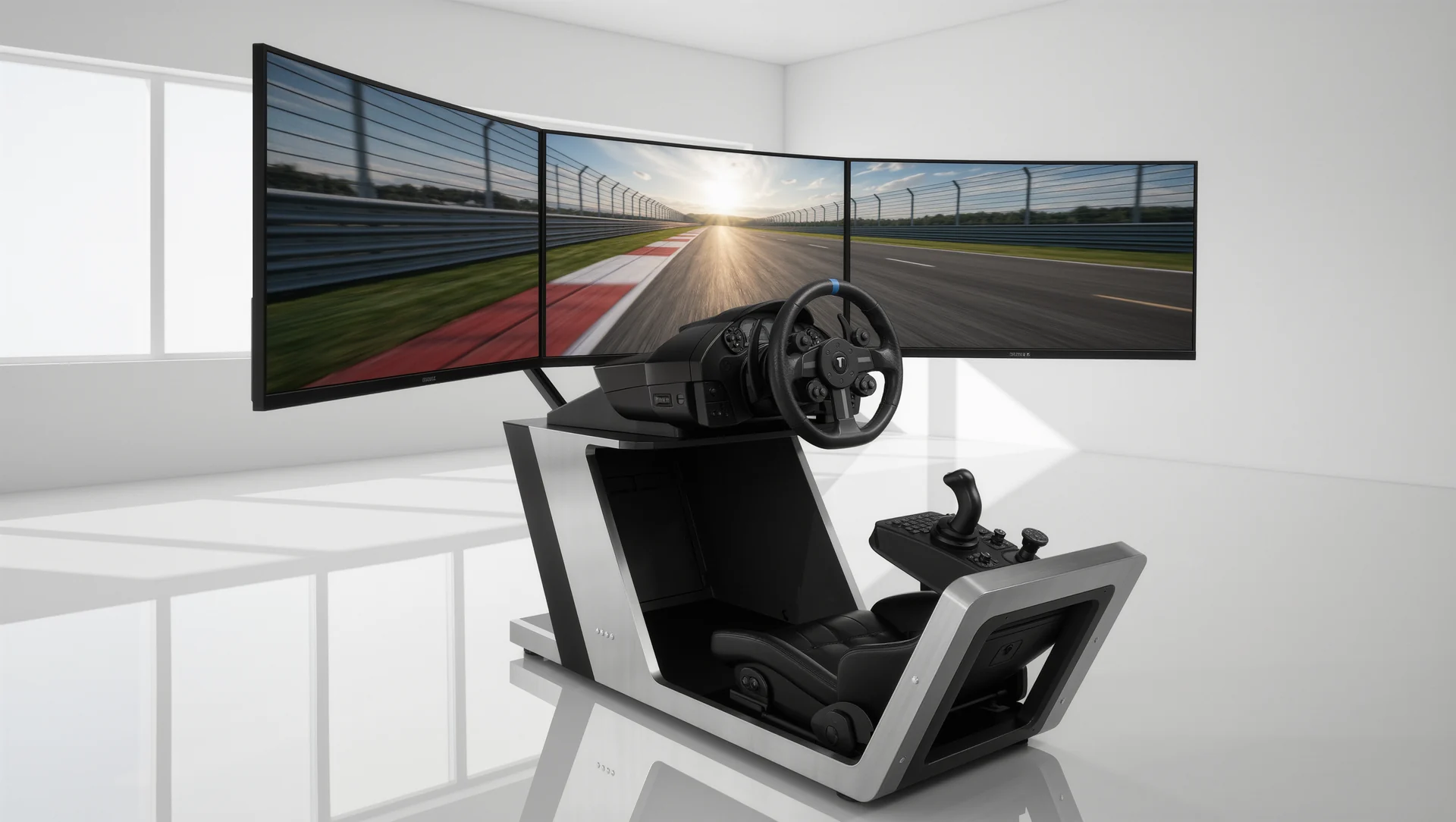
Freestanding monitor stands and why motion needs them
Free standing monitor stands against rig mounted arms: the published load ratings, VESA ranges and the reason motion platforms leave no choice.
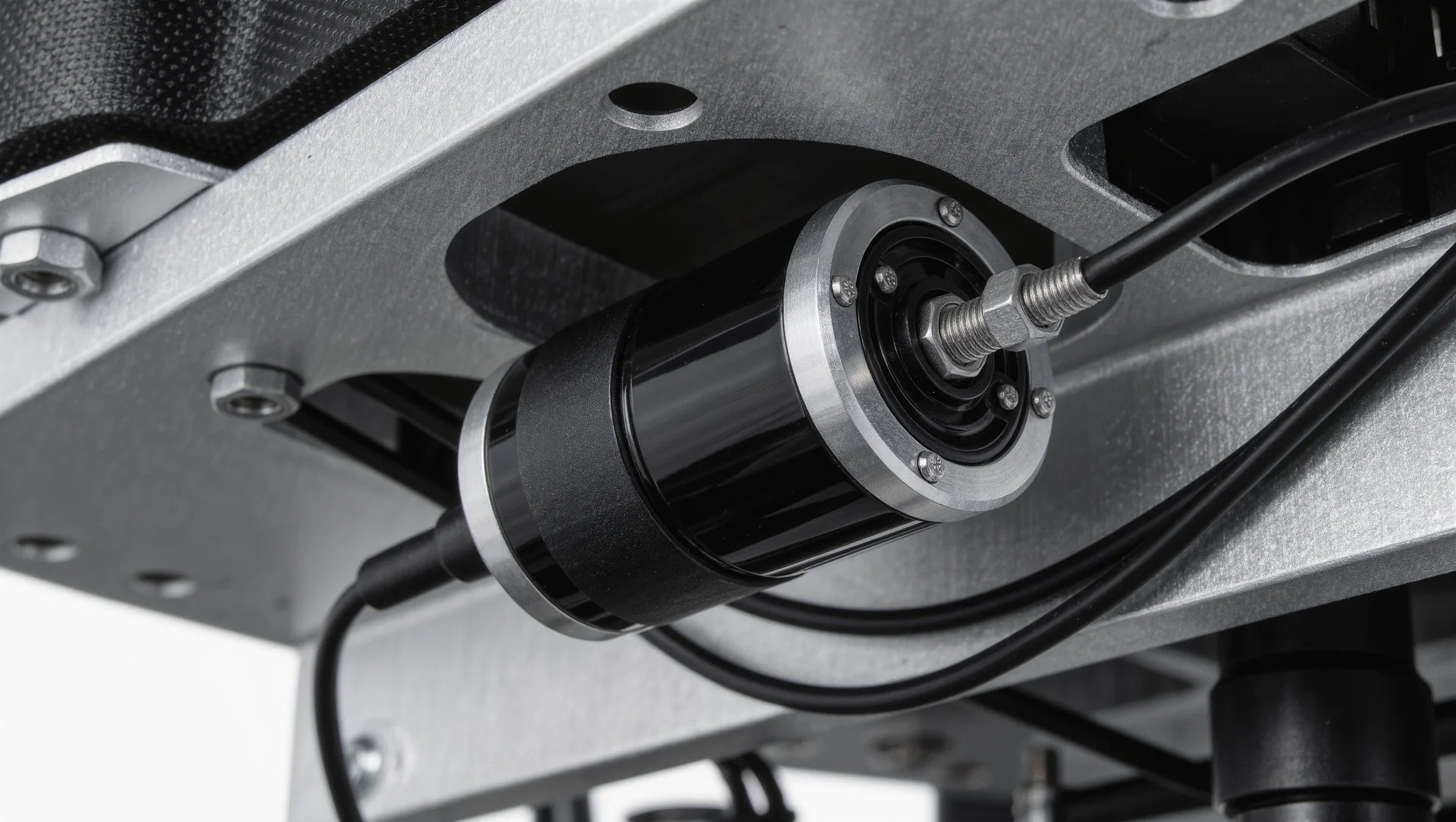
Bass shakers on a rig: placement, power, limits
Bass shakers on a sim rig: the published power and frequency figures, where to mount them, how many you need and where the limits genuinely are.