Streaming your races without wrecking your frame rate
Streaming your races without wrecking them: the encoder numbers that matter, the headroom the simulator needs and the setup that survives a full race distance.

A stream that costs you 5 frames per second in the simulator has already failed, whatever the chat says. The whole discipline of streaming sim racing is finding the settings that leave the driving untouched.
The numbers the platforms publish
YouTube Live recommends 12 Mbps for 1080p at 60 frames per second and 10 Mbps for 1080p at 30, which is the first decision: 60 frames per second costs 2 Mbps more and looks dramatically better on cars moving at speed.
At 720p the recommendation falls to 6 Mbps at 60 frames per second and 4 Mbps at 30. For a driver whose upload cannot hold 12 Mbps steady, 720p60 is a far better trade than 1080p30, because motion matters more than pixel count in a moving cockpit.
The keyframe interval is recommended at 2 seconds with a maximum of 4, and audio at 128 kbps for stereo. Neither is worth tuning, and both are worth checking once, because a wrong keyframe interval breaks the stream in ways that look like a network problem.
| Setting | Recommendation |
|---|---|
| 1080p at 60 frames per second | 12 Mbps |
| 1080p at 30 frames per second | 10 Mbps |
| 720p at 60 frames per second | 6 Mbps |
| Up to 720p at 30 frames per second | 4 Mbps |
| Keyframe interval | 2 seconds, maximum 4 |
| Audio | 128 kbps stereo, 384 kbps for 5.1 |
| Simulator recommendation | 6 CPU cores, 16 GB memory, 8 GB video memory |
| Local recording at 12 Mbps | about 5.4 GB per hour |
The headroom the simulator needs first
The simulator's own recommendation is 6 CPU cores, 16 GB of memory and 8 GB of dedicated video memory, against a minimum of 4 cores and 6 GB of video memory. A software encoder takes CPU time from exactly that budget.
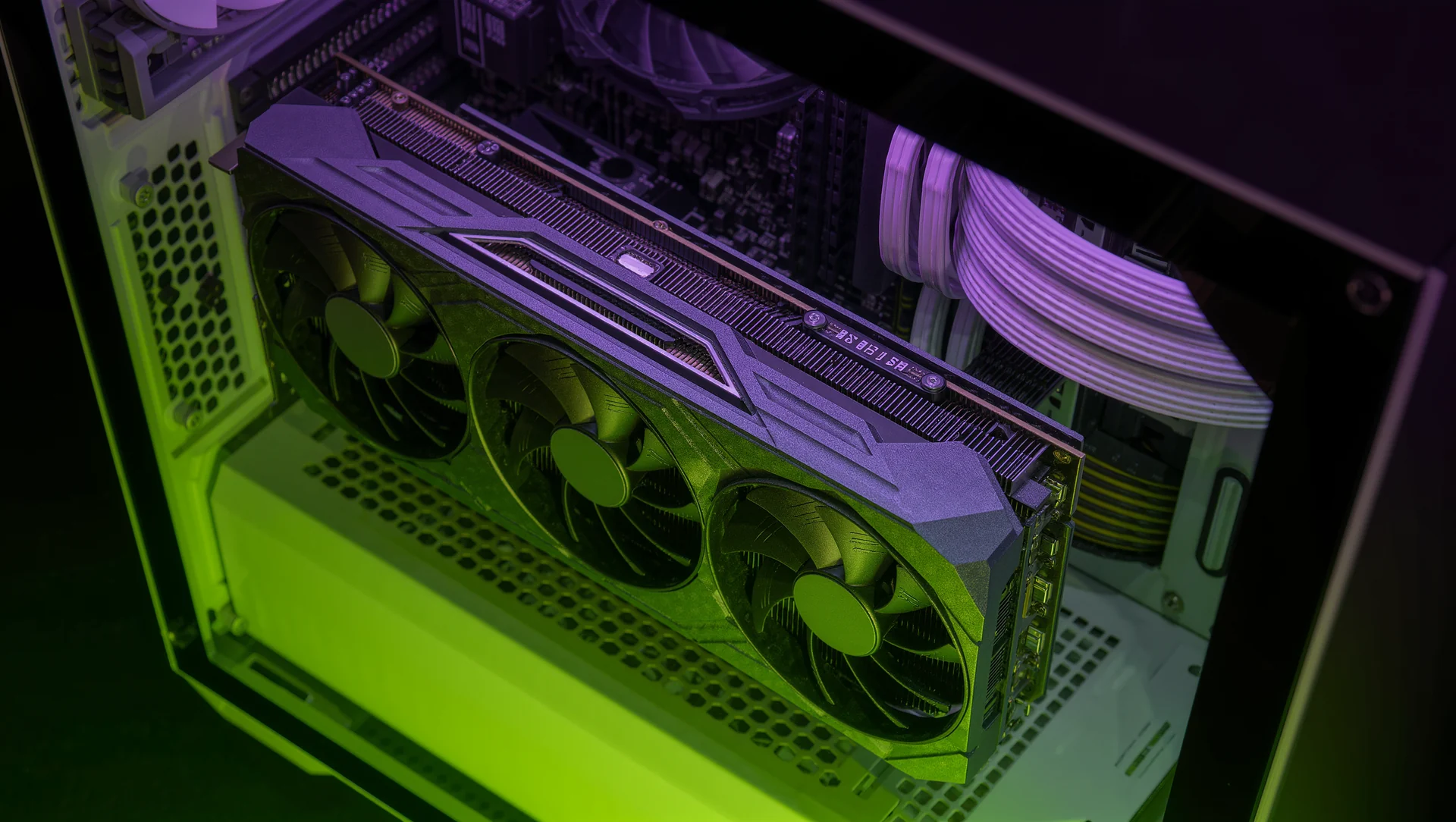
Which is why hardware encoding is the default answer. Offloading the encode to the graphics card's dedicated block leaves the 6 cores for physics and leaves the frame rate where it was, and the quality difference at 6 to 12 Mbps is not visible on a moving car.
Check the cost rather than assuming it. Run 10 laps with the stream off and 10 with it on, compare the frame rate, and if the difference is above 5 per cent, the settings are wrong rather than the hardware.
What survives a full race distance
Storage, which people forget. At 12 Mbps, a local recording alongside the stream consumes about 5.4 GB per hour, so a 3 hour endurance race needs roughly 16 GB free before the green flag, on a machine that already wants 225 GB for the full content library.
Heat, which is the other one. A graphics card encoding for 3 hours runs hotter than one that is only rendering, and the throttling shows up in the last hour, which is exactly when the racing is worth watching.
And the audio routing. Separating game audio, voice chat and microphone into different tracks costs nothing at 128 kbps and saves the recording when somebody says something on the team channel that should not be public.
The habits that make a sim racing stream watchable
Show the mirror and the delta. A viewer who cannot see what is behind and how the lap compares is watching scenery, and both are already on screen for the driver.
Do not narrate the corner you are in. The useful commentary happens on the straights and in the pit stops, and a driver talking through a braking zone is about to give the audience an incident to watch instead.
And keep the overlay small. Anything that covers the top or bottom quarter of the screen hides the flags and the pit board, and a stream that hides race information is failing at the one job that separates it from a replay.
Sources
Frequently asked questions
Is 1080p30 better than 720p60 for racing?
No. Motion matters more than pixel count in a moving cockpit, and 720p60 needs only 6 Mbps against 10 for 1080p30.
Should I use software or hardware encoding?
Hardware, in almost every case. The simulator wants 6 CPU cores for physics, and a software encoder takes them from the same budget.
How much disk does a recorded endurance race need?
About 5.4 GB per hour at 12 Mbps, so roughly 16 GB for a 3 hour race.
How do I know the stream is costing me pace?
Run 10 laps with it off and 10 with it on. Above 5 per cent frame rate difference, the settings are wrong.
More in Esports & Competitions

Downloaded setups: useful start, terrible destination
Downloaded setups are a useful start and a terrible destination: what transfers, what does not and how to turn somebody else's file into your own.

Qualifying setup against race setup: the honest trade
Qualifying setup against race setup: what actually differs, how much a grid position is worth and when one setup for both is the right answer.
The sim racing PC: where the money actually belongs
The sim racing PC: where the money actually belongs, what the published requirements ask for and the component most drivers overspend on.