Racing Sims on Phone and Tablet: What Is Realistic
What phones and tablets can and cannot do for sim racing in October 2026: the games that remain, controllers, streaming from a PC or console, and simulators that travel to events.
The short answer
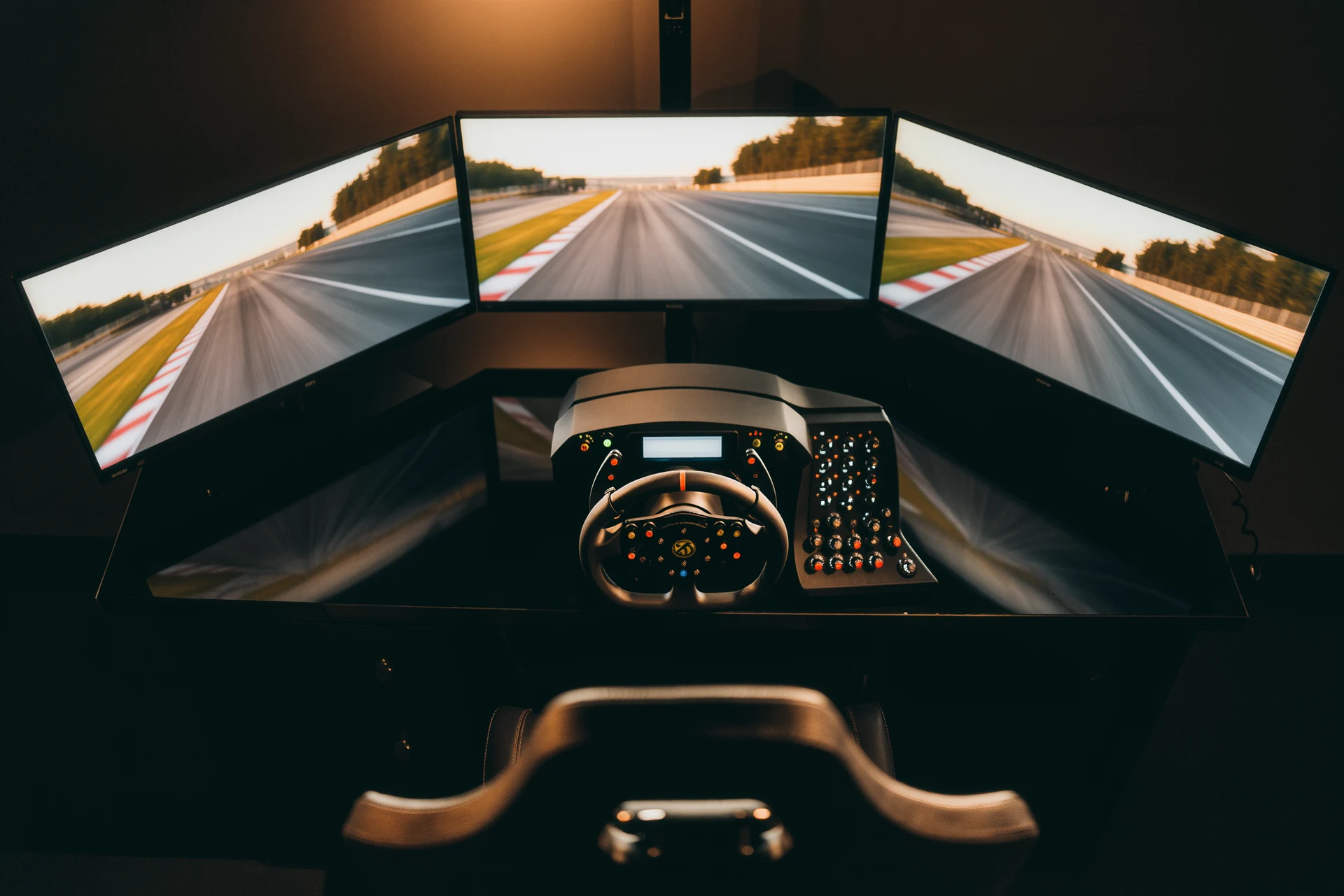
A phone or tablet can run good-looking racing games with real cars and real circuits, and some of them reward smooth, precise driving. What it cannot do is replace the parts that make a racing simulator a simulator: a steering wheel with force feedback, pedals you modulate with your feet, and a seating position that stays fixed relative to the controls. Touchscreens and tilt steering are input methods built around those limits. That is not a criticism of the games, but it matters when you decide what to buy and what to expect.
This guide looks at what is actually available on iOS and Android in October 2026, which well-known titles have gone, how a controller or streaming from a PC or console changes the picture, and where the phrase “mobile racing simulator” means something quite different.
What a phone cannot do
Three things separate a phone from a rig.
- No force feedback. On a wheel, a motor pushes back with information about grip, kerbs and weight transfer. A phone’s vibration motor can signal a bump or a slide, but it cannot apply a steering force. Gyro and tilt steering read how you hold the device; they do not push back.
- No real pedals. Throttle and brake on a touchscreen are fingers on glass. On-screen sliders or the analogue triggers of a controller help, but controlling brake pressure with your foot is a different skill.
- A moving reference. When you tilt the device to steer, the screen moves with your hands. Your view of the road and your input are tied together, which is the opposite of a fixed screen in front of a wheel.
Because of this, mobile racing games tune their handling and assists around touch input. Some still give a convincing sense of grip and weight, but the experience is closer to a console racing game on a small screen than to a PC sim with a wheel. If you are deciding between platforms, choosing your first sim explains what each category teaches, and the F1 game against a hardcore sim shows what transfers between them.
What is available on iOS and Android
The mobile racing catalogue has shrunk. Two long-running titles have gone:
- Real Racing 3. EA removed the game from the App Store and Google Play on 18 December 2025 and announced that its servers would shut down on 19 March 2026, after which the game can no longer be played.
- F1 Mobile Racing. The developer’s page states that 2023 was the last season and that the game has been shut down.
Titles that remain include:
- GRID Autosport, Feral Interactive’s mobile version of the Codemasters game. It offers tilt steering, an on-screen wheel, arrow touch controls and gamepad support, and Feral recommends at least 8 GB of free space for installation. An update in October 2021 added support for the PlayStation DualSense and Xbox Series X controllers, a manual throttle option for arrow touch steering and a customisable throttle slider.
- GRID Legends: Deluxe Edition, also from Feral, released on iOS and Android on 17 December 2024 with the downloadable content of the desktop version, ten racing disciplines and the story mode. Feral announced it on 5 December 2024 at $14.99, £9.99 or €12.49.
- CarX Drift Racing 2 from CarX Technologies, a free-to-play drift game with ads and in-app purchases. On PC, the same studio’s CarX Drift Racing Online on Steam supports steering wheels; see drifting games for PC.
Both GRID titles are versions of games designed for controllers and are best judged as such: accessible racing with real cars and tracks rather than a detailed tyre model you manage over a stint. That is a reasonable target for a device held in two hands.
A controller makes the biggest difference
The most useful upgrade for racing on a phone or tablet is a game controller. Analogue triggers give progressive throttle and brake, and a thumbstick is more precise than tilting the device. Apple documents pairing for Bluetooth controllers, including Xbox and PlayStation models, on iPhone and iPad, and button remapping in the settings on iOS and iPadOS 16 or later. Android phones pair with Bluetooth controllers too, though support for a given model depends on the device and the Android version.
Check each game’s store listing for controller support before you buy. A clip or stand that holds the screen at eye level also helps, because it separates the picture from your hands.
Steering wheels are a different matter. Wheels for PC and consoles are not designed for phones, and we have not found a current mobile racing game whose official documentation lists support for a force feedback wheel. If a wheel is the goal, the money is better spent on an entry-level wheel for a console or PC; console wheel compatibility explains which wheel works where, and what sim racing costs shows four budget levels.
Streaming a real sim to a tablet
There is a second route that uses the phone or tablet only as a screen: stream the game from a PC or console. Valve’s Steam Link app runs on iPhone, iPad and Android phones and tablets and connects to a computer running Steam. Sony’s PS Remote Play app does the same for a PS5 or PS4 and works with the DualSense, DualSense Edge and DUALSHOCK 4 controllers; Sony recommends upload and download speeds of at least 5 Mbps, and at least 15 Mbps for the best performance.
Streaming shows the full PC or console game on a tablet, but it adds delay between your input and the picture, and in a racing game that delay is felt. It works for menus, setup work, career management or a relaxed session on the sofa with a controller. For racing with a wheel, the wheel still connects to the PC or console, so streaming gains you nothing over sitting at the machine. Refresh rate and latency and network latency explain where the milliseconds come from.
What your device needs
Racing games are among the more demanding mobile titles. A few practical points:
- Storage. Console versions are large downloads. Check the size in the store listing and keep spare space for updates.
- Heat. Long sessions warm a phone up, and most devices reduce performance when they get hot. A thick case makes this worse.
- Battery. Demanding games drain a battery quickly, and playing while charging adds more heat.
- Screen. A tablet’s larger screen makes the track easier to read and leaves room for on-screen controls.
When “mobile racing simulator” means something else
Many people searching for a mobile racing simulator are not looking for a phone game at all. They want a simulator that travels: a full cockpit with wheel, pedals and screens, sometimes on a motion platform, brought to a company event, a trade show or a party. That is a rental business with its own questions about transport, setup time, power supply, supervision and damage. Simulator rental: logistics, pricing, damage covers how those services work, and corporate racing events and simulators on a trade show stand look at two common uses.
When to move on from mobile
Racing on a phone is an inexpensive way to learn circuits, racing lines and the idea of braking points. If you notice that you want to feel the car rather than watch it, that is the point where a wheel and pedals make sense. A wheel on a desk or a folding stand, connected to a console or PC, is the usual next step, and the beginners guide explains how to start without overspending.
Frequently asked questions
Is there a real racing simulator for phones?
Not in the sense of a PC sim with a wheel. Mobile games such as GRID Autosport and GRID Legends from Feral Interactive feature real cars and tracks, but without force feedback and pedals they are built around touch and controller input.
Is Real Racing 3 still available?
No. EA removed Real Racing 3 from the App Store and Google Play on 18 December 2025 and announced that the servers would shut down on 19 March 2026, after which the game cannot be played.
Can I connect a steering wheel to my phone?
We have not found a current mobile racing game whose official documentation lists support for a force feedback wheel. A Bluetooth game controller is the practical upgrade; for a wheel, use a console or PC.
Can I play PC or console sims on a tablet?
Yes, by streaming. Steam Link runs on iPhone, iPad and Android and connects to a PC running Steam, and PS Remote Play does the same for a PS5 or PS4. Streaming adds delay, so it suits relaxed sessions better than racing.
Where can I rent a mobile racing simulator for an event?
Event simulators are full cockpits that a rental company transports and sets up. Our guide to simulator rental explains logistics, pricing and damage.
Sources
- EA: Real Racing 3, The Final Lap
- Eden Games: F1 Mobile Racing
- Feral Interactive: GRID Autosport for mobile, FAQ
- Feral Interactive: GRID Autosport controller patch for iOS and Android (7 October 2021)
- Feral Interactive: GRID Legends Deluxe Edition arrives on iOS and Android
- Google Play: CarX Drift Racing 2
- Steam: CarX Drift Racing Online
- Apple Support: Connect a wireless game controller to your Apple device
- Steam: Remote Play and Steam Link
- PlayStation: How to use PS Remote Play on mobile devices
More from Events & Experiences

Sim Racing Birthday Party at Home: Setup, Format, Prizes
How to run a sim racing birthday party at home for adults: rigs and games, a race format that keeps everyone involved, beginner settings, food and…
Sim.Racing Center Mallorca: Motion Simulators at Motorworld Palma
Six motion simulators inside Motorworld Mallorca, open daily 10:00 to 19:00, from 20 euros for 15 minutes.
Simulator rental: logistics, pricing, damage
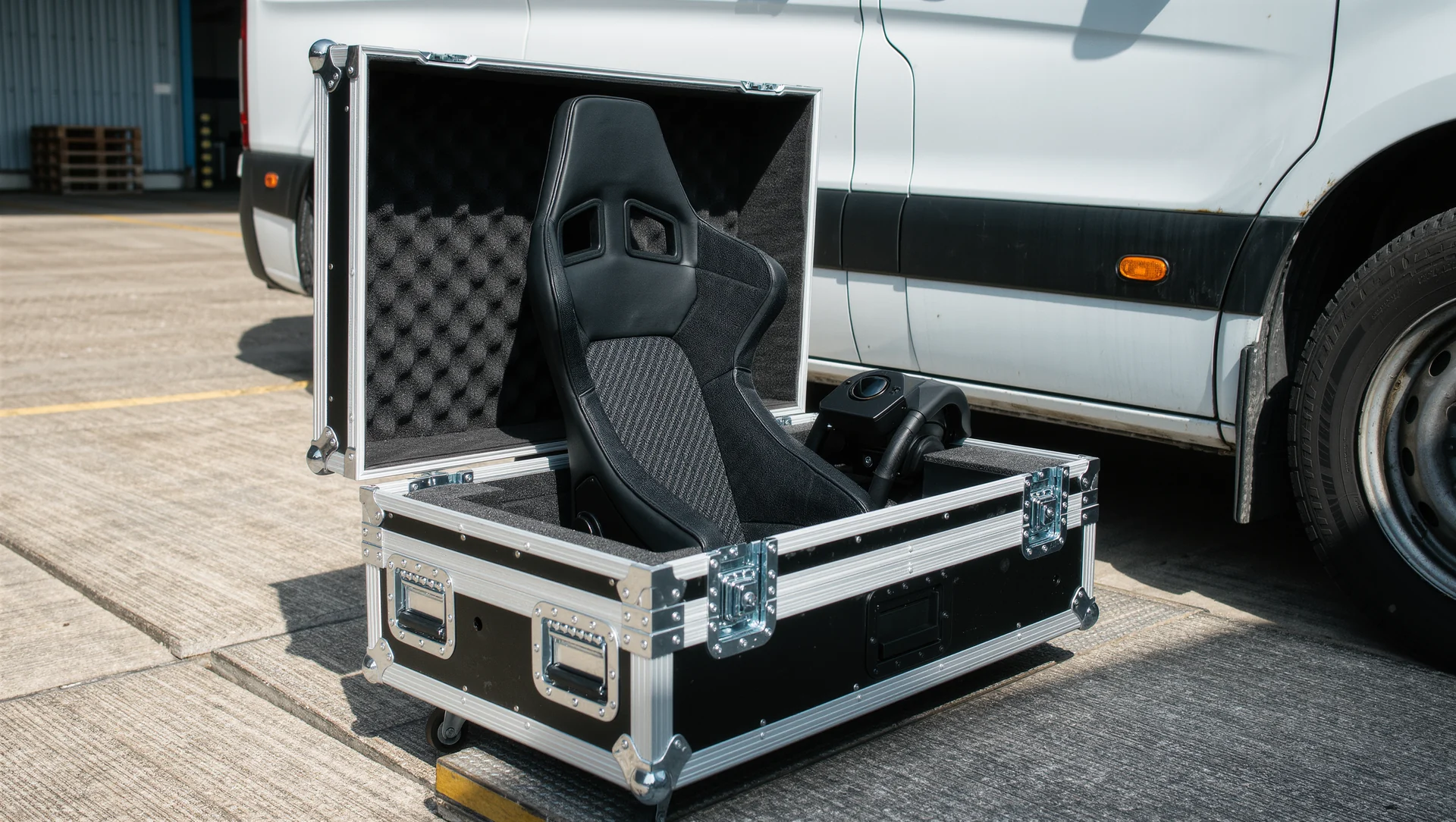
Renting simulators out: what a load actually weighs, how long a build really takes, how to price it and who pays when something breaks.