Sim Racing Beginners Guide 2026
Sim racing beginners guide 2026: pick the right force-feedback wheel, load-cell pedals, cockpit, and simulator, plus budgets, setup steps, and mistakes to avoid.…
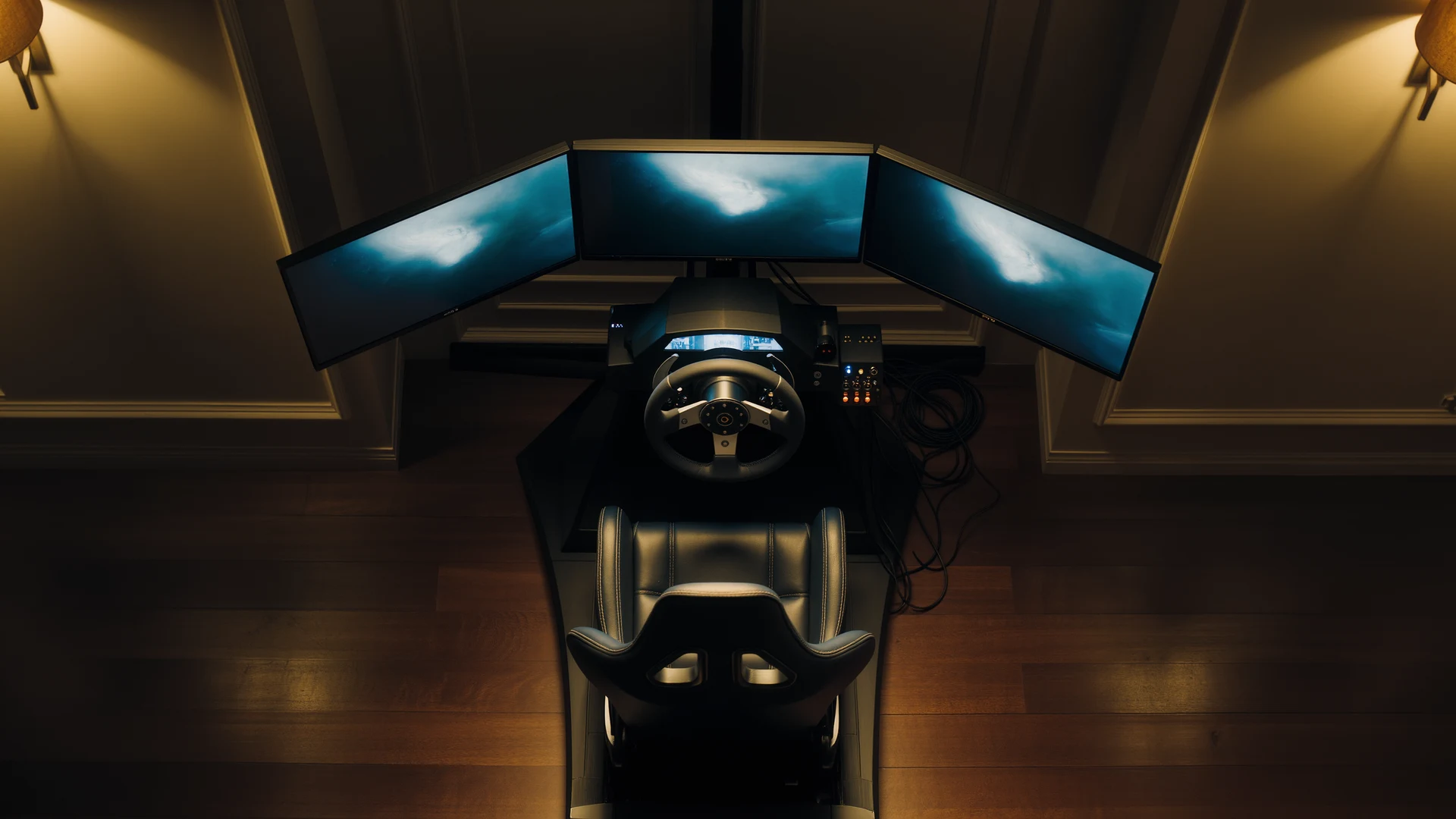
Sim racing uses realistic hardware and software to develop transferable driving skills, and beginners can start with a force-feedback wheel like the Logitech G923 from around $299.
Key Takeaways
- Sim racing prioritizes realism by modeling tire grip, suspension geometry, aerodynamic downforce, weight transfer, and track surface evolution, unlike arcade games such as Need for Speed or Forza Horizon.
- Professional drivers including NASCAR Cup Series winner William Byron and former GT Academy champion Jann Mardenborough began their careers in simulation before driving real race cars.
- The Logitech G923 at $349.99 (often $279 to $299 on sale) is the default beginner wheel, while the belt-driven Thrustmaster T300 RS GT at $449.99 delivers about 3.9 Nm versus the G923's 2.1 Nm.
- Pedals, especially the brake, are the single most important component; a load-cell brake measures pressure rather than travel and can reduce lap-time inconsistency by 30 to 50 percent.
- Recommended pedal upgrades range from the Fanatec CSL Pedals LC at $199.95 to the Moza CRP at $499 and the reference-standard Heusinkveld Sprint at $629.
- Major simulators differ in focus: iRacing ($12.99 monthly plus paid content) offers the best structured online racing, Assetto Corsa ($19.99) is the modding champion, and Assetto Corsa Competizione ($39.99) specializes in GT3 and GT4.
- Seat time matters more than gear: a skilled driver on a $299 G923 clamped to an IKEA desk will always beat an unskilled beginner in a $10,000 motion rig.
What Is Sim Racing? A Comprehensive Introduction
Sim racing, short for simulated racing, is the practice of using specialized hardware and software to replicate the experience of driving a real race car with the highest possible degree of accuracy and authenticity. Unlike arcade racing games such as Need for Speed or Forza Horizon, which prioritize accessibility, spectacle, and instant gratification, sim racing prioritizes realism above every other consideration. Every aspect of vehicle dynamics is meticulously modeled in software: tire grip across different rubber compounds and temperature ranges, suspension geometry including camber, toe, caster, and anti-roll bar stiffness, aerodynamic downforce with computational fluid dynamics-derived front-to-rear balance shifts, weight transfer under braking, cornering, and acceleration, engine torque curves mapped from real dynamometer test data, brake temperature behavior including fade characteristics and thermal capacity, and even track surface evolution as rubber is progressively laid down over the course of a race weekend. The objective is not simply to win races, though winning is certainly part of the appeal, but to develop genuine, transferable driving skills that can and regularly do translate directly to real-world motorsport performance.
The sim racing ecosystem has expanded exponentially over the past decade, transforming from a niche hobby pursued by a small, dedicated community of enthusiasts into a global phenomenon with millions of active participants spanning every continent and demographic category. Professional racing drivers from Formula 1, IndyCar, NASCAR, the World Endurance Championship, and countless national and regional series use simulators daily for training, circuit familiarization, and setup development. Real-world racing teams actively recruit and scout driving talent from sim racing competitions, recognizing that the skills developed in a high-fidelity simulator, car control, race craft, spatial awareness, consistency under pressure, are directly applicable to physical race cars. Several current professional racing drivers, most notably NASCAR Cup Series race winner William Byron and former GT Academy champion Jann Mardenborough, began their careers exclusively in simulation before ever sitting in a real race car. The FIA, motorsport’s global governing body, officially sanctions sim racing championships under the FIA Motorsport Games umbrella alongside traditional disciplines. Whether your personal ambition is to casually lap the Nürburgring Nordschleife on a weeknight after work, to compete in organized league racing with a dedicated team of friends, or to pursue a genuine pathway into real-world motorsport competition, sim racing offers an accessible, affordable, and endlessly deep entry point into the world of competitive driving.
Hardware You Actually Need to Get Started: A Practical Breakdown
Sim racing hardware exists on a broad and sometimes bewildering spectrum, from entry-level gear that costs less than a current-generation video game console to professional-grade equipment whose price rivals that of a used automobile. Understanding what you genuinely need versus what is merely desirable is the critical skill that separates a satisfying, sustainable first rig from an exercise in frustration and wasted money. Here is a comprehensive breakdown organized by component, with specific product recommendations and current pricing.
Bare Minimum: Controller or Entry-Level Force-Feedback Wheel
You can technically begin sim racing with nothing more than a standard gamepad, an Xbox Wireless Controller or a PlayStation DualSense controller connected to your PC or console. Many highly accomplished sim racers, particularly on iRacing where the controller input filtering and assistance systems are surprisingly sophisticated, have set world-record lap times and won championship-level events using nothing but a pair of thumbsticks. However, the qualitative experience of driving with a controller is fundamentally different from driving with a force-feedback steering wheel, and the skills developed with a controller do not fully transfer to wheel-and-pedal driving. A controller provides largely binary, switched inputs, you are either turning or you are not, you are either accelerating or you are not, rather than the progressive, nuanced, analog control that a steering wheel and pedal set naturally provide. The true entry point for experiencing what sim racing actually feels like, the point at which it transitions from “playing a racing game” to “operating a driving simulator”, is a force-feedback wheel. The Logitech G923 with a manufacturer’s suggested retail price of $349.99, though frequently available at discounts between $279 and $299 during seasonal sales events, is the default recommendation for beginners worldwide and has served in this role across its various hardware iterations for well over a decade. It features a dual-motor force feedback system that communicates weight transfer, tire grip levels, and road surface texture through the steering rim, a leather-wrapped 280-millimeter diameter steering wheel, and an included three-pedal set with a progressive-rate brake spring that incorporates a rubber block providing stepped resistance increase in the final portion of pedal travel, a clever mechanical approximation of how a genuine load-cell brake pedal feels. The Thrustmaster T300 RS GT at $449.99 represents a significant and immediately perceptible step upward from the Logitech. It employs a belt-driven force feedback mechanism that is substantially smoother, quieter, and more powerful than the gear-driven G923, producing approximately 3.9 Newton-meters of peak torque compared to the Logitech’s 2.1 Nm. The included T3PA three-pedal set is a genuine upgrade over the Logitech pedals, featuring metal pedal faces, adjustable spacing, and a conical rubber brake modification that creates genuinely progressive resistance through the pedal’s travel range. The wheel rim is also fully detachable, opening access to Thrustmaster’s ecosystem of upgrade rims including the Ferrari F1 wheel add-on at $179 and the Sparco R383 rally wheel at $199.
Pedals Are the Single Most Important Component in Your Entire Setup
Ask any professional sim racer, any high-level driving coach, or any real-world motorsport competitor what single component matters most in a simulator, and the answer is immediate, unanimous, and unwavering: the pedals, and specifically the brake pedal. Braking is where lap time is made or lost, a driver who consistently brakes five meters too early for every corner on a given circuit is losing multiple seconds per lap, while a driver who consistently brakes five meters too late is in the gravel trap, the tire barrier, or the wall. Your accelerator foot controls weight transfer off the corner exit, modulating the critical balance between rear tire grip under power and destructive wheelspin. Your clutch foot, in manual-transmission cars, manages race starts where gaining or losing a single position in the first 200 meters can define the outcome of your entire race, and executes downshifts with rev-matching precision. A precise, communicative, and above all consistent pedal set is genuinely worth more to your lap time, your race results, and your overall enjoyment than any steering wheel upgrade at any price point. Entry-level wheel-and-pedal bundles include pedals that are perfectly adequate for the learning phase, but any beginner who is genuinely committed to the hobby should consider a dedicated, load-cell-equipped pedal set as their very first equipment upgrade, before a better wheel, before a cockpit, before additional screens.
The Fanatec CSL Pedals LC at $199.95 are the established gold standard for budget-conscious buyers who want genuine load-cell braking technology. A load-cell brake pedal measures applied pressure rather than physical pedal travel distance, exactly as a real race car’s hydraulic braking system operates, and your brain and muscle memory are vastly, demonstrably better at learning, remembering, and accurately reproducing a specific pressure level than a specific physical position in space. The transition from position-based to pressure-based braking typically reduces a driver’s lap time inconsistency by 30 to 50 percent, because they unconsciously hit the same brake pressure at the same point on the track every single corner, every single lap. The CSL Pedals LC package includes a 90-kilogram-capacity load-cell brake and a Hall-effect sensor throttle pedal, with an optional clutch pedal available separately for $39.95. At the next performance tier, the Moza CRP Pedals at $499 are constructed entirely from CNC-machined aluminum alloy with industrial-grade sealed ball bearings at every pivot point. All three pedal axes, throttle, brake, and clutch, utilize load-cell sensors, making this one of very few pedal sets below $500 that provides pressure-based measurement on every control. The brake pedal employs a unique resistance design combining a heavy die spring with an adjustable hydraulic damper for an exceptionally realistic, progressive feel. At the premium tier, the Heusinkveld Sprint at $629 for the three-pedal configuration is the universally acknowledged reference standard, manufactured in the Netherlands, found in professional sim racing centers worldwide, featuring laser-cut thick steel construction, sealed ball bearings that will never require maintenance, and SmartControl software providing infinite customization of force curves, dead zones, and dual-stage clutch bite-point behavior.
Mounting and Rigidity: The Foundation You Cannot Skip
A force-feedback wheel base clamped precariously to a desk with pedals sliding across a carpeted floor is a recipe for frustration, inconsistency, and ultimately the abandonment of a potentially rewarding hobby. Your mounting solution is what transforms a collection of electronic peripherals into a cohesive, functional driving simulator. At the absolute minimum, invest in a dedicated wheel stand. The Next Level Racing Wheel Stand 2.0 at $249 provides a fully welded steel structure with adjustable wheel and pedal mounting positions, pre-drilled mounting patterns compatible with Logitech, Thrustmaster, Fanatec, and Moza hardware, and, critically, an integrated cradle that captures the casters of your office chair to prevent you from pushing yourself backward under hard braking. Without this chair cradle or an equivalent solution, every braking zone becomes a physical battle against your own seating, making consistent lap times impossible. The next logical step is a complete, dedicated cockpit. The Playseat Challenge at $249 is an ingenious folding design that combines a reasonably comfortable fabric seat with an integrated wheel-mount plate and pedal straps, it sets up and folds away in under a minute, making it ideal for apartment dwellers or anyone who must stow their rig between sessions. Its limitation is lateral flex in the wheel mount, which makes it unsuitable for direct-drive wheel bases above approximately 5 Nm. The Next Level Racing GTtrack at $899 transitions into full, non-folding, dedicated-cockpit territory with a square-tube steel frame, an authentic racing-style seat with adjustable backrest recline and sliding seat rails, and mounting provisions for shifters, handbrakes, keyboard trays, and monitor stands. At this level, the structure can comfortably support direct-drive wheel bases producing up to 20 Nm of torque and load-cell pedals requiring 90-plus kilograms of brake force, with zero detectable flex anywhere in the system.
Choosing Your First Simulator: The Major Options Compared
The software you select shapes your entire sim racing experience, the cars you drive, the tracks you learn, the people you race against, and the skills you develop. Each major simulator has a distinct personality and philosophy. iRacing operates on a subscription model at $12.99 monthly with cars at $11.95 each and tracks at $14.95 each. It provides the best structured online racing ecosystem in existence: scheduled races every hour, a dual rating system measuring both pace and safety, laser-scanned track surfaces accurate to within millimeters, and the platform used by actual NASCAR, IndyCar, and F1 teams for driver training. The cost is real, expect $150 to $300 in your first year beyond subscription, but the competitive experience is unmatched. Assetto Corsa at $19.99, frequently available for $4.99 during Steam sales, is the modding champion with thousands of free cars and tracks available through a vibrant, creative community. The Content Manager launcher, Custom Shaders Patch rendering overhaul, and SOL/Pure weather engines collectively transform this decade-old title into a visually stunning platform with access to virtually any car and any circuit ever created. Assetto Corsa Competizione at $39.99 focuses exclusively on GT3 and GT4 racing with obsessive detail, a tire model that simulates flat-spotting from lockups, brake temperatures that affect performance corner by corner, and dynamic weather with a physically modeled drying racing line. rFactor 2 at $29.99 has arguably the industry’s finest tire model and supplies its physics engine to Formula 1 teams for professional simulation. Automobilista 2 at $39.99 excels with open-wheel formula cars across all eras and has the best VR implementation in the consumer market.
Setting Up Your First Rig: A Detailed Step-by-Step Process
- Mount your wheel base securely. Whether clamped to a desk or bolted to a dedicated wheel stand, the wheel base must not lift, shift, rotate, or flex under maximum force feedback torque. Tighten every bolt, clamp, and locking mechanism until absolutely zero play exists anywhere in the system. Test by grabbing the wheel rim firmly with both hands and applying significant force in every direction before connecting power.
- Position your pedals correctly. Your braking foot should rest naturally on the brake pedal face without stretching, cramping, or lifting your heel from the pedal plate. The pedal face should contact the ball of your foot. If using an office chair on casters, you must place the pedals against a solid wall or utilize a wheel stand with an integrated chair cradle, without this, hard braking will push you backward, destroying consistency.
- Set your field of view correctly. Position your monitor as close to the wheel base as possible, ideally directly behind it. Use a free online FOV calculator specific to your simulator. Measure your screen width and eye-to-screen distance. Enter these values and trust the calculated FOV setting. Incorrect FOV distorts depth perception and makes consistent, accurate braking physiologically impossible.
- Install manufacturer drivers and update all firmware. Download the latest software from Logitech G Hub, Thrustmaster Control Panel, Fanatec Control Panel, or Moza Pit House. Update wheel base firmware, wheel rim firmware, and pedal firmware before launching any simulator. Calibrate wheel rotation range to 900 degrees for road cars and verify pedal axis calibration.
- Configure force feedback correctly. Start with your wheel base at maximum strength in driver software. In your simulator, enable the FFB meter HUD element. Drive a high-downforce car through a fast corner such as Eau Rouge at Spa. Reduce force feedback gain until the meter only briefly touches 100 percent at peak load and never flatlines. Add minimal damping at 5 to 10 percent to suppress oscillation.
- Practice extensively before racing. Run a minimum of 30 continuous laps at the track before entering any public race session. Focus exclusively on consistency, identical braking points, turn-in points, apexes, and throttle application points every lap. A driver one second off the outright pace who never crashes will finish ahead of most fields.
Common Beginner Mistakes and Their Solutions
Applying excessive steering angle. When a car understeers and pushes wide, the instinctive response is to turn the wheel further, this is exactly wrong. Additional steering angle past the peak grip point scrubs speed and overheats the front tires, worsening understeer. The correct response is to slightly reduce steering angle until grip returns, then gently steer toward the apex. This is profoundly counterintuitive and requires conscious, deliberate practice.
Stomping the brake pedal to maximum instantly. Real race cars use progressive threshold braking. Slam the pedal to 100 percent and tires lock immediately. The correct technique: apply pressure rapidly but progressively, building to peak over the first fraction of a second, then gradually release, trail brake, as you approach the turn-in point. Your brake trace should resemble a smooth, rounded hill, not a vertical cliff face.
Racing before adequate preparation. A minimum of 30 minutes of focused solo practice on each track before entering a public race is the baseline standard of respect owed to other competitors. You must know the racing line, every braking zone, every turn-in point, and at least one safe overtaking opportunity before racing cleanly is possible.
Neglecting tire warm-up. Cold racing tires have dramatically less grip than tires at their optimal operating temperature window, typically 80 to 110 degrees Celsius. Your out lap, the first flying lap after leaving the pits, must be driven at approximately 80 percent of maximum pace to gradually introduce heat into the tire carcass and tread surface. Attempting a full qualifying effort on cold tires will almost certainly result in a spin.
Realistic Budget Breakdown for Complete Beginner Setups
| Component | Entry Level (~$1,000) | Mid-Range (~$2,500) | High-End (~$7,000) |
|---|---|---|---|
| Wheel Base | Logitech G923 ($299) | Moza R9 ($439) | Simucube 2 Pro ($1,379) |
| Pedals | Included with wheel bundle | Fanatec CSL Pedals LC ($200) | Heusinkveld Sprint ($629) |
| Cockpit | Desk clamp or NLR Wheel Stand 2.0 ($0-$249) | NLR Wheel Stand 2.0 ($249) | Sim-Lab GT1 Evo aluminum profile ($499) |
| Monitor | Existing monitor or TV ($0) | 34-inch ultrawide 1440p ($400) | Triple 32-inch 1440p 165Hz ($900) |
| Gaming PC | Entry-level build ($700) | Mid-range RTX 4070 build ($1,200) | High-end RTX 4090 build ($3,500) |
| Seat | Existing office chair ($0) | Integrated with stand ($0) | Sparco R100 reclining sport seat ($399) |
Remember the foundational truth of sim racing: a skilled, experienced driver on a $299 Logitech G923 clamped to an IKEA desk will always, in every conceivable circumstance, defeat an unskilled beginner sitting in a $10,000 motion-equipped professional rig. Seat time, hours spent actually driving, practicing, and racing, is the single most powerful hardware upgrade available, and it costs nothing but time and dedication.
Frequently Asked Questions (FAQ)
What is sim racing and how is it different from arcade racing games?
Sim racing uses specialized hardware and software to replicate driving a real race car with the highest possible accuracy. Unlike arcade games such as Need for Speed or Forza Horizon, which prioritize accessibility and instant gratification, sim racing prioritizes realism, meticulously modeling tire grip, suspension, aerodynamics, weight transfer, and track surface evolution to build transferable driving skills.
What hardware do I actually need to start sim racing as a beginner?
You can technically start with a standard gamepad, but the true entry point is a force-feedback wheel. The Logitech G923 at $349.99, often discounted to $279 to $299, is the worldwide default beginner recommendation. It includes a three-pedal set, and a secure mounting solution such as a wheel stand is essential to prevent sliding under braking.
Why are pedals the most important component in a sim racing setup?
Pedals, especially the brake, are where lap time is made or lost, so professionals unanimously rate them most important. A load-cell brake measures applied pressure rather than travel distance, exactly like a real car's hydraulic system. Your muscle memory reproduces pressure better than position, which typically cuts lap-time inconsistency by 30 to 50 percent.
Which sim racing software should a beginner choose?
Each major simulator has a distinct personality. iRacing ($12.99 monthly plus paid cars and tracks) offers the best structured online racing and laser-scanned tracks. Assetto Corsa ($19.99, often $4.99 on sale) is the modding champion. Assetto Corsa Competizione ($39.99) focuses on GT3 and GT4, while rFactor 2 and Automobilista 2 each cost $29.99 and $39.99 respectively.
How much does a complete beginner sim racing setup cost?
The article outlines three tiers. An entry-level setup costs around $1,000, using a Logitech G923, bundled pedals, an existing monitor, and an entry-level PC. A mid-range build is about $2,500, and a high-end rig with a Simucube 2 Pro, Heusinkveld Sprint, and triple monitors reaches roughly $7,000.
How should I set the field of view (FOV) for sim racing?
Position your monitor as close to the wheel base as possible, ideally directly behind it. Use a free online FOV calculator specific to your simulator, measure your screen width and eye-to-screen distance, then enter those values and trust the result. Incorrect FOV distorts depth perception and makes consistent, accurate braking physiologically impossible.
What are the most common beginner mistakes in sim racing?
Common errors include applying excessive steering angle when a car understeers, which scrubs speed instead of helping. Others are stomping the brake to 100 percent instantly rather than braking progressively, racing before adequate practice, and neglecting tire warm-up. Cold tires have far less grip, so out laps should run at about 80 percent pace.
Can sim racing lead to a real motorsport career?
Yes. Real-world teams actively scout talent from sim racing competitions because skills like car control and race craft transfer directly to physical cars. NASCAR Cup Series winner William Byron and former GT Academy champion Jann Mardenborough started in simulation, and the FIA officially sanctions sim racing under the FIA Motorsport Games umbrella.
More from Equipment & Gear
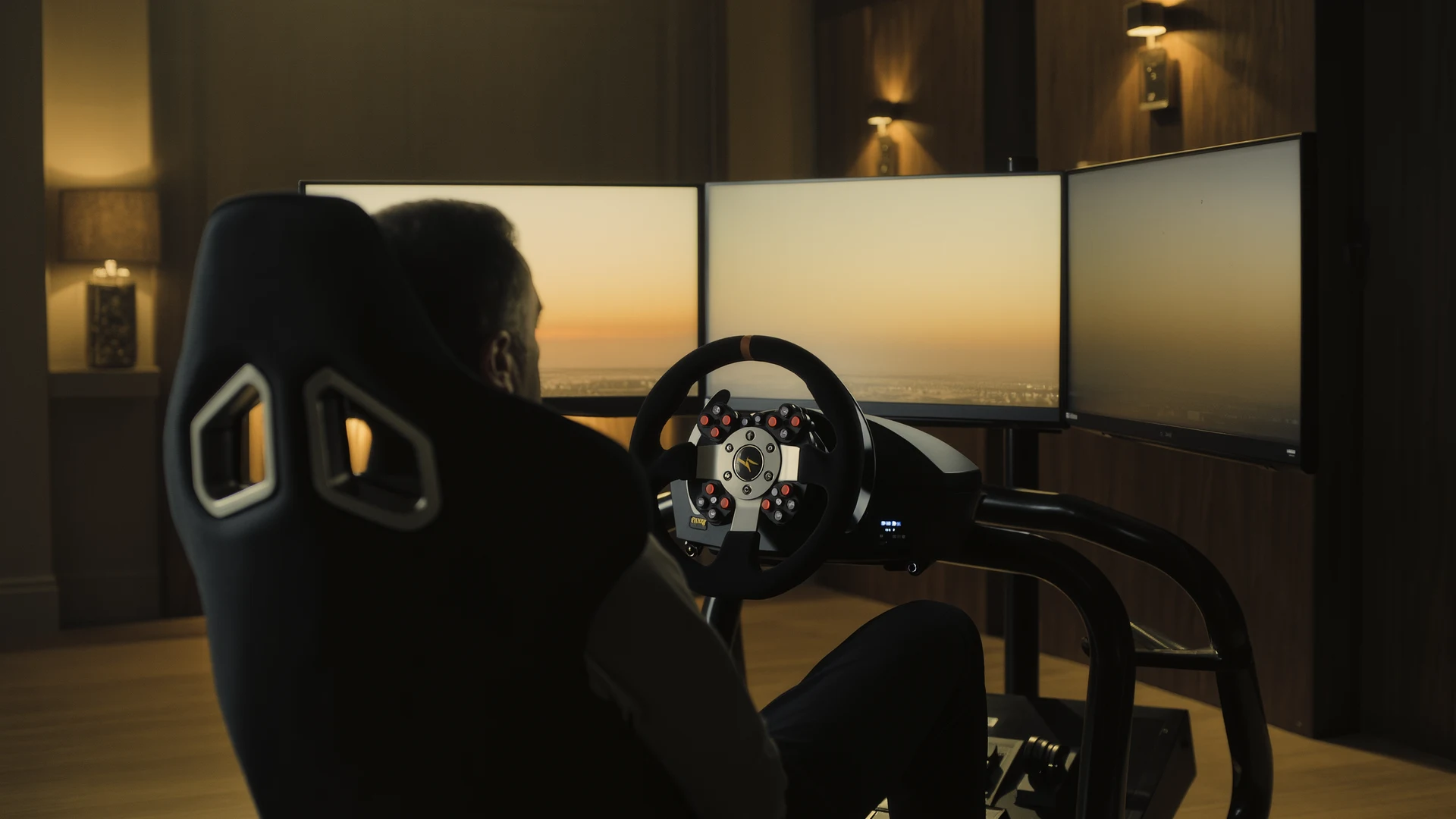
Sim Racing PC Build Guide
Sim racing PC build guide: why the AMD Ryzen 7 7800X3D wins on single-thread cache, how to match your GPU to your display, plus four complete budget b…
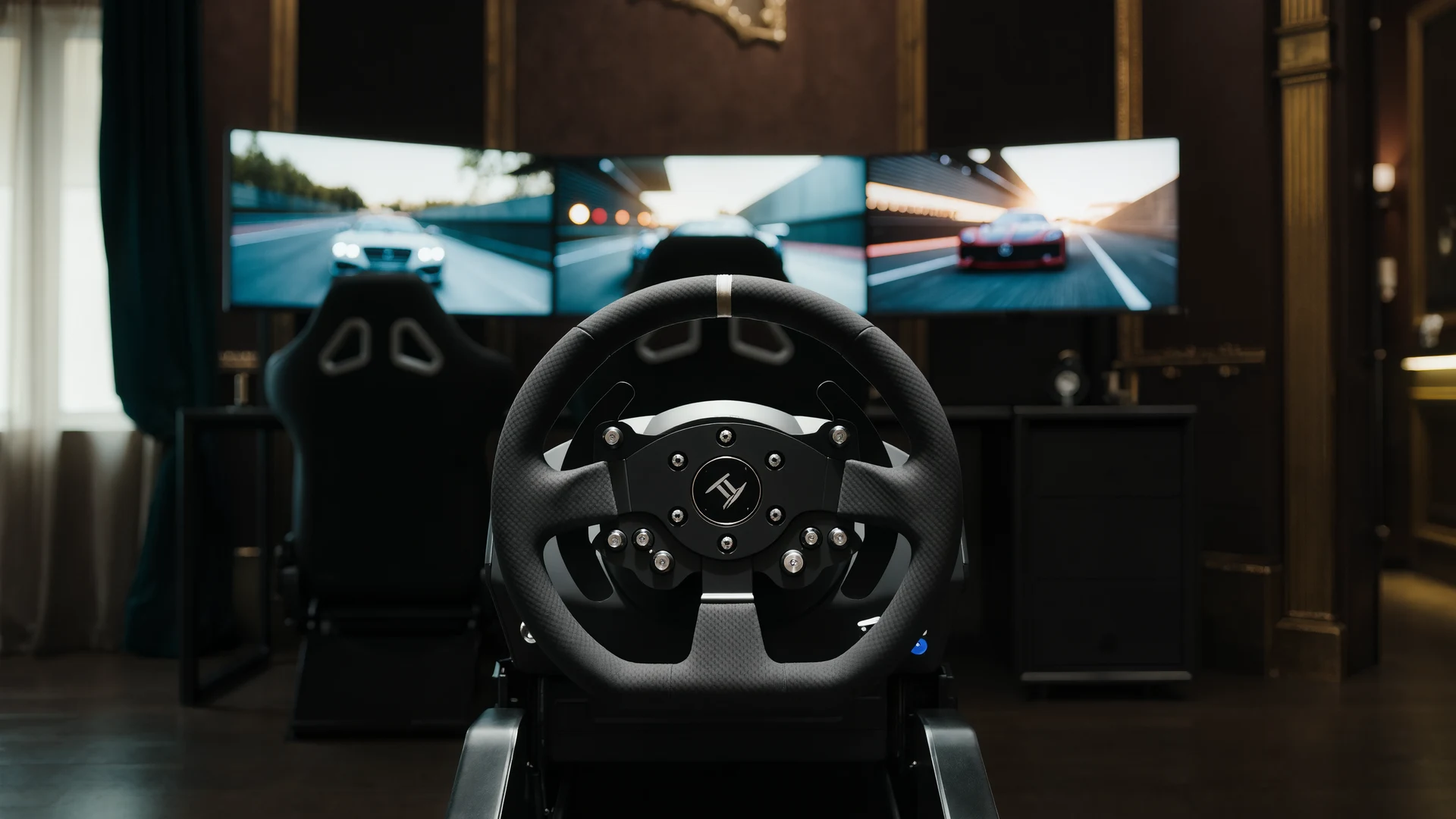
Sim Racing VR vs Triples Guide
VR vs triple monitors for sim racing in 2026: compare Quest 3, Pimax Crystal Light and triple 1440p setups on field of view, depth, comfort, cost and …
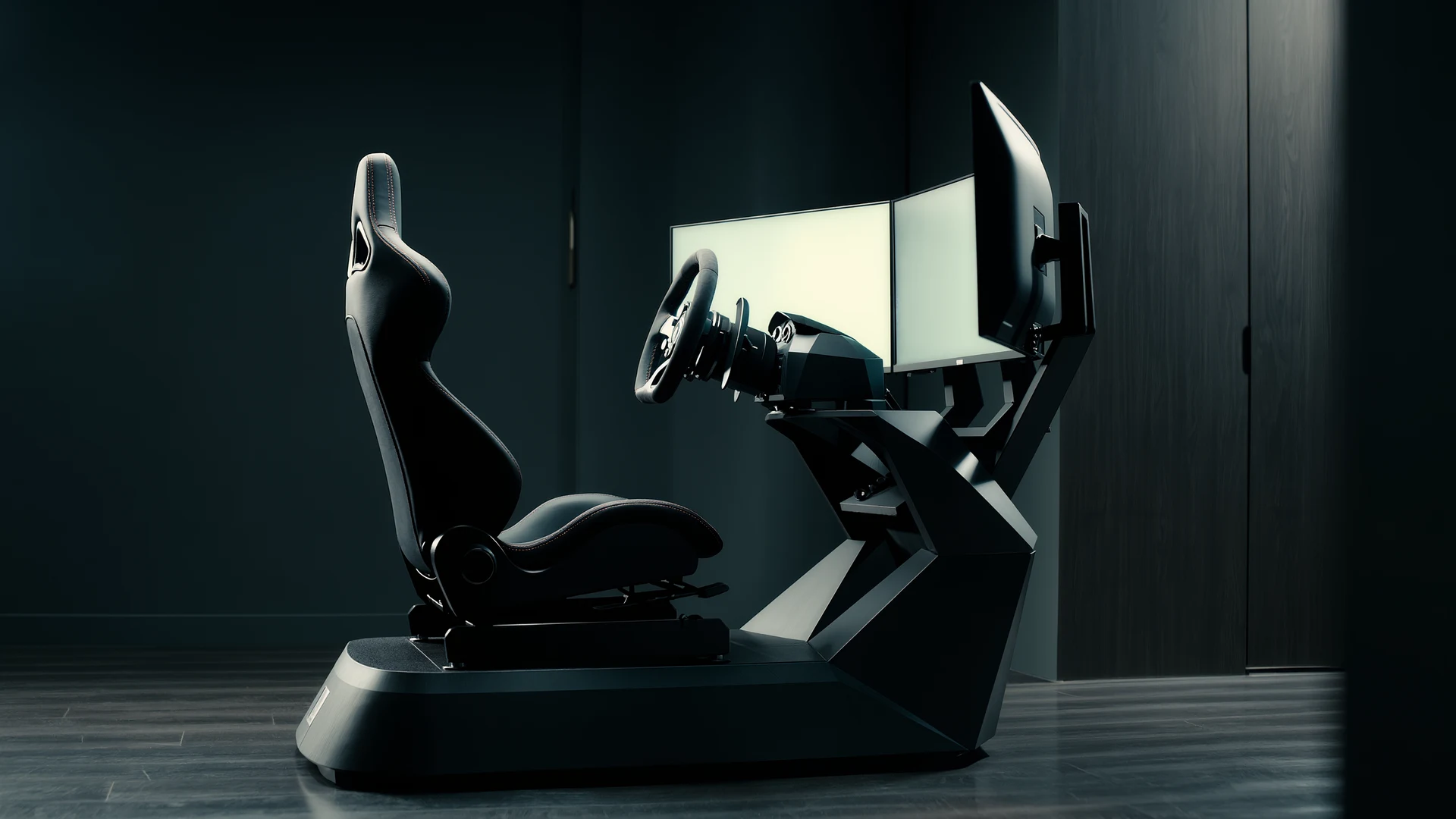
Sim Racing Motion Platforms Guide
Sim racing motion platforms guide: compare seat movers, chassis movers, D-BOX, PT Actuator, and bass shakers, with prices from $150 to $20,000-plus an…